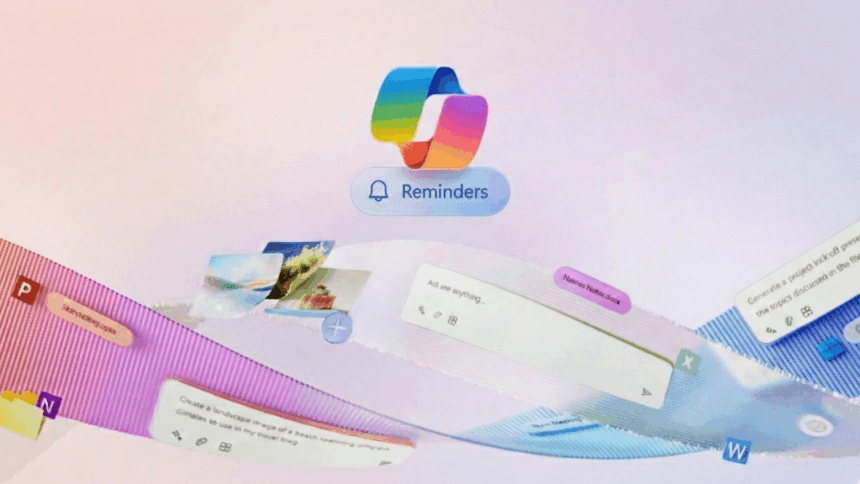
Microsoft is expanding the practical capabilities of its AI assistant by introducing a new reminder feature for Microsoft Copilot, allowing users to receive scheduled alerts directly on their smartphones.
The new Reminders function is being rolled out gradually across Windows 11, web, Android and iOS, marking a step toward making Copilot more useful for everyday task management rather than just conversational assistance.
How the feature works
Users can ask Copilot to create reminders using natural language, such as setting a task for a specific time or after a defined interval (for example, “in 20 minutes” or “at 7 PM”). The system uses the device’s local time to trigger the notification.
While reminders can be created in Windows 11 or via the web interface, the alert is delivered to the user’s mobile device. To receive notifications, the Copilot mobile app must be installed and notification permissions enabled.
Without these permissions, reminders will be created, but no alerts will appear.
Creating reminders across platforms
On the web, reminders can be managed through the user profile menu under the Reminders section, where new entries can be created manually.
On Windows 11, the process is integrated into the conversational experience-users simply ask Copilot to set a reminder, provided the feature is enabled for their account.
Recurring and dynamic alerts
The tool supports both one-time and recurring reminders, such as weekly tasks. Microsoft is also introducing dynamic reminders, where the content can change each time it triggers. An example includes daily prompts such as learning a new word or completing a regular habit.
Usage limits based on subscription
Access to the feature depends on the user’s account tier. Free users can create up to 5 active reminders, while Microsoft 365 subscribers can manage up to 20.
Moving toward practical AI
The addition reflects Microsoft’s broader effort to position Copilot as a daily productivity assistant rather than a standalone chatbot. By combining natural-language input with cross-device notifications, the company is focusing on features that integrate directly into users’ routines.
As the rollout continues, availability may vary by region and account, with broader support expected over time.