Microsoft is introducing key improvements to how laptops sleep in Windows 11, aiming to fix long-standing complaints about unexpected wake-ups and excessive battery drain during standby.
The changes, included in version 24H2 and later, focus on refining the behaviour of Modern Standby, the power model designed to make Windows PCs operate more like smartphones when the lid is closed.
What Modern Standby is – and why it caused problems
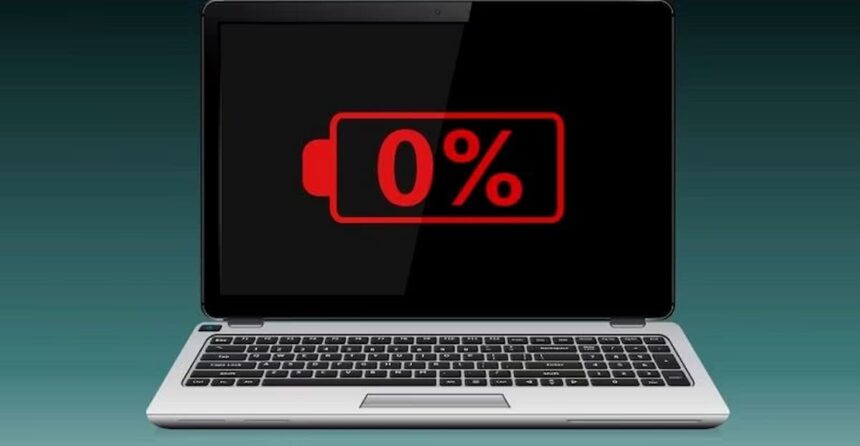
Modern Standby (technically known as S0 Low Power Idle) allows a laptop to remain connected and perform limited background tasks while the screen is off. The feature enables quick resume times and ongoing notifications, but many users have reported “ghost wake-ups” and significant battery loss while the device appeared to be asleep.
According to Microsoft, specific background processes and activation sources were preventing systems from entering a deeper low-power state.
Users can check if their device uses Modern Standby by running the command:
powercfg /a
If S0 Low Power Idle appears, the system supports the feature.
Automatic protection against abnormal drain
With Windows 11 24H2, the operating system now monitors power usage during standby. If it detects unusually high battery consumption, the system automatically enters a stricter energy-saving mode.
In this state:
- Most background wake triggers are blocked
- Network and activity sources are limited
- The device wakes only through deliberate actions, such as opening the lid or pressing the power button
The goal is to prevent situations where a laptop silently wakes overnight and drains its battery.
Additional lid-closed safeguards
Microsoft has also introduced input suppression improvements for “clamshell” mode. When the lid is closed and no external display is connected, the system can prevent unintended input events from waking the screen, reducing unnecessary power use.
Practical impact for users
The changes are intended to deliver a more predictable experience-closer to the expectation that closing the lid means the device will stay asleep and retain its charge.
Users experiencing standby battery loss are advised to confirm their system is running Windows 11 24H2 or later. A simple test involves charging the laptop to full, closing the lid for several hours and checking the remaining battery level afterward.
The update reflects Microsoft’s broader effort to align Windows laptop behavior with modern mobile expectations: instant resume, reliable sleep and minimal power drain when not in use.