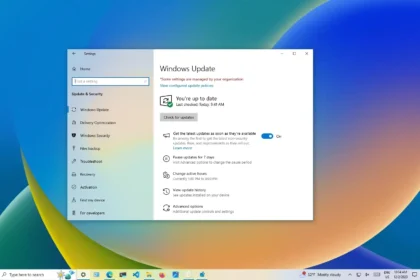
Microsoft has rolled out its January 2026 cumulative update for Windows 11, continuing the company’s familiar Patch Tuesday cycle of security and quality improvements. The update, identified as KB5074109, became available on January 13 and applies to both Windows 11 2022 (version 24H2) and 2023 (version 25H2) systems.
With this release installed, Windows 11 24H2 systems are upgraded to build 26100.7623, while Windows 11 25H2 systems move to build 26200.7623. As with other Patch Tuesday updates, KB5074109 is primarily focused on security hardening, but it also includes a set of technical fixes that may be particularly relevant for enterprise environments and power users.
The update builds on the servicing baseline introduced with KB5043080 in October 2024. While Windows 11 25H2 did not introduce new user-facing features, that servicing foundation remains important for update compatibility and long-term support planning.
Fixes and improvements
Although Microsoft classifies KB5074109 as a security update, it also addresses several quality and stability issues:
- Windows Subsystem for Linux (WSL): A bug affecting mirrored networking has been resolved. The issue could cause errors such as “Do not route to host,” particularly when users access corporate resources through a VPN.
- Azure Virtual Desktop: The update fixes RemoteApp connection failures that some users experienced after installing earlier patches.
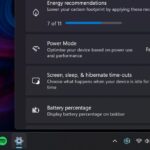
- Power and battery behaviour: Microsoft corrected an issue where systems equipped with an NPU, commonly found in Copilot+ PCs, could remain partially active while in a resting state, leading to unnecessary battery drain.
- WinSqlite3.dll: The component has been updated after some antivirus products flagged it as vulnerable. Microsoft clarified that this file is distinct from the sqlite3.dll bundled with certain third-party applications.
- Driver compatibility: Legacy modem drivers, including agrsm64/agrsm and smserl64/smserial, have been removed. Systems that still rely on hardware using these drivers may no longer function correctly.
Known issue affects managed environments
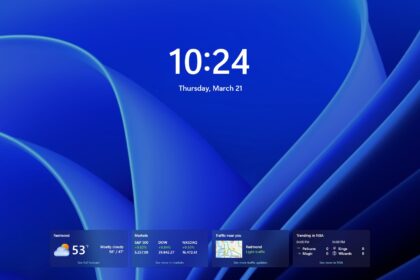
Microsoft has acknowledged a known issue in which the password icon may not appear in the login options on the lock screen. While the clickable area remains functional, the icon itself can be invisible. The company noted that this problem primarily affects managed or enterprise environments and is unlikely to appear on consumer Windows Home or Pro systems.
For organizations impacted by the issue, Microsoft is mitigating it through Known Issue Rollback (KIR), a mechanism that allows problematic changes to be reverted without uninstalling the entire update. Administrators can apply the fix through Group Policy.
Manual installation options
For users who do not see the update through Windows Update yet, or for administrators preparing staged deployments, KB5074109 is also available for manual installation via Microsoft’s update catalog. Separate packages are provided for x64 and ARM64 systems.
With KB5074109, Microsoft continues its pattern of pairing security updates with targeted system fixes, reinforcing stability while occasionally introducing minor friction for specific enterprise scenarios. As always, users managing critical systems are advised to review known issues and compatibility notes before deploying them widely.