Among Us is a hugely popular multiplayer game built around teamwork, deduction, and a bit of chaos. Players work together to complete tasks while secretly trying to figure out who among them is the imposter—before it’s too late and sabotage takes over.
While many people associate the game with iPhone or iPad, you might be surprised to learn that you can also play it directly on your Mac.
Whether you’re using a MacBook Pro, MacBook Air, Mac mini, iMac, Mac Studio, or Mac Pro, playing Among Us on macOS is entirely possible—as long as your Mac meets one key requirement.
What You Need to Play Among Us on Mac
The most important requirement is that your Mac must be powered by Apple Silicon. Macs with Apple Silicon chips can run iPhone and iPad apps natively, which is what makes this possible.
To check which chip your Mac has:
- Click the Apple menu
- Select About This Mac
- Look for Chip
- If you see Apple M1, M2, M3, M4, or later, you’re good to go
- If it says Intel, this method won’t work
Apple Silicon Macs enable mobile apps—such as Among Us—to run smoothly on macOS.
How to Download Among Us on Your Mac
Once you’ve confirmed your Mac uses Apple Silicon, getting the game is simple.
1. Open the App Store on your Mac.
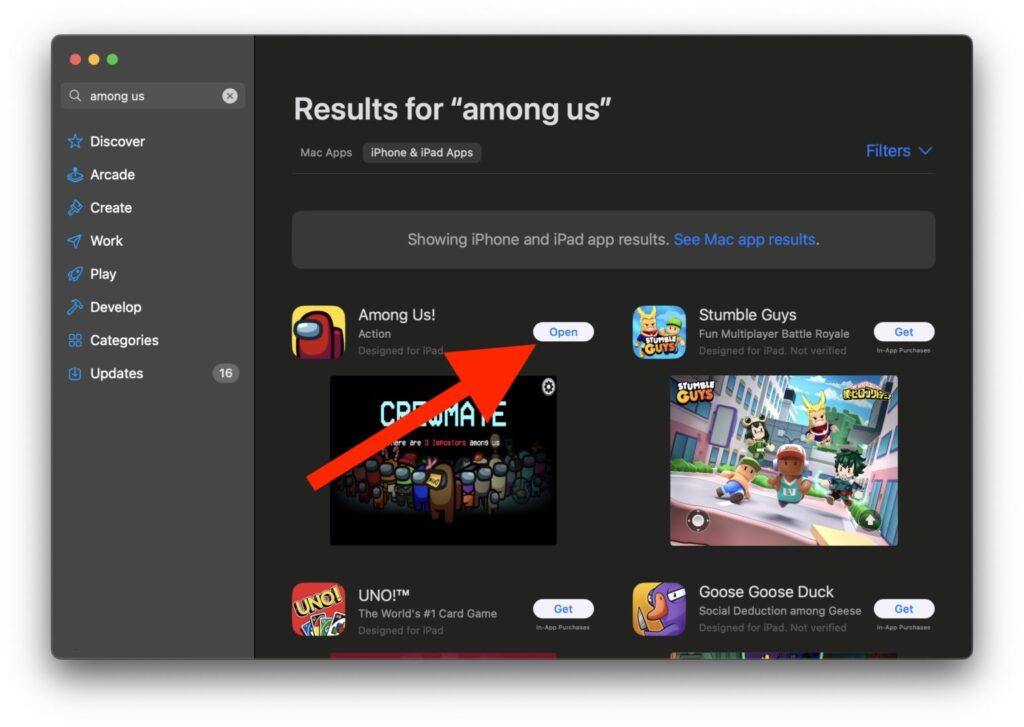
2. Search for Among Us
3. Click Download, then Open once the install is complete
After downloading, the game will appear just like any other Mac app. You’ll find it in the Applications folder and in Launchpad, making it easy to start whenever you want.
Understanding the Controls on Mac
Since Macs don’t have touch screens, the controls differ slightly from those used when playing on an iPhone or iPad. Instead of tapping the screen, you’ll use your trackpad or mouse to interact with the game.
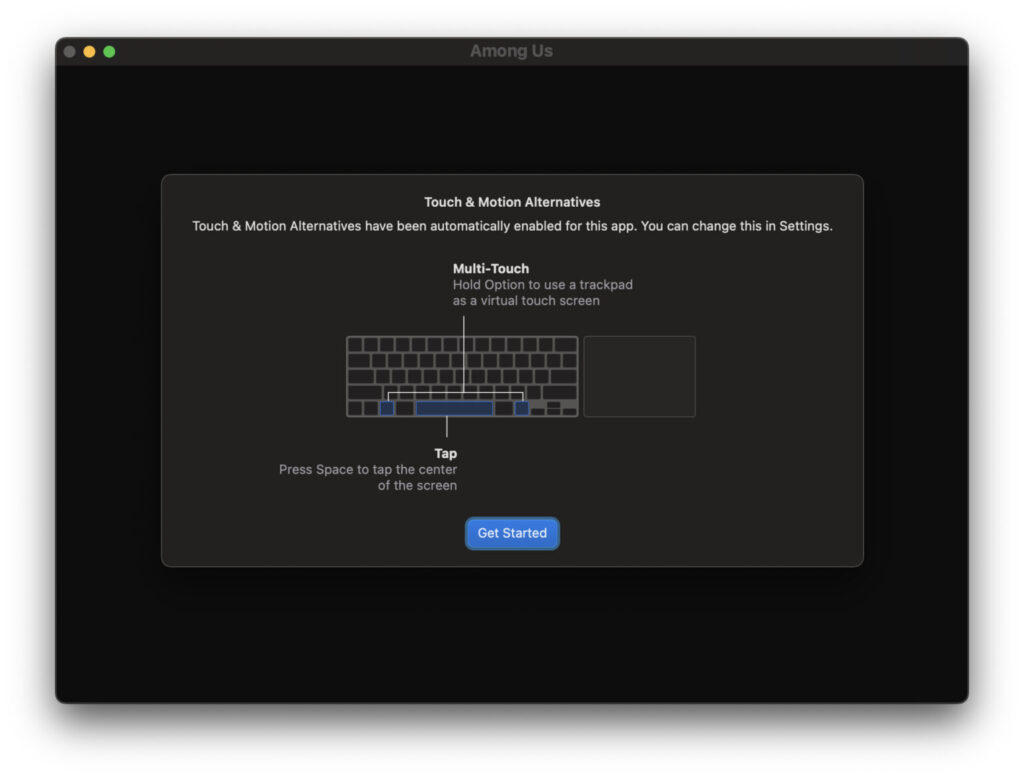
Movement, menus, and actions are all handled through clicks and cursor movement. It may feel a bit unfamiliar at first if you’re used to touch controls, but most players adapt quickly. After a few rounds, it becomes second nature.
Start Playing Among Us on macOS
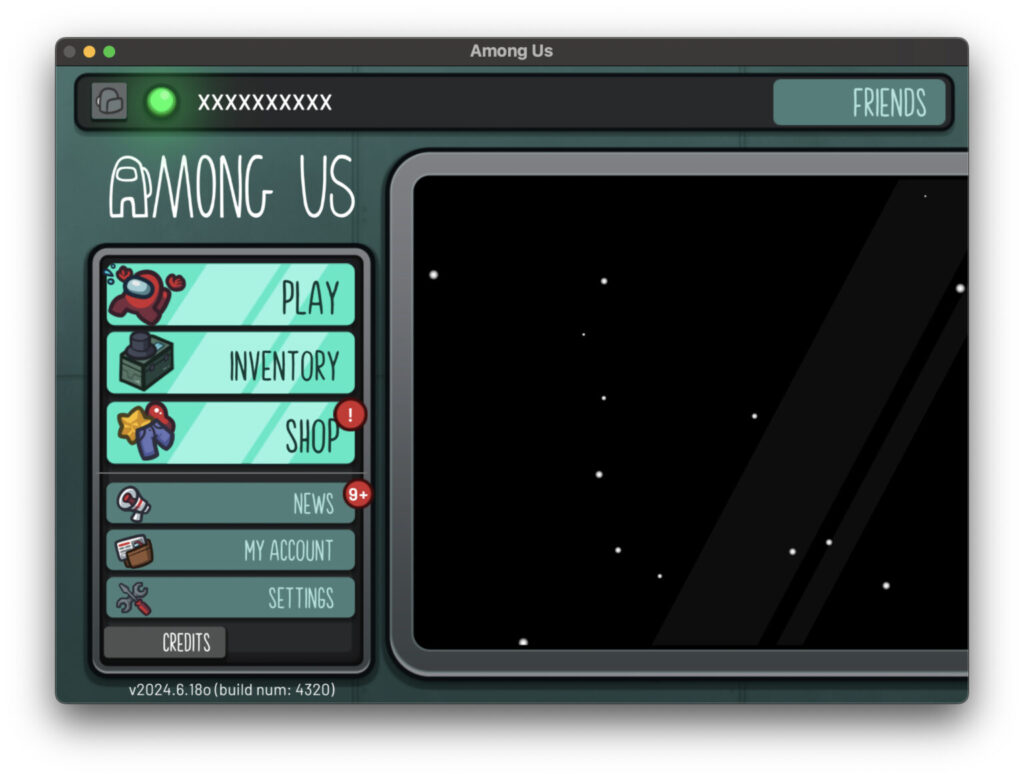
Once the game launches, everything else works just like it does on other platforms. You can:
- Join online matches
- Host private games with friends
- Customise your crewmate
- Play as a crewmate or imposter
In short, you get the full Among Us experience—just on a bigger screen.
Is Playing on Mac Better Than Other Platforms?
Whether you prefer playing Among Us on a Mac, iPhone, iPad, Android device, Xbox, PlayStation, or Nintendo Switch really comes down to personal preference. Some players enjoy the precision of a mouse and keyboard, while others prefer the convenience of mobile or console play.
If you already spend a lot of time on your Mac, having Among Us available there is a great bonus and gives you more flexibility in how and where you play.
One Last Bonus Tip
This same method doesn’t just apply to Among Us. Any iPhone or iPad game that’s compatible can also be downloaded and played on an Apple Silicon Mac. So if you’re looking to explore more mobile games on your Mac, you’ll find plenty of options waiting for you.
- How to Add People to the Friends list in Among Us
- Most Anticipated Games of 2026
- How to increase FPS in LoL