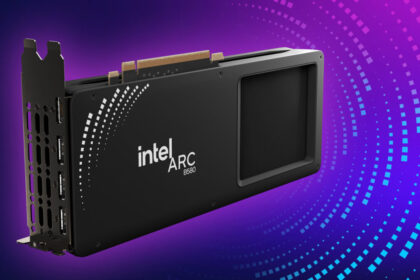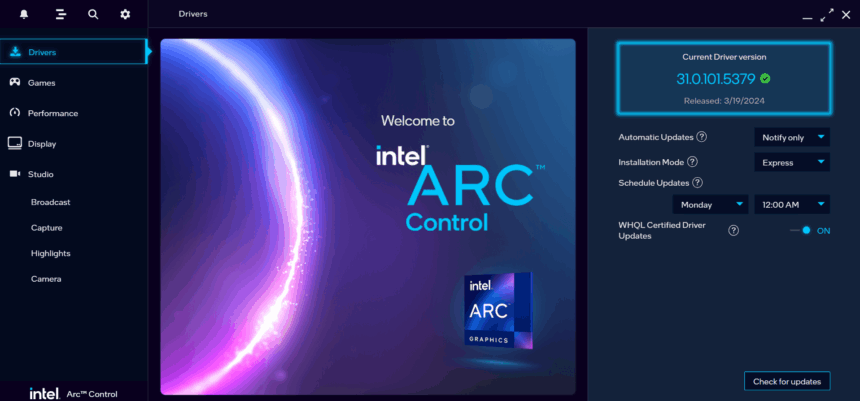
Intel has rolled out the Arc & Iris Xe Graphics 32.0.101.7026 WHQL driver, addressing several bugs and improving stability for supported devices.
Game Support & Optimizations
This release does not introduce support or optimizations for new game titles.
Supported Products
The 32.0.101.7026 driver is compatible with the following Intel graphics solutions:
- Intel Arc B-Series
- Intel Arc A-Series
- Intel Core Ultra Series
- Intel 14th Gen processors
- Intel 13th Gen processors
- Intel 12th Gen processors
- Intel 11th Gen processors
Issues Fixed
Intel Arc B-Series
- Fixed distorted water rendering in Call of Duty: Black Ops 6 (DX12).
- Corrected color display issues in FINAL FANTASY XVI (DX12).
Intel Core Ultra Series 2 (Arc iGPU)
- Fixed distorted water rendering in Call of Duty: Black Ops 6 (DX12).
Known Issues
Intel Arc B-Series
- Display issues may appear when running multiple apps at once.
- PEAK (DX12) may show texture flickering — using Vulkan is recommended.
- Broken Arrow (DX11) performance may drop after changing graphics settings.
- World of Warcraft: Dragonflight may crash when switching to DirectX 11.
- PugetBench for DaVinci Resolve Studio can crash — workaround: increase timeout slider to 1500+ seconds.
Intel Arc A-Series
- Same Broken Arrow (DX11) performance issue as above.
- Marvel’s Spider-Man 2 (DX12) may crash when ray tracing and XeSS are enabled.
- World of Warcraft: Dragonflight may crash with DirectX 11.
- PugetBench for DaVinci Resolve Studio may crash — same workaround as above.
Intel Core Ultra Series 1 (Arc iGPU)
- World of Warcraft: Dragonflight may crash with DirectX 11.
Intel Core Ultra Series 2 (Arc iGPU)
- World of Warcraft: Dragonflight may crash with DirectX 11.
- Adobe Premiere Pro may crash when using Audio Enhancement.
- Topaz Video AI may produce artifacts with certain AI models.
- PugetBench for Photoshop may crash.
- PugetBench for Lightroom may crash.
Intel Graphics Software
- On Windows 10, using Reset All Settings can cause the app to crash (reset from individual pages works fine).
- Sorting metrics for the first time may trigger a crash (doesn’t happen after the first attempt).
- In some setups with Intel iGPU, the Enhanced Power Savings option may be unavailable on the Display page.
Intel Graphics Software Performance Tuning (BETA)
- Still in beta — unexpected behavior may occur.
- In multi-GPU setups, performance tuning changes may apply to multiple GPUs at once instead of individually.
Download
You can download the Intel Arc & Iris Xe Graphics 32.0.101.7026 WHQL driver directly from Intel’s official site:
- Intel Brings Back AVX-512 Support in Latest Core CPUs
- Intel Drops 16x MSAA Support in XE3 GPUs
- Intel Struggles with 18A Manufacturing Could Derail Panther Lake Launch Plans