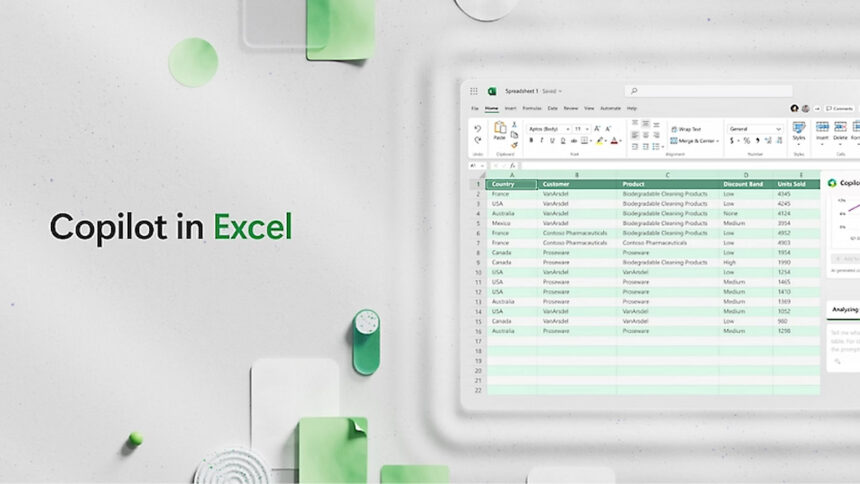
Microsoft has introduced a major shift in how spreadsheets are created and managed, aiming to eliminate one of Excel’s long-standing frustrations: broken formulas and complex manual workflows.
With the rollout of Agent Mode in Microsoft 365 Copilot, artificial intelligence moves beyond offering suggestions and begins acting as an active partner, working directly with user data to complete tasks autonomously.
According to Windows Central, Agent Mode is now broadly available for both Windows and macOS users following an extended testing phase. The update marks a significant change in office productivity, allowing users to interact with Excel through natural language instead of navigating dense menus, formulas, and error messages.
Rather than correcting references cell by cell, users can now instruct Excel to analyze, fix, and build content on their behalf.
How Agent Mode Changes Everyday Excel Work

Microsoft says the new functionality transforms Excel into a more adaptive and intelligent tool. Agent Mode is designed to handle tasks that previously required advanced technical knowledge or hours of manual effort.
Among its key capabilities is the automated creation of workbooks using original content. Users can generate structured spreadsheets from existing datasets or web-sourced information, giving reports a more complete and professional context.
The tool also enables advanced “what-if” scenario modelling, allowing users to adjust budget or forecast assumptions and see updated outcomes instantly.
Agent Mode can automatically generate and repair formulas, even explaining each calculation step in plain language. This helps users understand why a formula works, not just apply it. Large datasets can be analysed more efficiently, with the AI identifying inconsistencies, trends, or unusual patterns that may otherwise go unnoticed.
In addition, charts, dashboards, and dynamic tables can be generated on request, eliminating the need for manual formatting and configuration.
Freedom to Choose the AI Model
A notable aspect of the update is the ability to choose which artificial intelligence model powers Excel’s analysis. Users can switch between OpenAI’s models, including GPT-5.2, and Anthropic’s Claude 4.5, depending on the task. This flexibility allows users to tailor Excel’s behaviour to their specific needs.
The system also integrates live web search capabilities, enabling Excel to validate information, incorporate updated market data, and finalize reports with current figures. As a result, spreadsheets are no longer isolated documents but connected tools that can draw from real-time external sources.
GPT-5.2 vs. Claude 4.5: Choosing the Right Tool
Experts note that each model excels in different areas. Claude 4.5 is valued for its strong logical consistency and lower risk of calculation errors, making it well-suited for audits, financial reviews, and compliance-focused tasks. GPT-5.2, by contrast, is recognised for faster processing and its ability to combine large datasets with narrative insight, which is useful for summaries, projections, and strategic reporting.
The ability to switch models within the same spreadsheet enables users to verify figures in one system and then generate high-level insights in another. This approach turns Excel into a hybrid workspace where analytical accuracy and strategic storytelling coexist.
Availability and Requirements
Access to Agent Mode requires an active Microsoft 365 subscription-Personal, Family, or Business-along with the appropriate Copilot license. While users in the European Union and the United Kingdom must wait due to regulatory considerations, the feature is already live for Windows and macOS users in supported regions.
With this update, Microsoft positions Excel not just as a spreadsheet application, but as an intelligent data platform capable of reshaping how individuals and businesses work with information.
- Convert Excel to PDF Without Third-Party Apps
- How to fix Excel runtime error 1004?
- How to Use the VLOOKUP Function in Excel