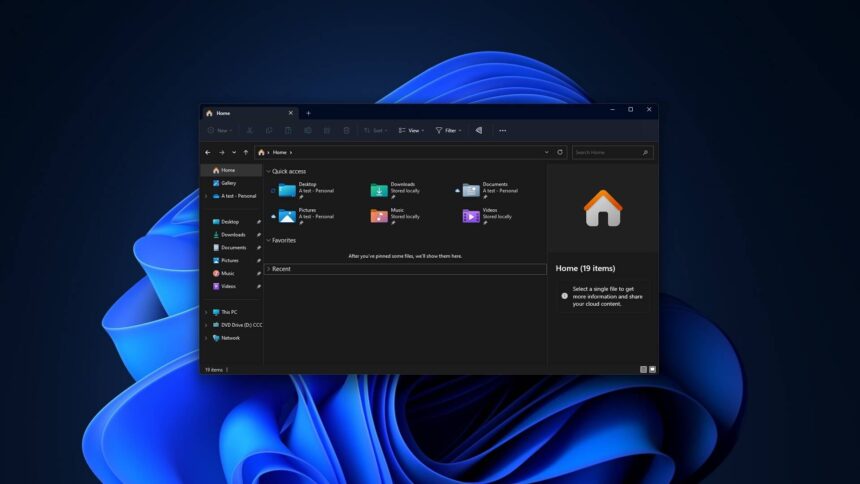
Microsoft has acknowledged a serious issue in Windows 11 that can cause Explorer.exe to crash, leaving affected systems without a functional desktop interface. When the process fails, core elements such as the taskbar and Start menu may disappear entirely, making the operating system difficult to use without manual intervention.
The company confirmed that the problem has been addressed in Windows 11 KB5074105, an optional preview update released in January 2026. The fix is currently rolling out gradually to eligible systems.
Explorer.exe Crash Leaves Desktop Unusable
Explorer.exe is a critical Windows process that renders the desktop, taskbar, Start menu, and File Explorer. When it stops responding, Windows 11 can appear frozen or incomplete, with users unable to access basic navigation features.
In many cases, the only workaround has been to manually open Task Manager using the Ctrl + Shift + Esc shortcut and restart Explorer.exe. If the process was not running at all, users had to start a new instance manually, a solution unsuitable for less experienced users.
Microsoft stated that the crash primarily affects systems where certain applications are configured to launch at startup. According to the company’s support documentation, Explorer.exe may hang when a user first signs in, preventing the taskbar from loading.
While Microsoft has not disclosed which startup apps trigger the issue, users experiencing Explorer-related crashes or performance problems are encouraged to install the optional update.
KB5074105 Fixes Explorer and File Explorer Issues
The January 2026 Preview Update (KB5074105), also known as build 26200.7705, resolves the Explorer.exe startup crash. Systems running build 26200.7623 or newer are eligible for the fix, though Microsoft noted that deployment is being staged, meaning it may not appear immediately for all users.
Beyond the Explorer.exe crash, the update addresses several additional issues reported after recent Windows updates.
One fix restores correct behaviour for custom folder names defined through the desktop.ini file. A bug introduced in earlier updates caused File Explorer to ignore the LocalizedResourceName entry, displaying the folder’s actual directory name instead of the intended friendly label. This led to confusion for users who rely on customised folder naming conventions.
KB5074105 ensures File Explorer once again applies custom display rules properly. Microsoft also resolved an issue where parts of File Explorer could become slow or stop responding altogether.
Additional Stability Improvements
The update includes fixes for a lock screen bug that could make the screen unresponsive, preventing users from swiping or interacting to sign in. Microsoft also addressed reports of black screen issues, which were initially thought to be related to graphics drivers.
Internal testing linked the black screens to a previous Windows update rather than third-party drivers, and Microsoft confirmed that the issue has now been resolved.
Following criticism over earlier January updates, KB5074105 is being viewed as a stabilising release. While optional, it contains fixes for several disruptive issues affecting everyday usability.
Users who have experienced disappearing taskbars, Explorer crashes, black screens, or File Explorer glitches are advised to check for the update via Windows Update. As Microsoft continues its gradual rollout, wider availability is expected in the coming weeks.