Microsoft has been working for a long time to make the Windows 11 interface feel more unified and visually consistent, eliminating areas where older design elements still stood out. As part of that effort, the company released an update that finally brings dark mode to parts of the system that were still stuck with the bright, legacy look. Unfortunately, this change also introduced a small but noticeable annoyance for users.
Recently, the team at Windows Latest highlighted an interesting discovery related to this. After installing the KB5070311 update, Windows 11 includes a subtle but meaningful change to the search interface. This improvement will be rolled out to everyone during December 2025 Patch Tuesday, meaning all users will soon receive it automatically.
Windows 11 Search interface gets taller to match the Start menu
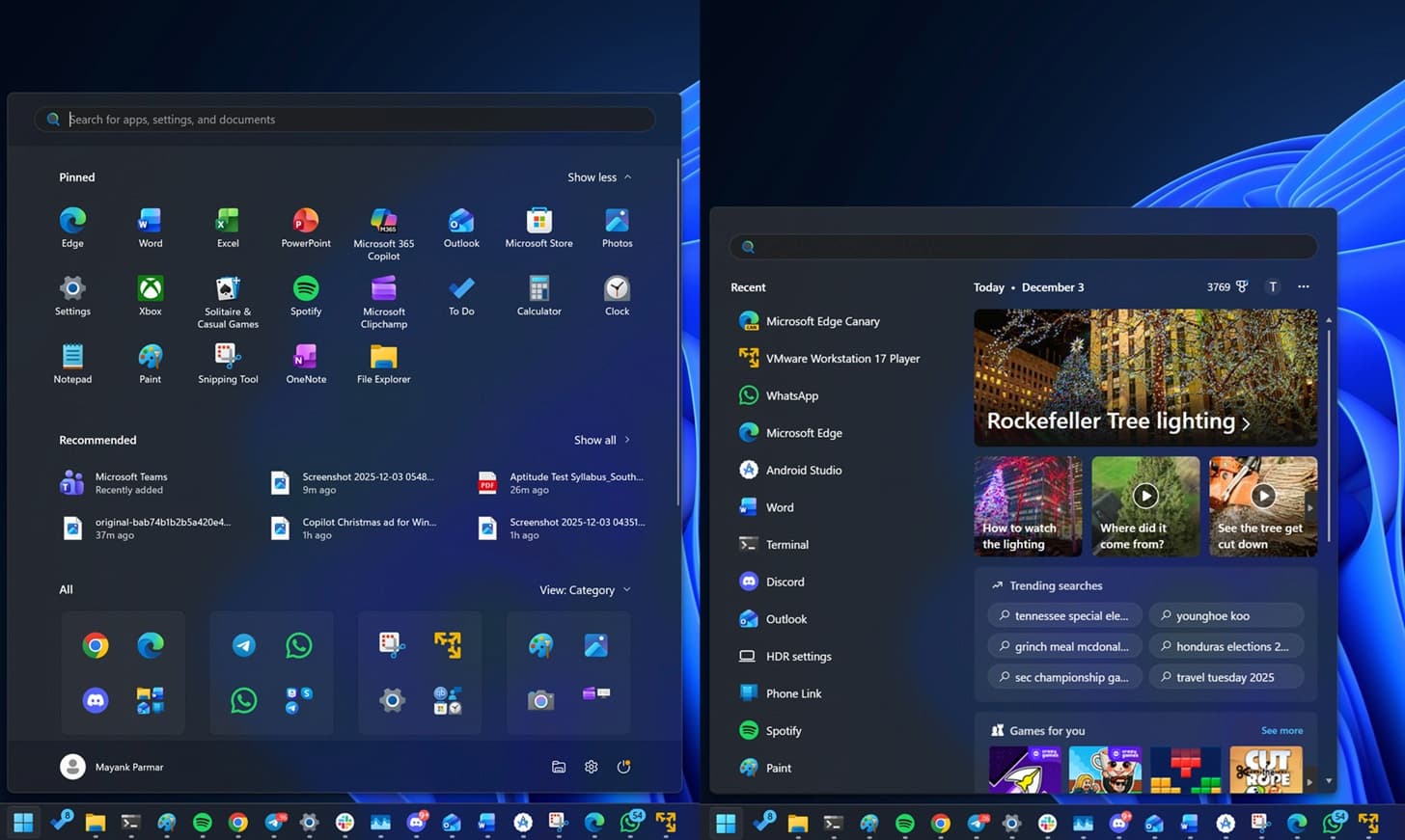
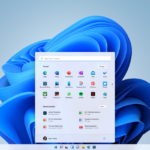
Microsoft is preparing several notable improvements to the Start menu, including changes to how content is displayed and how apps are organized into categories. These tweaks give the menu a cleaner, more modern feel. But that’s not the only visual refinement the company is introducing.
Windows 11 is also getting a subtle adjustment to its search interface. After installing the KB5070311 update, the search window becomes noticeably taller so it aligns with the height of the Start menu. As a result, it takes up more vertical space when opened.
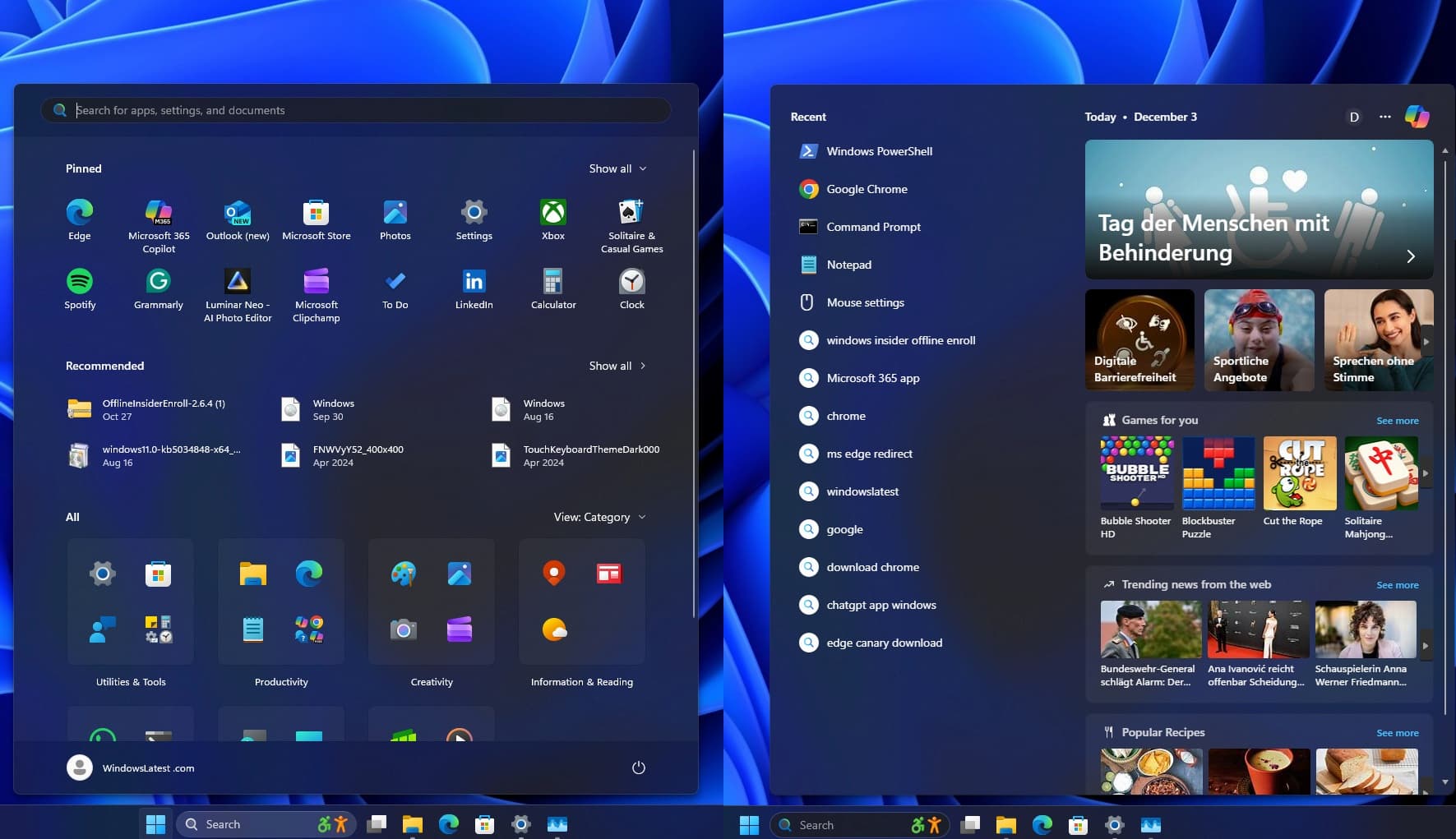
Until now, the search panel has always been smaller than the Start menu. This never caused any functional problems, but the size difference did create a slightly awkward jump when switching between the two. The contrast became even more pronounced after Microsoft expanded the Start menu with its new design.
That inconsistency is finally being addressed. With the KB5070311 patch, the search interface has been resized so both elements share the same height. It’s a small detail, but it makes the overall experience feel more consistent—and it’s not the only change on the way.
Microsoft adds a clearer hardware information section in Windows 11
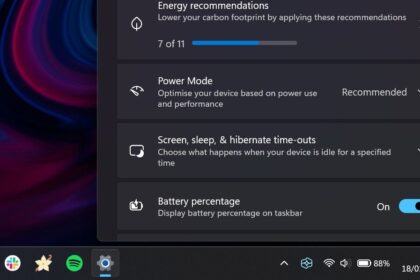
Another interesting change introduced with the KB5070311 update can be found inside the Windows 11 Settings app—though many users may not notice it at first.
Microsoft has replaced the old “Frequently Asked Questions” area that used to appear in the System section. In its place, Windows now includes a new panel that offers Microsoft’s own guidance and commentary on your PC’s hardware. Depending on your device’s specifications, you’ll see tailored notes explaining how well your components match typical workloads.

For example, if your computer has 4 to 8 GB of RAM, Windows will indicate that this memory range is fine for everyday tasks such as web browsing, document editing, and email. It will also warn that running heavier applications may push your system beyond its comfort zone.
These recommendations are not generated by AI. They are predefined descriptions covering different hardware tiers, reflecting what Microsoft’s engineers consider suitable for Windows 11’s performance expectations.
It’s a small addition, but a helpful one—especially for casual users who want a clearer understanding of how their computer measures up and what they can realistically expect from its hardware.