Microsoft has begun rolling out Windows 11 KB5072033, the final update of 2025 for systems running version 24H2 and 25H2. The update is part of December’s mandatory Patch Tuesday release and arrives as Microsoft heads into its year-end holiday break, meaning fewer follow-up fixes before 2026.
The update is officially titled 2025-12 Security Update (KB5072033) and automatically downloads through Windows Update on compatible systems. Microsoft has also published direct download links for the offline installer via the Microsoft Update Catalog.
Windows 11 Build Versions and Download Size
KB5072033 updates Windows 11 to:
- Build 26200.7462 on version 25H2
- Build 26100.7462 on version 24H2
The update is notably large, exceeding 4GB on x64 systems. This is due to Microsoft bundling AI-related components designed for Copilot+ PCs, even though those features do not activate on unsupported hardware.
Build and file size breakdown:
- 24H2 x64: 4279.1 MB
- 24H2 ARM64: 3933.6 MB
- 25H2 x64: 4279.1 MB
- 25H2 ARM64: 3933.6 MB
User Interface Improvements in Start and Search
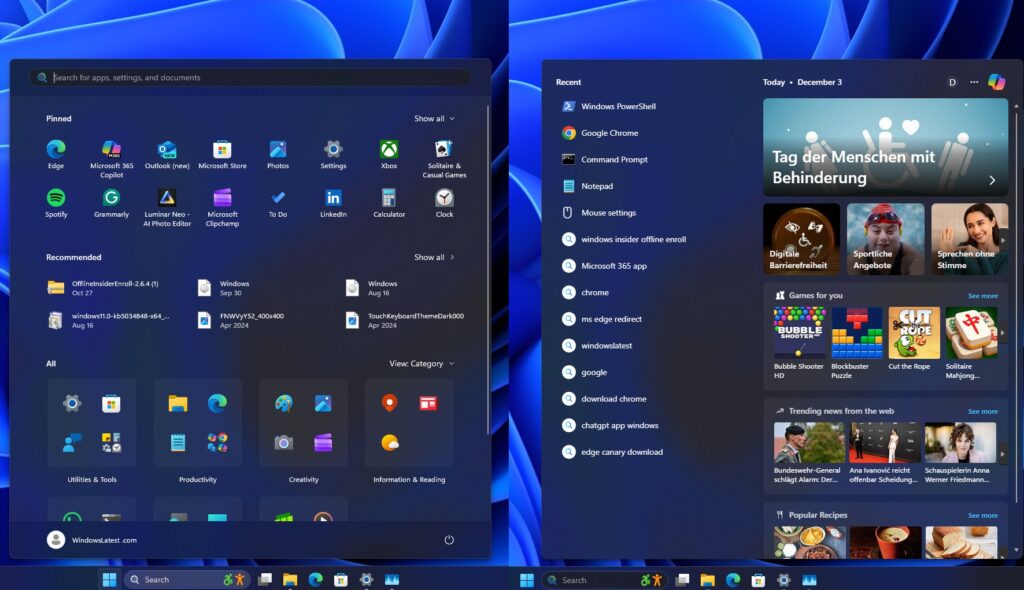
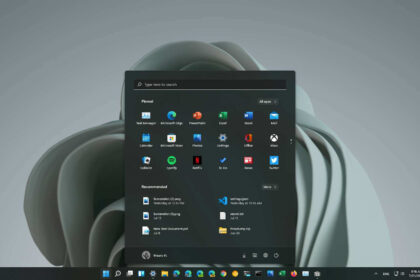
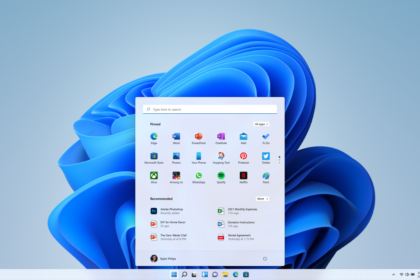
One visual inconsistency has finally been resolved. After installing KB5072033, Windows Search now matches the height of the Start menu, correcting a long-standing issue that became more noticeable with the expansion of the Start menu over recent updates.
Advanced Settings Gets Virtual Workspace Controls
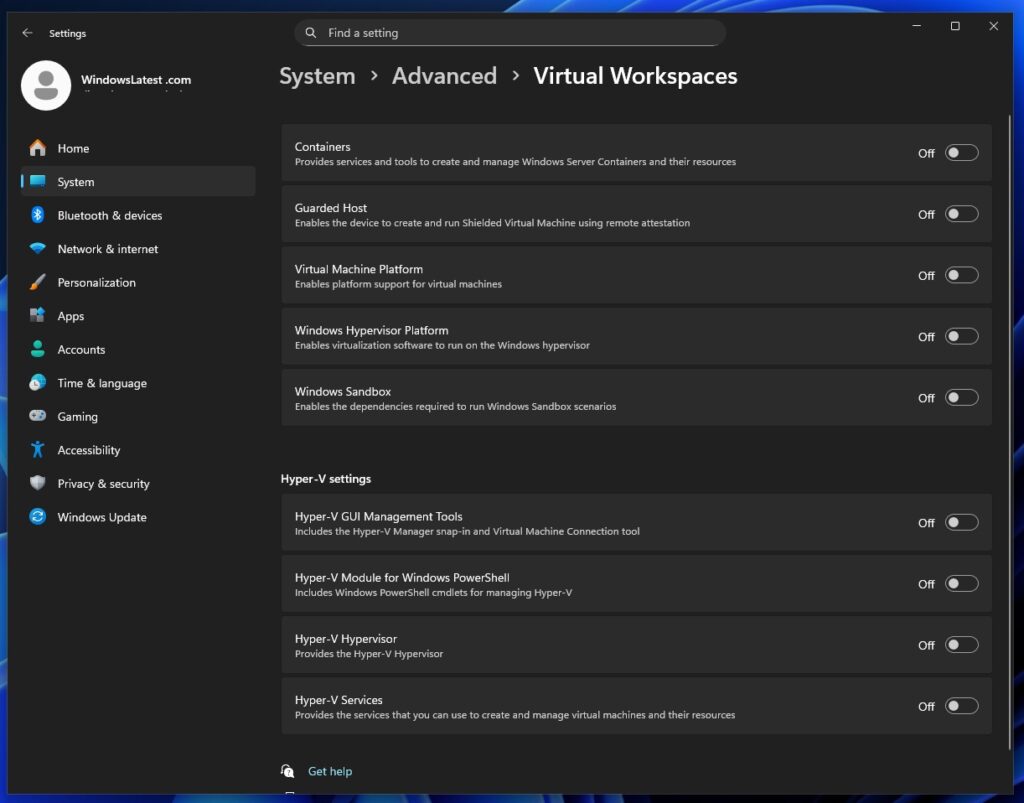
Windows 11’s Advanced Settings panel now consolidates control of Virtual Workspaces, making it easier to manage features that were previously scattered across Control Panel and Optional Features.
Users can now enable or configure:
- Windows Sandbox
- Virtual Machine Platform (WSL2 support)
- Windows Hypervisor Platform
- Containers (Docker support)
- Guarded Host
- Hyper-V tools and PowerShell modules
This change simplifies virtualisation management without digging through legacy menus.
File Explorer Dark Mode Fully Enabled
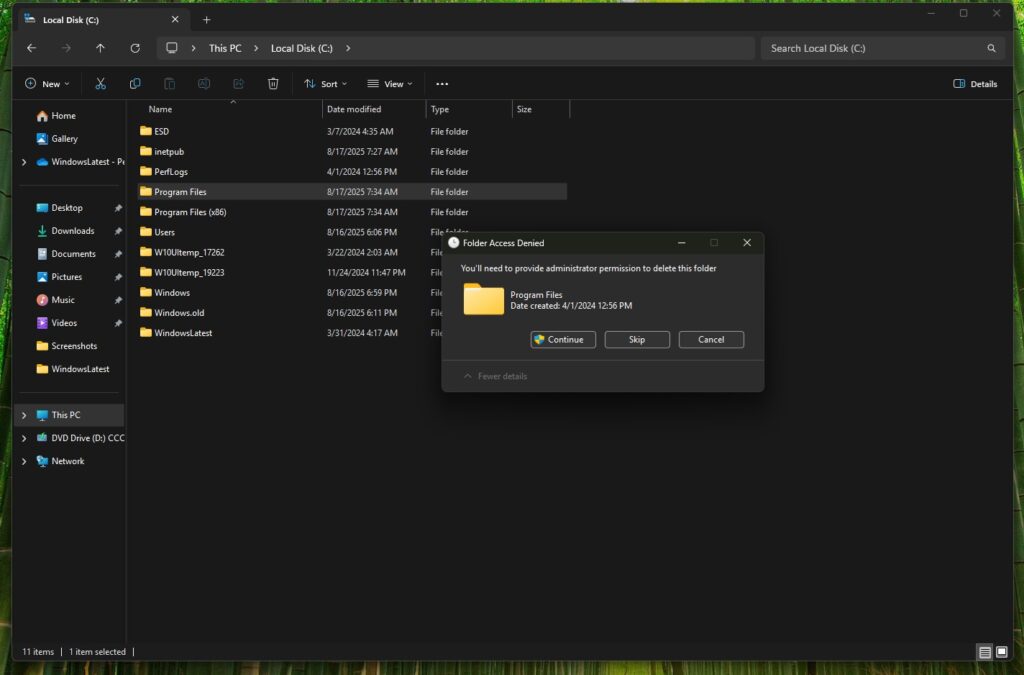
KB5072033 completes the rollout of dark mode across all File Explorer dialogs, including delete confirmations, copy and transfer windows, and error messages. File transfer dialogs now adopt darker tones with updated color indicators for paused or failed operations.
The update also fixes multiple File Explorer issues:
- White flashes when opening Explorer or switching tabs
- Missing video thumbnails
- Toolbar appearing unexpectedly
- Missing app icon in the context menu “Open” command
Major Gaming Fixes, Especially for AMD GPUs
Gaming performance sees some of the most significant improvements in this release. Testing indicates that KB5072033 resolves persistent GPU crashes on AMD Radeon RX 9070 XT hardware, addressing GPU hang and driver removal errors in games such as Battlefield 6, Call of Duty: Black Ops 7, and ARC Raiders when paired with Adrenalin 25.11.1 drivers.
While Microsoft’s official notes only reference a fix for GPUs incorrectly flagged as unsupported, the improvements suggest deeper changes to Windows’ graphics stack.
Additional gaming and performance fixes include:
- Reduced stutter when launching games on high-refresh or high-resolution displays
- A fix for explorer.exe crashes that caused the taskbar and Start menu to reload
- Brightness settings now persisting correctly
- A resolved memory leak tied to lock screen slideshow mode
Full-Screen Experience Expands to All Handheld PCs
Windows 11’s Full-Screen Experience (FSE) is now expanding beyond the ROG Ally line to all supported handheld gaming PCs. The feature delivers a console-style interface and improved performance by deprioritizing background Windows processes.
FSE can be enabled on handhelds by navigating to Settings > Gaming > Full Screen Experience. Desktop PCs are expected to receive the feature in early 2026.
Drag Tray Gains Multi-File Sharing
The Drag Tray feature now supports sharing multiple files at once, including files synced through OneDrive. Enabled through Settings > System > Nearby, Drag Tray allows users to quickly share files to apps like WhatsApp or Telegram by dragging them to the top of the screen.
Additional Fixes in KB5072033
Other improvements include:
- Better keyboard backlight reliability on select devices
- New taskbar animations for grouped apps
- Improved management of phone-connected features under Bluetooth & Devices
- A fix for missing network adapters affecting virtual machines
Microsoft is currently tracking one known issue where the password icon may disappear on the lock screen. This bug affects multiple updates released since August 2025 and is not unique to KB5072033.