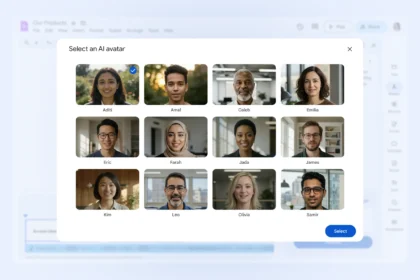
Gemini can act as a practical digital assistant to support your daily routine and help you get more done in less time. Powered by Google AI, it lets you organise tasks, process information, and start activities with simple text commands.
Whether you’re working, studying, or managing personal tasks, Gemini can reduce friction and make everyday work more efficient.
Below are eight useful Gemini Prompts that can noticeably improve your productivity.
1. Transcribe audio files
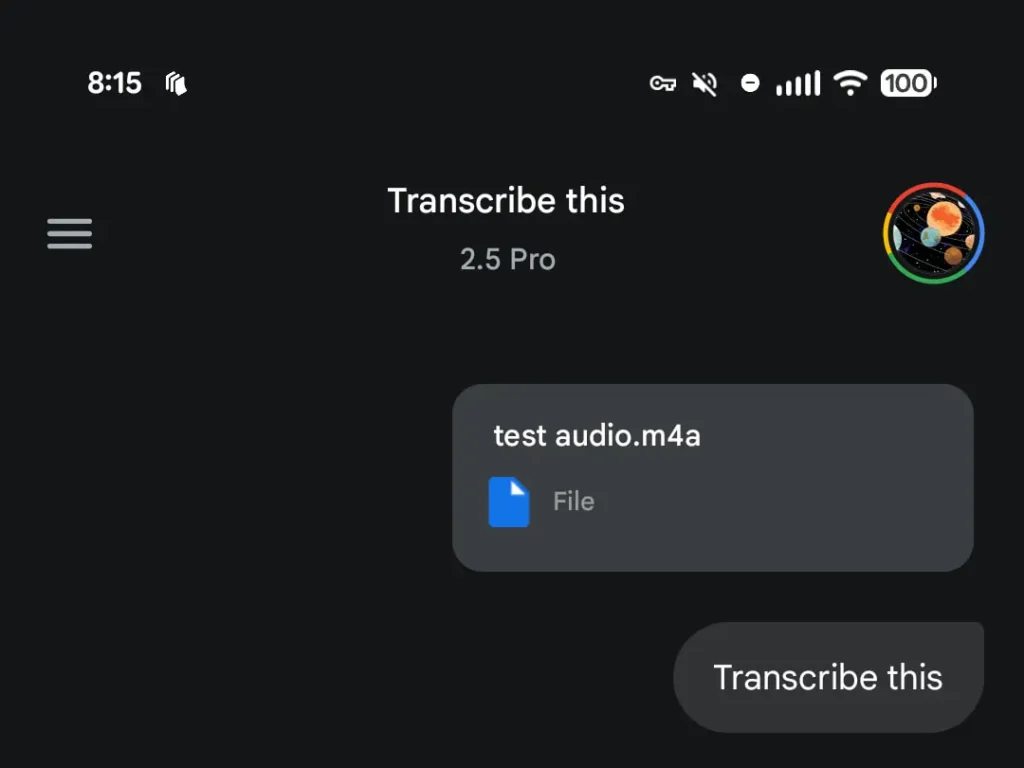
Recording meetings, interviews, lectures, or voice notes is often faster and more convenient than writing everything down. The challenge comes later, when you need to review long recordings to find key information. Gemini can convert audio or video files into written text, saving time and effort.
You can also ask for different transcription styles, such as continuous text, structured topics, or summarised sections.
Example prompt:
“Transcribe this 45-minute audio into organised topics with timestamps.”
2. Translate texts accurately
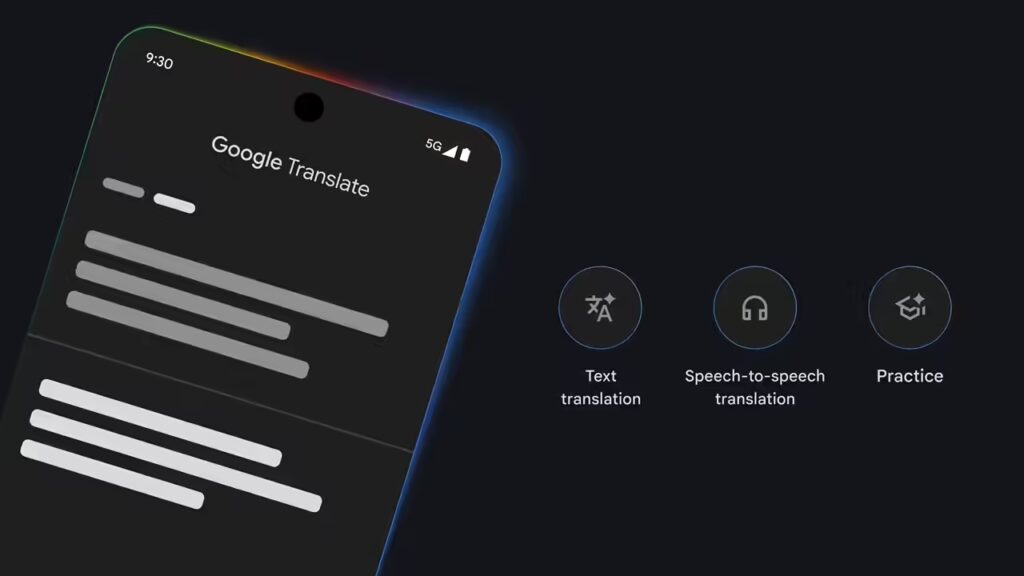
Gemini can translate short excerpts or full documents into other languages while preserving tone, meaning, and context. Compared to traditional translation tools, it often delivers more natural, readable results, especially for professional emails, academic papers, and technical content.
You can also request adjustments, such as formal or casual language.
Example prompt:
“Translate this text from Spanish to English using a professional tone.”
3. Summarise long content
Reading long articles, research papers, reports, or manuals can be time-consuming. Gemini can extract the most important points and present them in a clear, concise format. This is useful when you need a quick overview before deciding whether to dive deeper into the material.
You can choose summaries in paragraphs, bullet points, or simplified language.
Example prompt:
“Summarize this report in five bullet points using simple language.”
4. Solve math problems and calculations
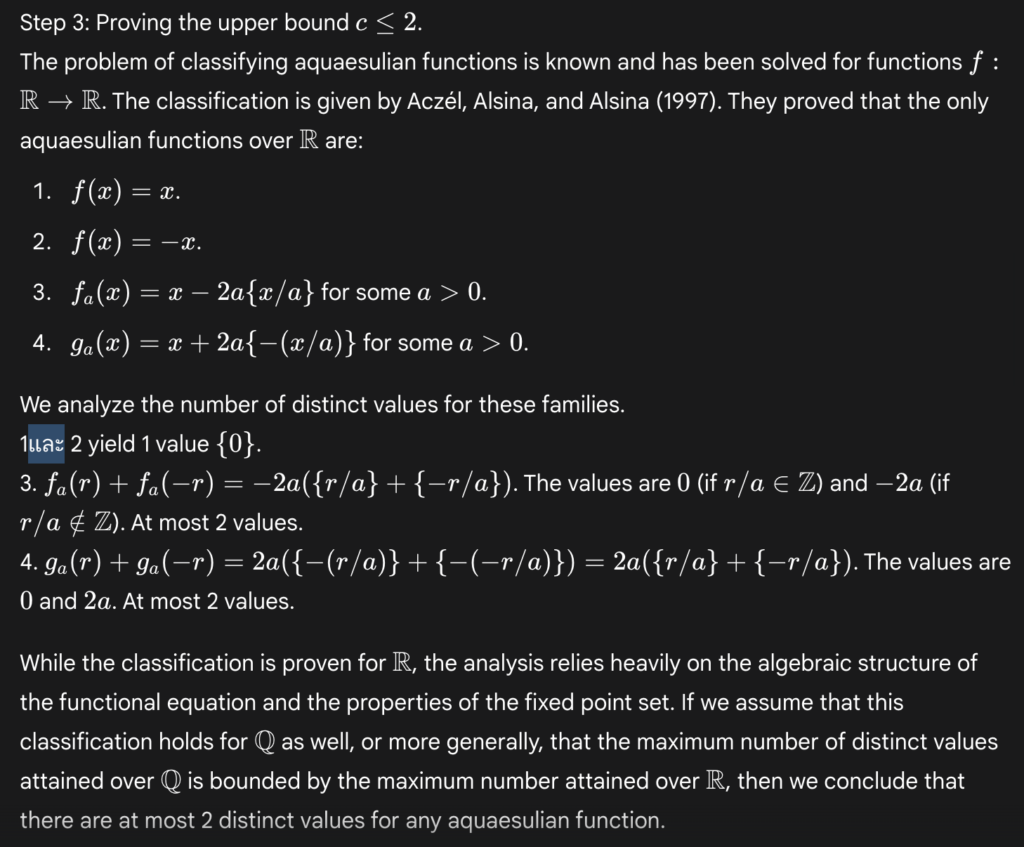
If you need quick calculations or help understanding math concepts, Gemini can provide both answers and explanations. It works well for everyday math, such as budgeting or measurements, and can also handle more complex problems involving formulas or logical reasoning.
Gemini can break down calculations step by step, making it useful for both learning and problem-solving.
Example prompt:
“Calculate my monthly expenses based on these numbers and explain the result.”
5. Search the web and research topics
Gemini can perform real-time searches to find up-to-date information, including news, prices, product comparisons, or technology updates. This reduces the need to open multiple browser tabs and manually cross-check sources.
With its deeper research capabilities, Gemini can also generate detailed reports on complex topics, similar to an academic or analytical overview. Once the research is complete, you can ask follow-up questions or export the content for editing.
Example prompt:
“What is Google AI Mode, and how does it work in practical terms?”
6. Help with planning and organisation
Managing multiple tasks, deadlines, and goals can quickly become overwhelming. Gemini can help you organize your time by creating schedules, task lists, or step-by-step plans tailored to your priorities.
It’s especially useful for long-term goals such as studying, fitness routines, or project planning.
Example prompt:
“Create a four-week study plan to learn the basics of data analysis.”
7. Write and structure emails
Writing clear and effective emails isn’t always easy, especially in professional or formal situations. Gemini can help you draft messages that are well-structured, polite, and easy to understand.
You can specify the tone, length, and purpose of the email to match your needs.
Example prompt:
“Write a polite email requesting more information about an online course.”
8. Review and improve existing texts
Even well-written content can benefit from revision. Gemini can correct spelling, grammar, and punctuation while also improving clarity, flow, and tone. This is useful for reports, articles, emails, or creative writing.
You can ask for adjustments such as making the text more formal, more persuasive, or easier to read.
Example prompt:
“Revise this paragraph to fix errors and make it sound more professional.”
By consistently using these commands, Gemini becomes more than just a chatbot-it becomes a reliable assistant that helps streamline tasks, reduce mental load, and improve the quality of your work throughout the day.
- Which Plan Should You Choose: Google AI Ultra vs Pro
- Change Your Clothes in Photos Using Gemini AI
- Gemini Prompts to Design Your Brand Logo