Google has rolled out Android 17 Beta 3, marking a key milestone in the development cycle as the operating system reaches platform stability. The update is now available for Pixel 6 and newer devices, allowing developers to begin finalizing apps for release on the Play Store.
The release follows earlier beta versions that introduced new concepts but lacked full functionality. With Beta 3, several of those features are now fully operational, particularly in multitasking and user interface improvements.
Multitasking Takes Center Stage with “Bubbles”
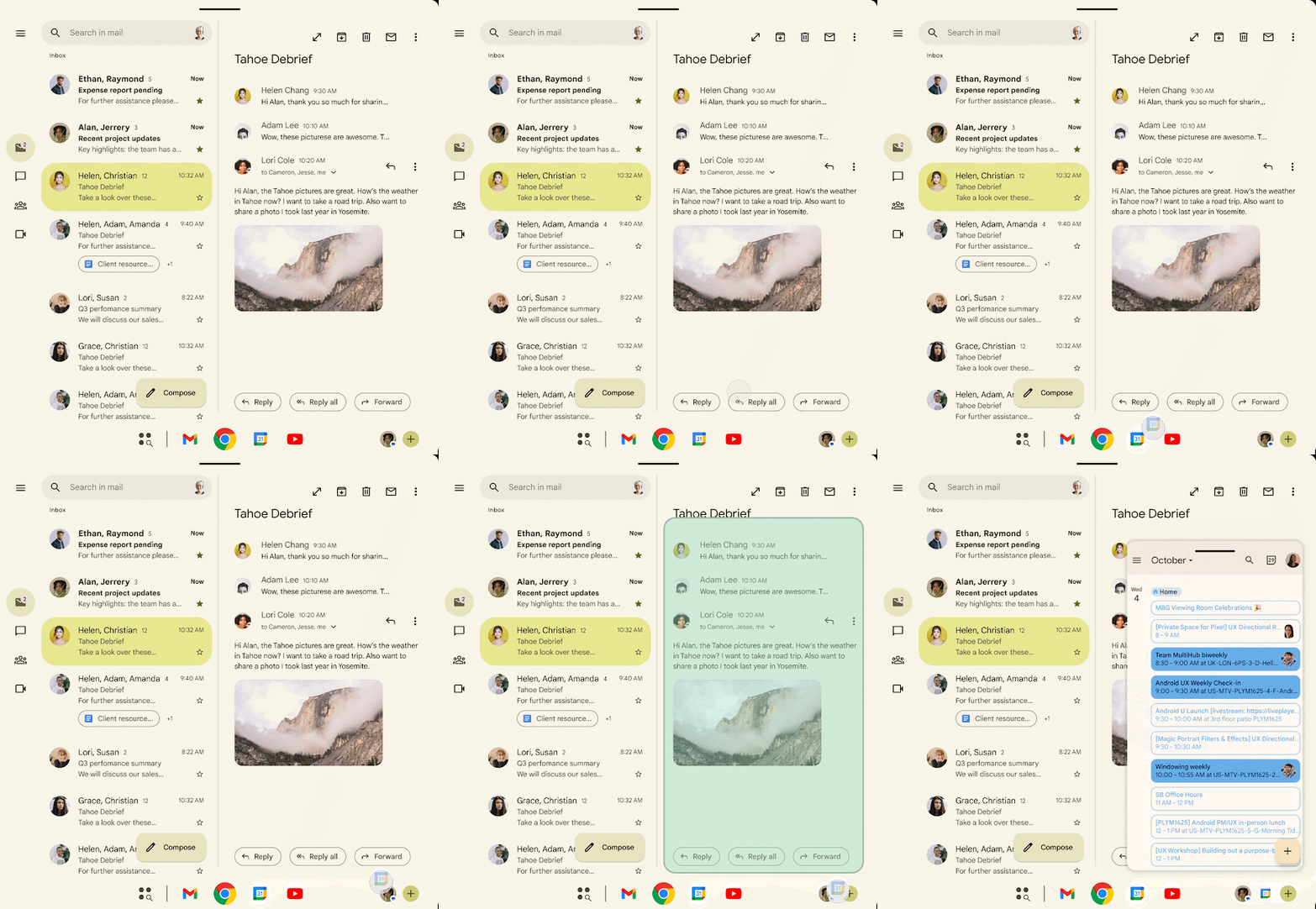
One of the most notable additions is the full rollout of the “Bubbles” windowing system, which enables users to run apps in floating windows that stay above other content.
Users can activate this feature by long-pressing an app icon and selecting the bubble option. On larger devices such as foldables and tablets, apps can also be dragged into position from the taskbar.
A new bubble bar interface has been introduced for larger screens, allowing users to pin and organize apps along the taskbar instead of having them float freely. This approach aims to improve usability and organization during multitasking.
Platform Stability Opens Doors for Developers
With Beta 3 reaching platform stability, the SDK and NDK APIs are now finalized, meaning developers can confidently optimize and publish apps designed for Android 17.
This phase typically signals that only minor refinements and bug fixes remain before the final release.
Refined Screen Recording and Quick Settings
The update introduces a redesigned screen recording toolbar, which now appears as a floating control panel. Users can quickly start recordings and, once finished, access options to view, edit, delete, or share captured content.
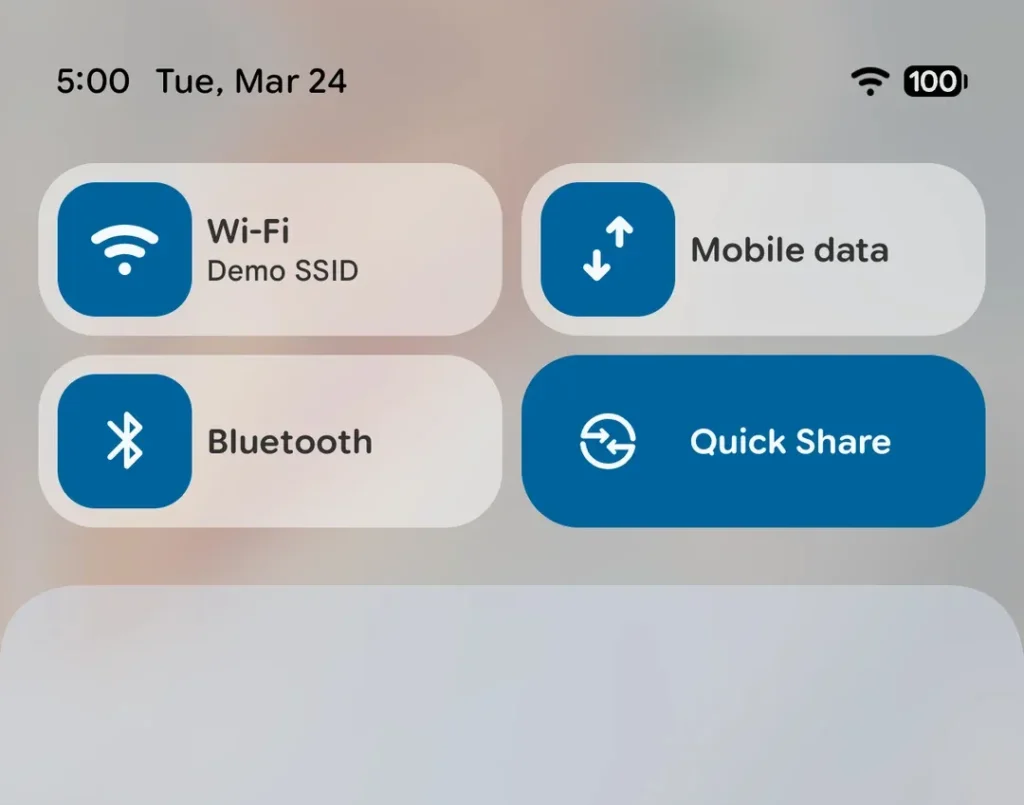
Quick Settings have also been reworked. The previously combined “Internet” tile has been split into separate Wi-Fi and mobile data controls, simplifying access and reducing the number of steps required for basic connectivity actions.
Improved Support for Larger Displays
Android 17 Beta 3 enhances compatibility with external displays. Widgets now automatically adjust their layout, text size, and spacing based on screen density, resolving previous issues where elements appeared incorrectly scaled.
Additionally, interactive Picture-in-Picture (PiP) has been expanded in desktop mode. Apps can now maintain interactive controls within PiP windows while remaining on top of other applications—useful for tasks like video calls.
Customization and Interface Tweaks
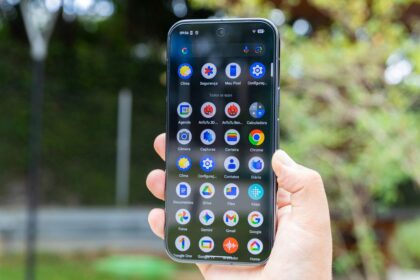
Users now have greater control over the home screen appearance. A new option allows app labels to be hidden, creating a cleaner layout. Labels remain visible in folders and the app drawer.
The system also introduces a notification for time changes, alerting users when adjustments such as daylight saving time occur.
Accessibility and Audio Enhancements
Accessibility features receive a significant update. Users with hearing aids can now route different types of audio—such as notifications, alarms, and ringtones—to either their device or hearing aids individually.
A separate volume control for the Assistant has also been added, allowing more precise audio management.
Smarter Dark Mode and Privacy Controls
The expanded dark theme now supports per-app exceptions, enabling users to disable dark mode for specific apps while keeping the rest of the system in dark mode.
Privacy improvements include adaptive password visibility. Characters entered via a physical keyboard are hidden immediately, while touch input briefly displays them for usability.
A new location access button allows apps to request precise location data for a single session without requiring permanent permission or triggering system dialogs.
Android 17 Beta 3 reflects a shift toward refining usability, multitasking, and accessibility rather than introducing entirely new concepts. With core systems now stable, the focus is expected to move toward polishing performance and ensuring compatibility across devices.
The final release of Android 17 is anticipated later in 2026, following additional testing and feedback from developers and users.