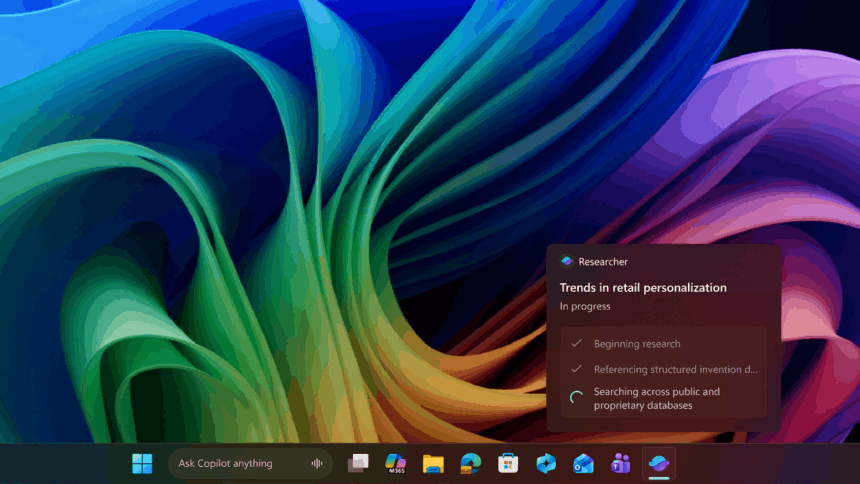
Microsoft has confirmed that AI agents in Windows 11 will not be able to access users’ personal files without explicit permission, addressing growing concerns about privacy and security as the company expands agent-based features across the operating system.
The clarification follows weeks of scrutiny over Microsoft’s plans to embed AI agents more deeply into Windows, allowing them to interact with files, applications, and system settings. While Microsoft has promoted these agents as optional and productivity-focused, critics have raised alarms after the company itself acknowledged that AI systems can misbehave, hallucinate, or introduce new security risks.
As first reported by Windows Latest, Microsoft quietly updated its support documentation on December 5 to explain how consent, permissions, and “agent connectors” function in recent preview builds. The updated guidance confirms that AI agents cannot access personal files by default, even when experimental agentic features are enabled.
Explicit Consent Required for File Access
Under the updated system, Windows 11 will prompt users for permission before an AI agent can access files stored in the six so-called “known folders”: Desktop, Documents, Downloads, Music, Pictures, and Videos. These folders are commonly where users store personal data, making them a focal point of concern regarding privacy.
Microsoft says each AI agent must explicitly request access, and users remain in control. When prompted, users can choose to allow access at all times, approve access on a case-by-case basis, or deny access altogether. This consent model applies to agents, including Copilot, Researcher, and Analyst.
However, the permissions are applied collectively to all six known folders. Users cannot grant access to individual folders selectively. In other words, an agent can either access all known folders or none of them, a limitation that some users may find restrictive.
Per-Agent Controls and Dedicated Settings
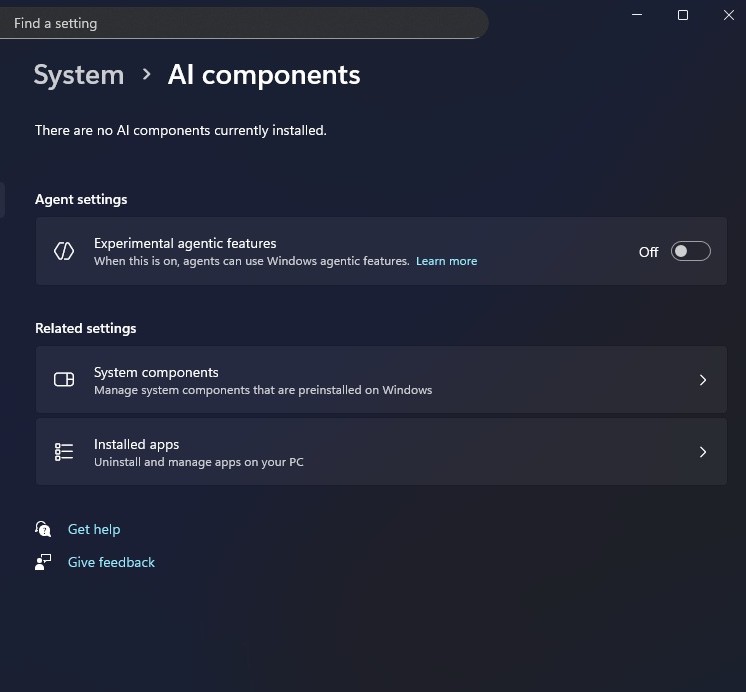
Each AI agent in Windows 11 now has a dedicated settings page where permissions can be managed individually. These controls are accessible through the Settings app by navigating to System > AI Components > Agents. From there, users can select an agent and customise what it can access.
In addition to file permissions, users can manage “Agent Connectors,” which enable AI agents to interact with applications such as File Explorer and System Settings. These connectors are based on Microsoft’s Model Context Protocol (MCP), a standardised system designed to regulate how agents communicate with apps. Permissions for each connector can also be set to ‘always allow’, ‘ask each time’, or ‘never allow’.
Preview Builds and Availability
The new consent flow is currently available in preview builds 26100.7344 and newer for Windows 11 version 24H2, and builds 26200.7344 and newer for version 25H2. AI agents themselves remain optional features that must be manually enabled by users.
Microsoft emphasized that agents operate within a separate “agent workspace” with limited privileges, distinct from the user’s primary environment. Still, the company acknowledged that agent accounts can access folders that are readable by all authenticated users, such as public user profiles. Folders restricted to a specific user account will remain inaccessible unless permission is granted through the known-folder consent process.
Ongoing Security Questions
While the updated permissions model offers clearer safeguards, Microsoft has not addressed broader concerns regarding AI reliability, including hallucinations and more advanced threats, such as cross-prompt injection attacks.
The company has stated that AI features in Windows are designed to empower users “securely,” even as it admits that some risks are unavoidable.
For now, Microsoft’s confirmation that AI agents require explicit user consent before accessing personal files provides a clearer boundary than previously documented. Whether these controls will be sufficient to reassure privacy-conscious users remains an open question as AI agents continue to expand their role within Windows 11.