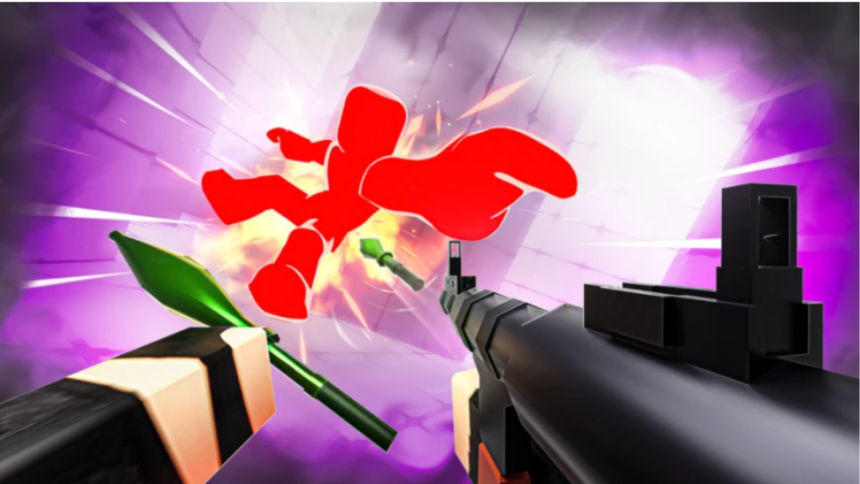
If you want to dominate the leaderboards in Roblox Rivals, you need more than just good aim. This first-person shooter offers a wide range of maps and modes, from head-to-head battles to group combat. To keep things fresh, the game allows you to unlock a massive selection of weapons.
Most of the codes released for the game provide a stack of free Keys, allowing you to bypass some of the grind and buy new items immediately. You can also find codes for limited-time cosmetics, such as weapon wraps and finishers. Here is everything you need to know about the current active codes and how to use them.
Here are the Roblox Rivals codes you can use right now, along with what each one gives you:
Active Roblox Rivals Codes
- STREAMER – 1 Key (new)
- FREE145 – 3 Keys (new)
- COMMUNITY20 – Random Community Weapon Wrap (new)
- MERRYMERRYXMAS<3 – 250 Crystals
- ELBILLUG – No reward (it’s “gullible” spelled backwards)
- BONUS – 1 Key
- BOOST – 1 Key
- ROBLOX_RTC – 5 Keys
How to redeem Roblox Rivals codes
Before you can redeem codes, you’ll need to complete a few requirements:
- Finish the first six Tasks to unlock the Shop. These can be completed quickly in the Shooting Range.
- Follow the developers @SenseiWarrior and @Nosniy on Roblox. Search their profiles, open View Full Profile, tap the three dots, and select Follow.
Once that’s done:
- Tap the Shop (basket) icon at the bottom of the screen.
- Select the More (gun) icon in the top-right corner.
- Choose Codes.
- Scroll to the bottom and enter your Roblox username, then tap Verify.
- After verification, enter a code and press Redeem.
Expired Roblox Rivals codes
All codes listed above are active at the time of writing, but they can expire quickly. If you see an “expired” or “invalid” message, the code is no longer available. Codes aren’t case-sensitive, so spelling is all that matters. Since there are a few steps required before redeeming rewards, make sure you follow the process carefully to avoid any issues.
- Restaurant Tycoon 3 Codes
- Anime Eternal codes
- Add Friends in Roblox
- Create, Publish and edit a Map in Roblox