Microsoft has released Windows 11 update KB5051987, bringing a host of new features and fixes to enhance your experience. This update includes the improvements from the January 28 optional update (KB5050094) and additional security patches.
Key Improvements in KB5051987:
- Taskbar Enhancements:
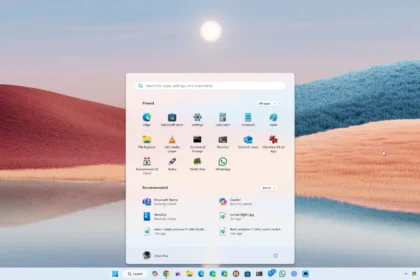
The taskbar now offers improved application previews when you hover over icons and optimized animations for a smoother visual experience. - New Chinese Font Support:
A new font source, Simsun-Extg, has been added to better support simplified Chinese characters-including even the complex Biangbiang noodle character. This update introduces 9,753 ideographs supporting Unicode extensions G, H, and I, enhancing Chinese text display in various apps. - Revamped File Explorer:
Several enhancements have been made to File Explorer:- A “New folder” option now appears in the context menu when you right-click on the left panel, making file organization easier.
- An option to automatically restore all open tabs in File Explorer upon login has been added if you enable “Restore windows from previous folders.”
- Windows can also automatically relaunch specific Explorer configurations if you select the option to “automatically save my restart applications and restart them when you log in again.”
- Various bugs have been fixed, including issues with repeated searches, incorrect date and time updates during file copying, and problems displaying icons in the details panel.
Other Fixes and Improvements:
- Time Zone Settings:
You can now change time zones via Settings > Time & Language > Date & Time without administrator permissions. - Mouse Cursor Fixes:
Issues such as the cursor disappearing over text fields, becoming transparent with pointer trails, or breaking when moving across the screen have been resolved. - Pinyin IME Adjustment:
The update fixes a bug where switching between windows would automatically change the input language from Chinese to English. - Screenshot Accuracy:
Problems causing distorted screenshots when using multiple monitors with different scaling settings have been corrected. - Microsoft Excel 2016:
A bug that could leave Excel stuck on the load screen when opening certain files has been fixed. - Game Bar Recording:
An error (code 0x82323673) affecting game recordings has been resolved.
To install the update, head to Settings > Windows Update and click “Check for updates” if it hasn’t already been applied.
This update is a significant step forward in refining Windows 11, ensuring a smoother, more efficient user experience. Enjoy the improvements!