Google has officially released Android 17 Beta 1, marking the first public test build of the next major Android version. The rollout arrived later than expected and quietly went live on Friday, with only a handful of visible changes in this early release.
As is typical for initial beta builds, Android 17 Beta 1 focuses more on groundwork than headline features. Still, it introduces a few interface refinements that long-time users are likely to notice.
At a Glance widget can finally be hidden.
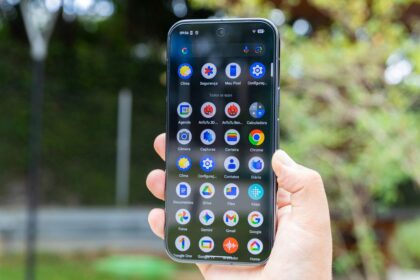
The most significant change is the long-awaited option to hide the At a Glance widget from the home screen. Previously locked to the top-left corner of the first home screen, the widget can now be disabled through its settings.
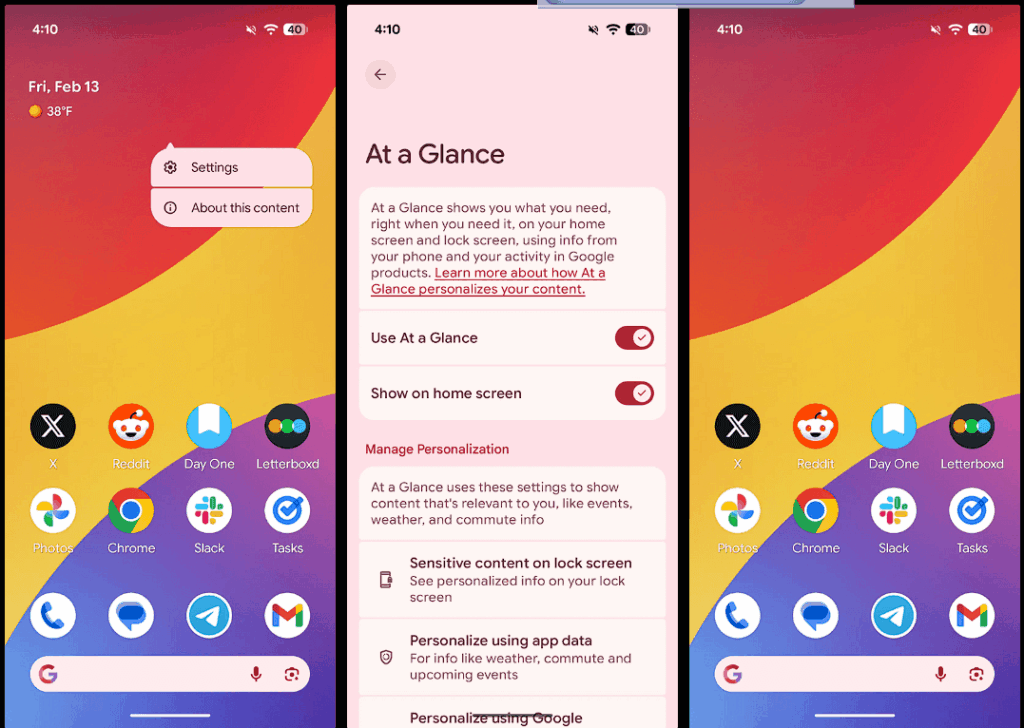
Users can remove it by long-pressing the widget, opening its settings, and toggling off “Show on home screen.” While the widget remains visible on the lock screen, the home screen space is freed up for app icons or other widgets, giving users more control over their layout.
Google had previously tested this option with a limited audience during Android 16 QPR3 beta builds, but Android 17 Beta 1 appears to make it broadly available.
Minor visual refinements
Beyond the widget change, the update includes small visual tweaks across the system:
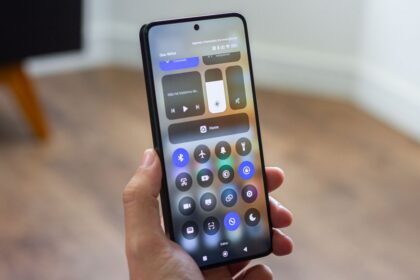
- The volume panel now uses a slider-style icon instead of the three-dot symbol seen in Android 16, while maintaining the same functionality.
- The brightness control in Quick Settings has been refreshed with a rounded sun icon, replacing the sharper design from the previous version.
- Early signs of expanded customisation options for the Google Search bar on the home screen are also present.
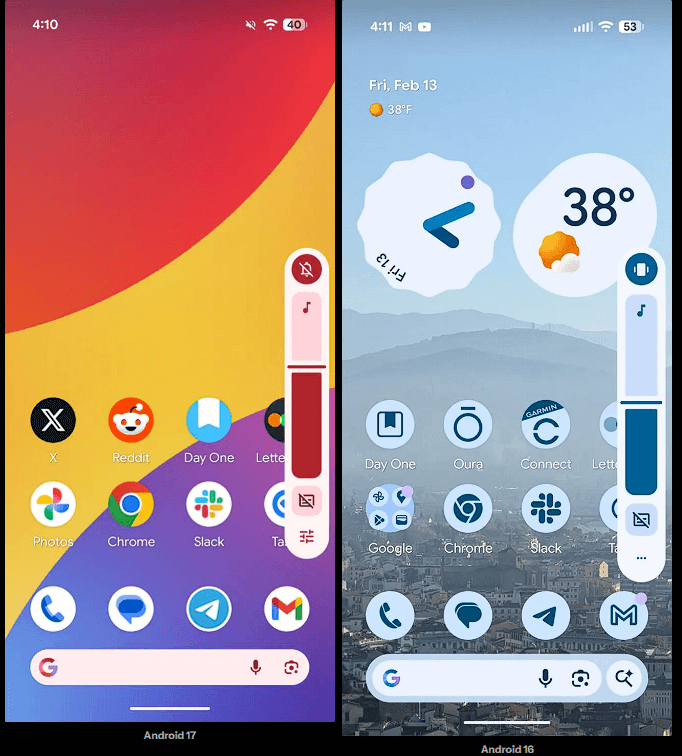
These adjustments are subtle and largely cosmetic, but they align with Google’s ongoing effort to modernize Android’s visual language.
Bigger changes still ahead
Notably absent from Android 17 Beta 1 are several features rumoured to be in development, including a redesigned split layout for Quick Settings and notifications. Their absence is not unexpected, as Google typically reserves more substantial user-facing changes for later beta releases.
Developers and enthusiasts testing this build should expect more significant updates in future Android 17 beta releases, and potentially in Android 17 QPR1 builds later in the year.
For now, Android 17 Beta 1 serves as a quiet starting point – light on features, but with at least one long-requested quality-of-life improvement finally making its way into the operating system.
- Google to Require Developer Verification for APKs on Android Starting in 2026
- Google Working on Cross-Device Do Not Disturb Syncing for Android
- Which Xiaomi Phones Will Stop Getting Updates in 2026