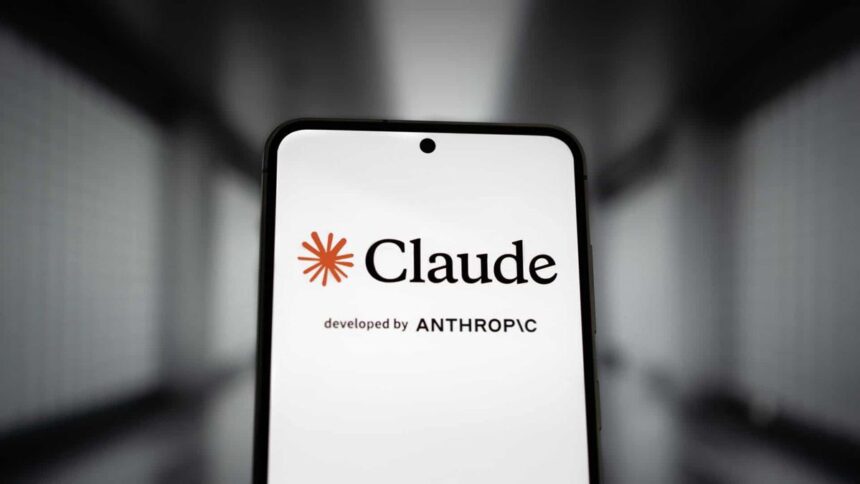
Anthropic’s Claude has introduced a feature that makes it easier to switch from your current AI chatbot to its own model. Called Claude Memory, this tool uses a single prompt to transfer important context from previous conversations so you can essentially continue where you left off with another AI.
Below is a simple guide on how to move memory data from chatbots such as ChatGPT, Gemini, or Copilot to Claude.
How to Move from ChatGPT to Claude
Follow these steps to transfer your information:
- Go to Claude’s memory import page at claude.com and click “Get Started.”
- Copy the prompt provided by Claude by selecting “Copy.”
- Paste that prompt into ChatGPT’s message box and press Enter.
- Copy the response generated by ChatGPT.
- Return to Claude’s memory import page and paste the response there.
- Click “Add to memory.”
Once the import is complete, you can review and manage the stored information. Claude allows you to edit details, remove incorrect entries, or add more information if needed.
After finishing the process, you can even ask Claude to summarise what it has learned about you based on the imported data.
You can also add context from multiple chatbots. To do this, go to Settings → Capabilities → Memory and import additional memory data.
How the Migration Works
The system relies on a specially designed prompt created by Anthropic. When you send this prompt to another AI assistant, it instructs the model to gather and list all relevant context or memories it has stored about you from previous conversations.
To make the transfer easier, the prompt asks the AI to output the information inside a single code block, which can then be copied and pasted directly into Claude.
Once imported, Claude organises the information into structured sections such as:
- Role and Work
- Communication Preferences
- Personal Context
To keep everything up to date, Claude automatically refreshes and summarises this memory every night.
One limitation to note is that this summary does not include Claude’s “Projects” data, since projects use a separate memory system that isn’t connected to standard chat memory.
Is the Feature Free?
Yes. The tool was initially introduced as a subscriber-only feature, but Anthropic later made it available to all users at no cost.
- What is GPT-5.3-Codex
- How an Anthropic ad contributed to IBM’s $30 billion market cap drop
- What is Claude Opus 4.6