Microsoft is moving closer to making artificial intelligence the central pillar of its software ecosystem, with early signs pointing to a significant redesign of its Edge browser. What began as a sidebar feature in Windows has rapidly expanded across the company’s products, and Edge now appears to be the next major surface to undergo a full AI-driven transformation.
According to reporting from Windows Central, Microsoft is internally testing a reworked Edge interface inspired directly by its Copilot app. The changes go beyond visual refinements and suggest a broader shift in how the company wants users to interact with the web-blurring the line between browsing and conversing with an AI assistant.
A browser designed around conversation
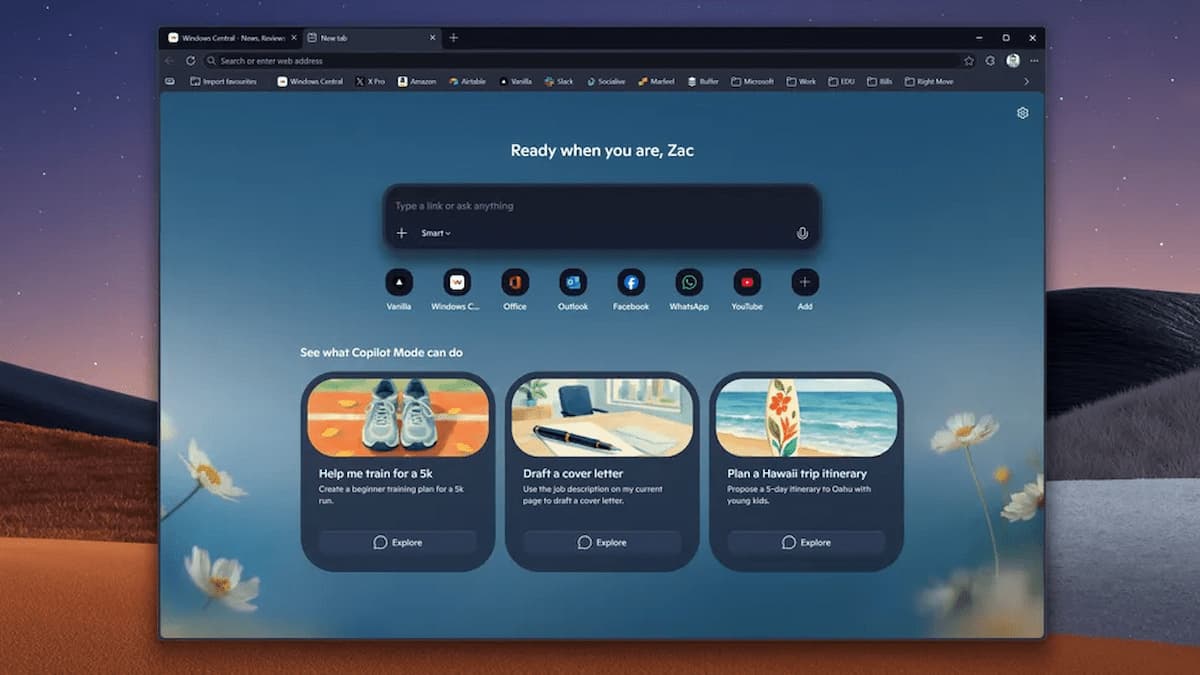
The most notable change lies in Edge’s overall layout. Toolbars and menus are being simplified and reshaped to match the rounded, minimalist style already seen in Copilot across other platforms. The goal, according to people familiar with the project, is to reduce visual clutter and center the experience around a more intelligent address and search bar.
That bar is designed to handle more complex, contextual queries-whether the user is searching local files or researching topics online-before the query is even fully typed. By softening visual elements and unifying color themes, Edge is being repositioned as a fluid workspace rather than a traditional productivity tool.
Features under consideration
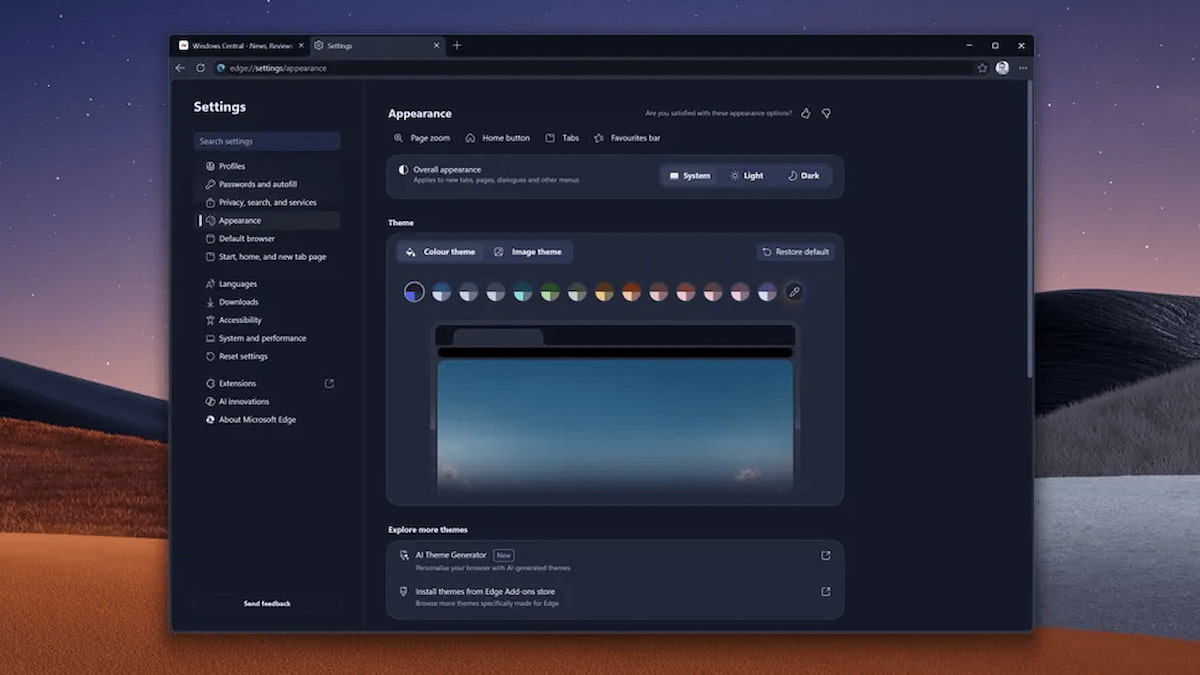
Among the ideas currently being tested are fewer visible controls, with menus that adapt based on what the system predicts the user might need. Copilot functions could be accessed directly from the address bar, eliminating the need for separate panels or overlays.
The visual language is also being aligned with upcoming Windows updates, emphasising gradients, floating windows, and a consistent design across Microsoft’s software lineup.
Balancing innovation and user choice
The redesign reflects Microsoft’s broader messaging that users are entering a “Copilot era,” where AI is woven into everyday tasks. However, the approach carries risks. Longtime Edge users who prefer a fast, lightweight browser may resist a model where AI plays a constant, foreground role in navigation and decision-making.
For now, the changes are limited to development builds, giving Microsoft time to adjust the experience based on feedback. Still, the direction is clear. The Edge browser of recent years-focused on competing directly with Chrome on traditional terms-is gradually giving way to something different: a hybrid tool that functions as both a browser and an always-available digital assistant.
Whether that evolution is welcomed or resisted will likely depend on how much control users are given over the extent to which AI is embedded in their daily browsing experience.
- Microsoft Turns Edge Into an AI Browser with New Copilot Mode
- Enable Copilot Search Directly in Edge’s New Tab Page
- How to Change the Default Browser in Windows 11