
Microsoft has confirmed another problem affecting Windows 11 following its September updates. Some applications and games can unexpectedly crash when they rely on the operating system’s built-in AC-3 audio decoder, adding another issue to a growing list of problems reported after last month’s releases.
The newly confirmed bug affects Windows 11 versions 24H2, 25H2 and 26H2 after users install the KB5124010 update released on September 22. Because the three versions share much of the same underlying servicing code, users who installed the update on Windows 11 25H2 before moving to 26H2 can also encounter the problem.
Microsoft has acknowledged the issue in its support documentation and said it is investigating a permanent solution.
Audio decoding can cause applications to crash
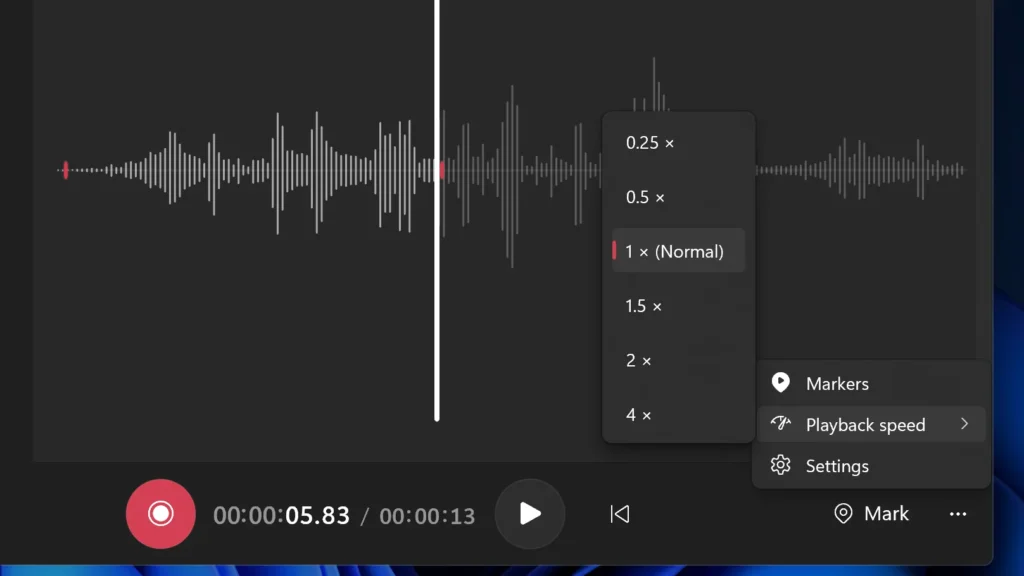
The problem appears in applications and games that use Windows’ built-in AC-3, also known as Dolby Digital, audio decoding capability.
Affected software may behave normally at first but crash when certain audio-related functions are triggered. Microsoft says problems can occur when users play music or use other features that rely on the decoder. In some cases, an affected application may fail to start at all.
The company has not provided a complete list of affected software, making it difficult for users to determine whether a particular game or application is vulnerable.
Microsoft said the issue depends on how an application uses the affected audio component. Games, media players, and some productivity applications may be among the software that can trigger the problem.
Users experiencing crashes after installing the September update may therefore want to check whether the issue occurs specifically during audio playback or when changing audio-related settings.
Most modern software is unlikely to be affected
Microsoft does not expect the problem to affect a large number of users. The company says the bug primarily concerns applications that depend on Windows’ built-in audio decoder, a technology more commonly found in older software and games.
Modern applications that use their own audio processing systems should generally be unaffected.
However, the lack of a definitive list of affected programs means users may need to troubleshoot to identify the problem if crashes begin after installing KB5124010.
The newly discovered issue is also separate from another audio problem reported during September. That earlier bug could cause certain USB audio devices to stop working, produce a Code 10 error in Device Manager or make Windows sound settings become unresponsive.
September was a troubled month for Windows updates
The latest audio-decoding problem adds to a difficult month for Microsoft’s Windows update program.
September brought several major releases, including the regular Patch Tuesday update, an emergency out-of-band update and the optional KB5124010 release. While these updates addressed multiple problems, some fixes were followed by additional issues.
Microsoft’s September updates also included a significant number of security fixes. The company addressed 974 Microsoft CVEs during the month, compared with 86 in September 2025. That represents an increase of more than 1,000 percent year over year.
The unusually large number of security fixes also made September a particularly extensive update cycle. Microsoft has previously acknowledged that the scale of the release made it more difficult to diagnose some problems.
Among the issues reported during the month were problems involving Remote Desktop, audio devices, File History backups, Windows Subsystem for Linux and Linux-based virtual machines. Some users also reported black screens and graphics-related issues with AMD hardware, although Microsoft has not officially confirmed these GPU reports.
Emergency update solved some problems but created others
Microsoft released KB5129195 on September 14 as an emergency update to address several issues introduced by the earlier September release.
The patch fixed problems affecting Remote Desktop connections, Linux virtual machine folder sharing and certain multichannel audio configurations. However, some audio-related failures continued after the emergency update.
The update also caused problems with File History, Windows’ built-in backup feature.
File History allows users to automatically preserve earlier versions of files on an external drive or network location. After the September updates, some systems stopped recognizing suitable backup locations, leaving users unaware that their files were no longer being backed up correctly.
Microsoft later confirmed the File History problem and began investigating it.
KB5124010 fixed part of the File History problem
The optional KB5124010 update released on September 22 was intended to address the File History issue. While the update restored drive detection for some affected systems, testing indicated that the backup feature could still fail to update file versions and timestamps correctly.
That means users could see their backup drive again while still not receiving properly updated copies of their files.
The same KB5124010 update is now linked to the newly confirmed audio-decoding problem, creating another complication for users who installed it specifically to resolve earlier Windows issues.
Microsoft is working on a permanent fix
Microsoft has not provided a release date for a solution to the AC-3 decoding problem. The company says a fix will be included in a future Windows update and that further information will be provided as the investigation progresses.
For now, users who notice applications or games crashing after installing KB5124010 should pay particular attention to whether the crashes occur during audio playback or after changing sound-related settings.
The latest issue highlights the growing challenge Microsoft faces in maintaining Windows 11 while delivering increasingly large security and feature updates. September’s releases introduced several fixes and new features, but the appearance of additional bugs has left some users dealing with one problem while waiting for another to be resolved.
Source: WindowsLatest