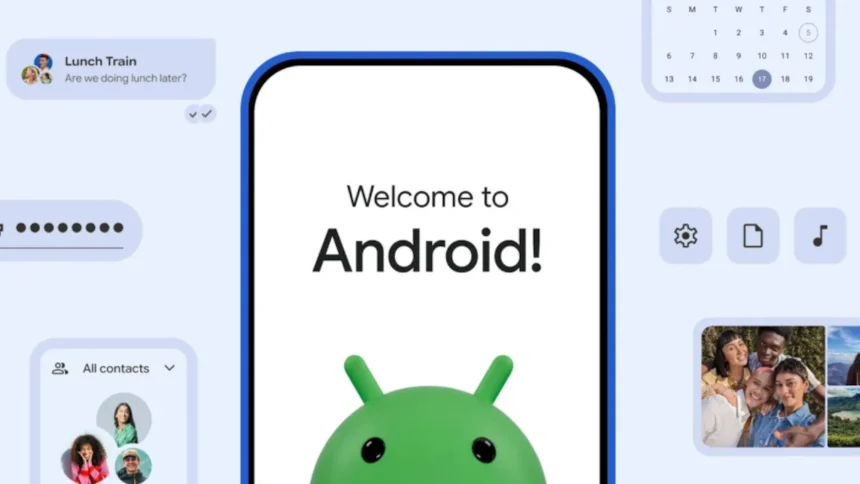
Moving from an iPhone to an Android phone is becoming much simpler with Android 17. During Galaxy Unpacked 2026, Google introduced a new built-in migration tool that lets users transfer data from an iPhone without downloading any additional apps.
The feature is now rolling out to supported Google Pixel devices and Samsung’s latest foldables, including the Galaxy Z Flip8 and Galaxy Z Fold8. By integrating the transfer process directly into Android, Google aims to remove unnecessary steps and make switching from iOS faster and more convenient.
Android 17 Introduces a Built-In iPhone Transfer Tool
The new migration system is built into Android 17 and can be used during initial device setup or after the phone has already been configured.
To start the transfer, users simply scan the QR code displayed on their Android device with their iPhone. The two devices then establish a secure wireless connection to begin transferring data. For users who prefer a wired connection or have large amounts of data to move, the process also supports USB cable transfers.
By eliminating the need for third-party apps, Android 17 offers a smoother onboarding experience for anyone switching from Apple’s ecosystem.
What Data Can You Transfer From iPhone to Android?
Google has expanded the range of content that can be migrated from an iPhone to an Android 17 device.
Supported data includes:
- Photos and videos
- Contacts
- SMS, MMS, and iMessage conversations
- Calendars
- Google accounts
- Passwords and passkeys, which are imported into Google Password Manager
- Saved Wi-Fi networks
- eSIM profiles, where supported by the mobile carrier
- Accessibility settings and selected device preferences
The transfer tool can also move:
- Free apps available on the Google Play Store
- DRM-free music files
- Voice memos
- Notes
- Alarm settings
- Call history
- Home screen layout
- Wallpapers
- Files and folders stored locally on the device
This broader support helps users recreate much of their iPhone experience on Android with minimal manual setup.
WhatsApp Chats Are Transferred Separately
WhatsApp chat history can also be moved to Android, but it isn’t included in the main migration process.
After completing the initial device transfer, users will need to follow WhatsApp’s dedicated migration process to restore their chats and media on the new Android device.
iCloud Photos Require an Additional Step
One important limitation is that photos and videos stored exclusively in iCloud aren’t transferred automatically.
To migrate cloud-only media, users must first request a copy of their data through Apple’s privacy portal. Once downloaded, the files can be imported into Google Photos or transferred manually to the new Android device.