Buying a MacBook in 2026 doesn’t necessarily mean buying the newest model.
For students, budget-conscious shoppers, freelancers, and professionals, an older MacBook can offer much of the experience of a newer machine for significantly less money. But there is an important distinction between buying an older Apple Silicon MacBook and buying an ageing Intel model.
So, are older MacBooks still worth buying in 2026?
In many cases, yes—but the specific model, condition, configuration, price, and expected lifespan matter enormously.
Apple’s current macOS 27 compatibility list includes MacBook Air and MacBook Pro models with Apple silicon from 2020 onward. That makes the transition to Apple silicon one of the most important factors when shopping for an older Mac in 2026.
This used MacBook buying guide explains which older models make sense, which ones deserve caution, what to check before handing over your money, and when buying a new MacBook is the smarter alternative.
Why People Still Consider Older MacBooks in 2026
MacBooks tend to remain desirable on the used market because their hardware, displays, build quality, trackpads, and operating system integration can remain useful for years. There is also a simple financial reason.
A new MacBook can represent a significant purchase, while a two- or three-generation-old Apple Silicon model may be considerably cheaper on the second-hand market.
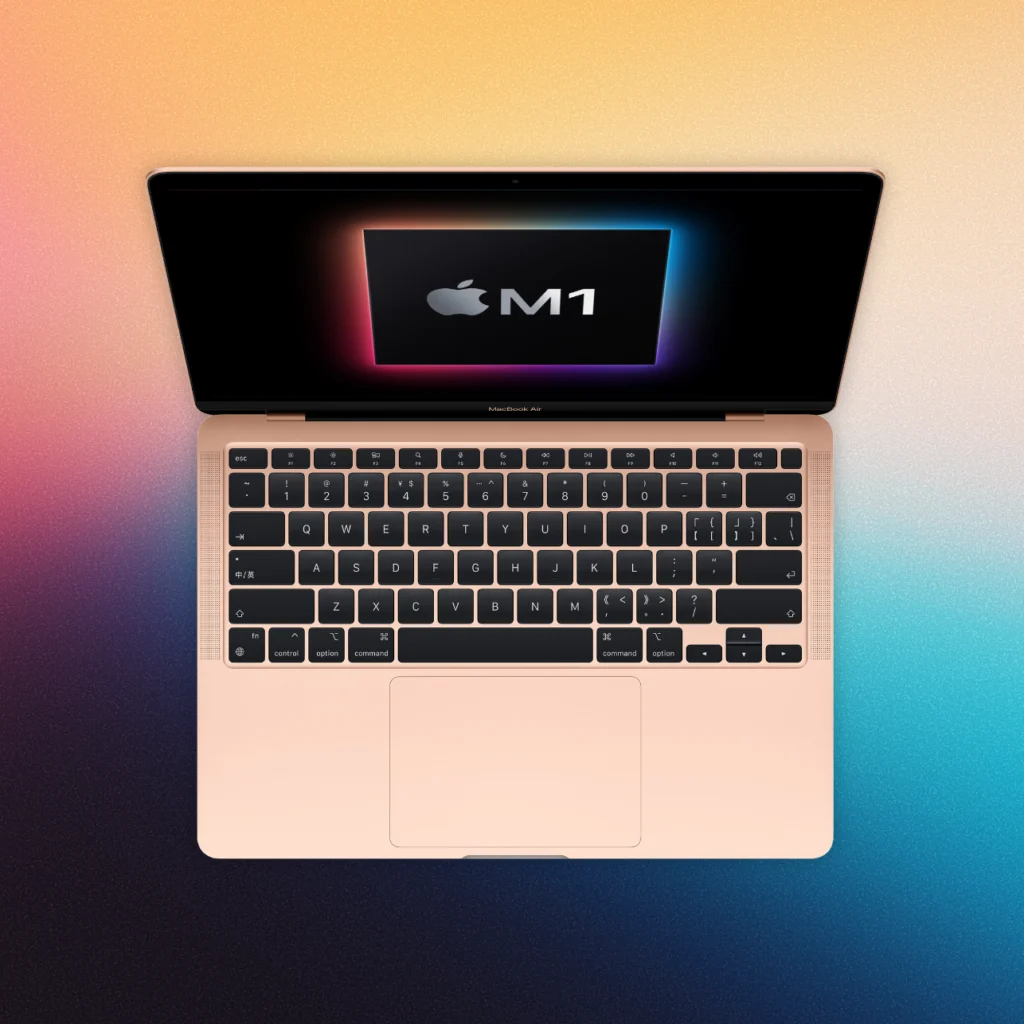
For example, the M1 MacBook Air, introduced in 2020, remains compatible with Apple’s current macOS 27 according to Apple’s compatibility information. That doesn’t mean every M1 MacBook is automatically a good deal.
A heavily worn battery, damaged display, insufficient storage, or unusually high asking price can turn an apparently cheap MacBook into a poor purchase.
The goal isn’t to buy the oldest MacBook you can afford. It’s to find the oldest model that still meets your needs at a sensible price.
There is also an environmental argument for buying used technology.
Keeping a functioning laptop in use for longer can reduce the need to replace it unnecessarily, while refurbished programs can give previously owned hardware another useful life.
Apple itself highlights reduced environmental impact as one of the benefits associated with its refurbished products.
Apple’s MacBook Lineup
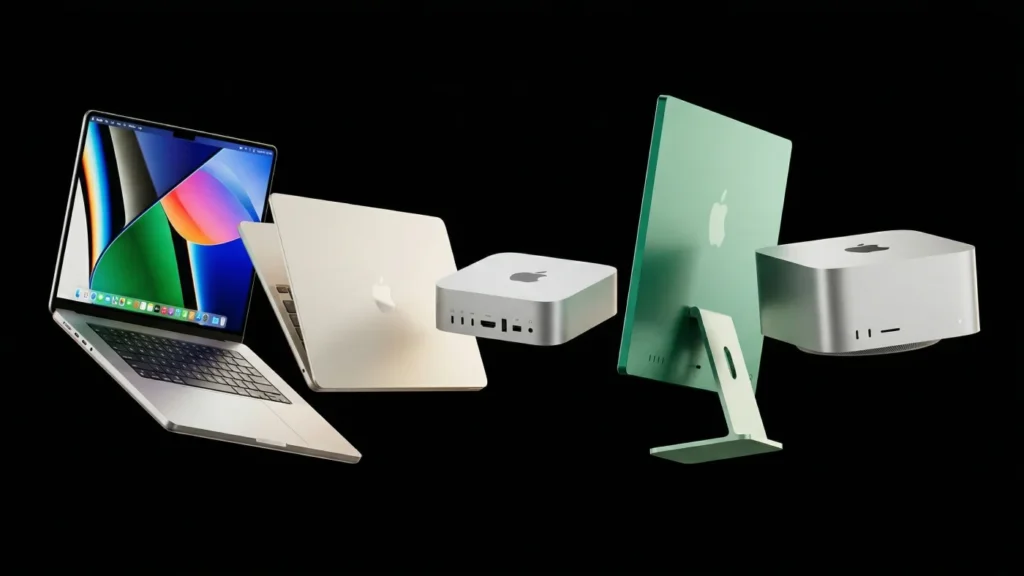
Before comparing individual models, it helps to understand Apple’s transition from Intel processors to Apple Silicon.
Intel MacBooks vs Apple Silicon MacBooks
Older MacBooks generally fall into two broad categories:
- Intel MacBooks
- Apple Silicon MacBooks
Apple began its transition to Apple Silicon with the M1 MacBook Air, 13-inch MacBook Pro, and Mac mini in 2020. The change was significant.
Apple Silicon chips combine CPU, graphics, memory architecture, and other components into a highly integrated system designed specifically for Mac. For everyday buyers, the practical advantages include strong performance, excellent efficiency, long battery life, and continued support for newer macOS releases.
Intel Macs aren’t necessarily useless in 2026. Some remain perfectly functional for browsing, documents, streaming, and other basic workloads. The bigger concern is long-term software support.
Apple’s current macOS 27 compatibility list includes Apple Silicon MacBook Air and MacBook Pro models from 2020 onward, while the list is substantially narrower for Intel machines.
If you’re buying a MacBook specifically for several more years of use, Apple Silicon is generally the platform to investigate first.
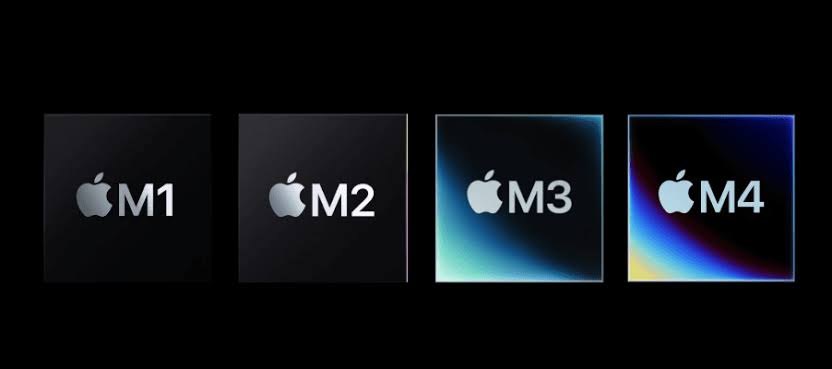
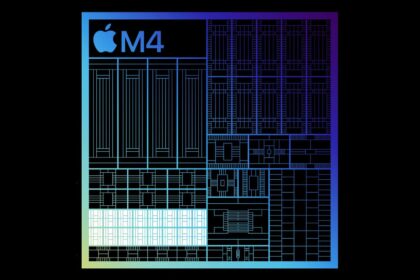
M1, M2, M3, M4 — What’s the Real Difference?
The M-series naming can make MacBook shopping seem more complicated than it needs to be.
Think of it this way:
M1 → M2 → M3 → M4
represents successive generations of Apple’s mainstream Apple Silicon architecture.
Newer generations can bring improvements in performance, graphics, media capabilities, efficiency, and support for newer features.
However, that doesn’t mean an M4 MacBook is automatically worth buying over an M1.
For basic tasks such as:
- Web browsing
- Microsoft Office
- Google Docs
- Online classes
- Research
- Streaming
- General productivity
An M1 MacBook can still be more than capable.
For heavier workloads such as professional video editing, 3D work, software development, local AI workloads, or large creative projects, newer chips and higher memory configurations become more relevant.
Don’t pay for performance you won’t use.
Is It Worth Buying a Used MacBook in 2026?
For the right buyer, a used MacBook can make a lot of sense.
But evaluate it using four questions:
- How fast is it for your workload?
- How long will it receive useful software support?
- What condition is the battery and hardware in?
- How much cheaper is it than a comparable new MacBook?
If an older model is only slightly cheaper than a newer one, the savings may not justify accepting older hardware with a shorter remaining lifespan.
On the other hand, if a well-maintained M1 or M2 machine is substantially cheaper, it can be a compelling option.
Used pricing matters just as much as the model number.
Factors to Consider Before Buying an Older MacBook
1. Consider Your Performance Needs
Start with what you actually do.
For students and everyday users
An older Apple Silicon MacBook can comfortably handle:
- Word processing
- Web research
- Video meetings
- Presentations
- Streaming
- Social media
- Basic photo editing
- Online learning
You don’t necessarily need the newest processor.
For professionals
If you work with:
- Large spreadsheets
- Programming projects
- Photo editing
- Audio production
- Virtual machines
- Development environments
- Multiple external displays
Look beyond the processor generation.
RAM, storage, ports, display quality, and sustained performance can be just as important.
For creative professionals
Video editors, photographers, musicians, 3D artists, and other demanding users should be more selective.
A used MacBook Pro with an M1 Pro or M1 Max can be a better fit than an entry-level Air if the workload requires sustained performance. The important point is that “older” doesn’t automatically mean “slow.”
2. Check macOS Software Support
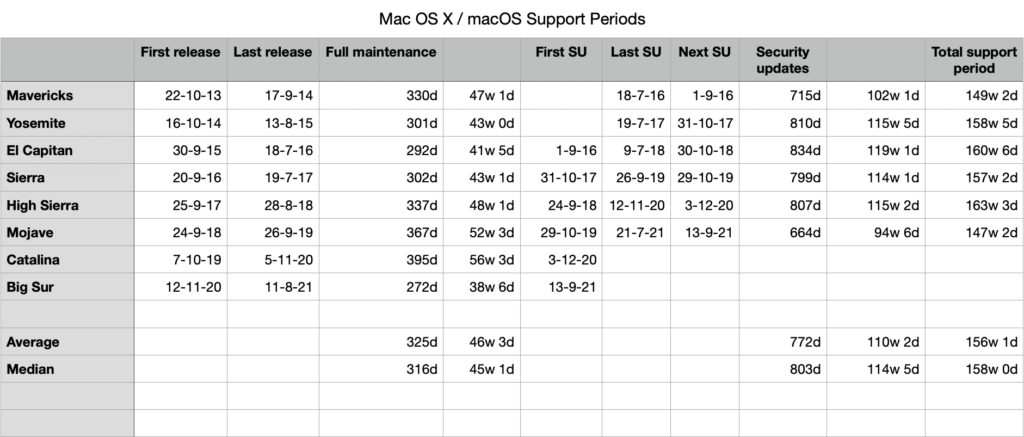
Software support is one of the biggest considerations when buying a second-hand MacBook.
Apple’s current macOS 27 compatibility information lists:
- MacBook Air with Apple silicon from 2020 onward
- MacBook Pro with Apple silicon from 2020 onward
Apple’s support documentation also lists compatible models and their latest supported operating systems. This is why checking the exact model is important.
Two MacBooks released around the same time may have dramatically different support prospects depending on whether one contains an Intel processor and the other uses Apple Silicon. Before buying, find the exact model and check its current macOS compatibility.
Don’t rely solely on the seller’s statement that a MacBook is “still supported.”
3. Check MacBook Battery Health
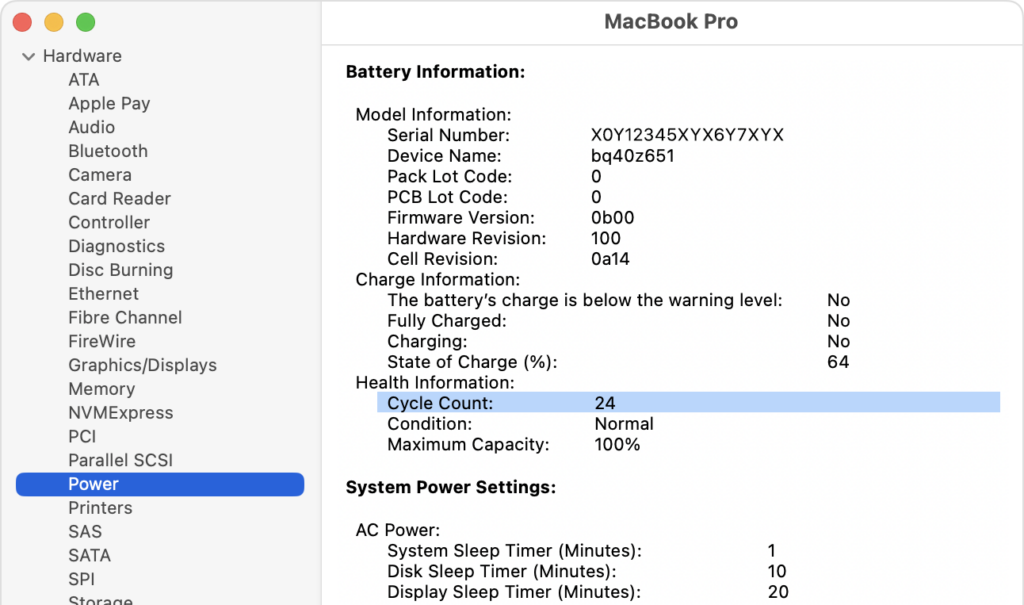
Battery condition can make or break a used MacBook purchase. A laptop might look perfect on the outside but have a heavily worn battery. Apple provides a way to check the battery’s cycle count through System Information.
Hold Option while clicking the Apple menu, choose System Information, then select Power. Apple lists the battery cycle count in the Battery Information section.
Apple states that MacBook batteries are designed to retain up to 80% of their original capacity at 1,000 complete charge cycles, although individual battery performance varies.
When inspecting a used MacBook, check:
- Battery health
- Cycle count
- Maximum capacity
- Charging behavior
- Unexpected shutdowns
- Whether the battery is swelling
- Whether macOS reports a service recommendation
A lower cycle count isn’t the only thing that matters, but it can provide useful information about battery wear.
Never buy a used MacBook without checking its battery condition when you have the opportunity to inspect it.
4. Compare the Used Price With a New MacBook
This is where many used buyers make mistakes.
Suppose an older MacBook costs only a little less than a newer model.
You need to consider what you’re giving up:
- Older battery
- Older display technology
- Older ports
- Less remaining software-support runway
- Potential repair costs
- Older wireless hardware
- Less warranty coverage
A cheap used MacBook isn’t necessarily a bargain.
The better question is:
“How much am I saving compared with a comparable new MacBook?”
If the answer is only a small amount, buying new may provide better long-term value.
Best Older MacBook Models Still Worth Buying
MacBook Air M1 — Best Budget Pick
The 2020 M1 MacBook Air remains one of the most interesting older MacBooks to consider in 2026. Apple’s current compatibility information still lists the M1 MacBook Air.
Its strengths include:
- Apple Silicon performance
- Fanless design
- Excellent everyday responsiveness
- Long battery life when the battery is healthy
- Lightweight design
- Strong app compatibility
- Low used-market entry price compared with newer models
The main concern is age.
A 2020 machine is now several years old, so battery condition and configuration matter.
An 8GB/256GB model can be sufficient for basic users, while a 16GB/512GB configuration can be much more attractive for someone planning to keep the laptop longer.
If you’re shopping on a tight budget, the M1 Air is one of the first older MacBooks worth investigating.
MacBook Pro M1 Pro/Max — Best for Creators
The 2021 MacBook Pro models with M1 Pro and M1 Max chips occupy a different category.
They were designed for demanding professional workloads and can still provide substantial performance.
Apple’s current macOS compatibility list includes the 14-inch and 16-inch MacBook Pro models introduced in 2021.
They can be particularly interesting for:
- Video editors
- Developers
- Photographers
- Audio professionals
- Designers
- Engineers
- Other demanding users
The advantages aren’t limited to the chip.
The Pro models also provide a more professional display, additional ports, and higher-performance configurations.
However, they’re physically larger and may cost considerably more on the used market.
For demanding workloads, an older high-end MacBook Pro can make more sense than a newer entry-level MacBook Air.
MacBook Air M2 — Best Balance of Price and Performance
The M2 MacBook Air is another strong used-market candidate.
Apple identifies the 2022 M2 MacBook Air as compatible with macOS Tahoe 26, and Apple’s current macOS compatibility information includes Apple Silicon MacBook Air models from 2020 onward.
Compared with the M1 Air, the M2 generation introduced a newer design and other hardware changes.
For a buyer who wants something newer without paying full price for the latest generation, an M2 Air can occupy a useful middle ground.
If the price difference between an M1 and an M2 is relatively small, compare the condition and configuration before deciding.
So, are older MacBooks still worth buying in 2026?
For many buyers, yes—but choose carefully.
The most important distinction is between Intel and Apple Silicon. Apple’s current macOS 27 compatibility list includes Apple Silicon MacBook Air and MacBook Pro models beginning with the 2020 generation, making these older Macs particularly relevant when shopping for a budget machine.
The M1 MacBook Air can make sense for everyday users, while an M1 Pro/Max MacBook Pro can remain attractive for demanding creative work. M2 models can offer a newer design and a useful middle ground between older and newer generations.
Before buying, check battery health, cycle count, RAM, storage, software compatibility, physical condition, warranty, and—most importantly—the actual price difference compared with a new MacBook.
Don’t buy an older MacBook simply because it is cheap.