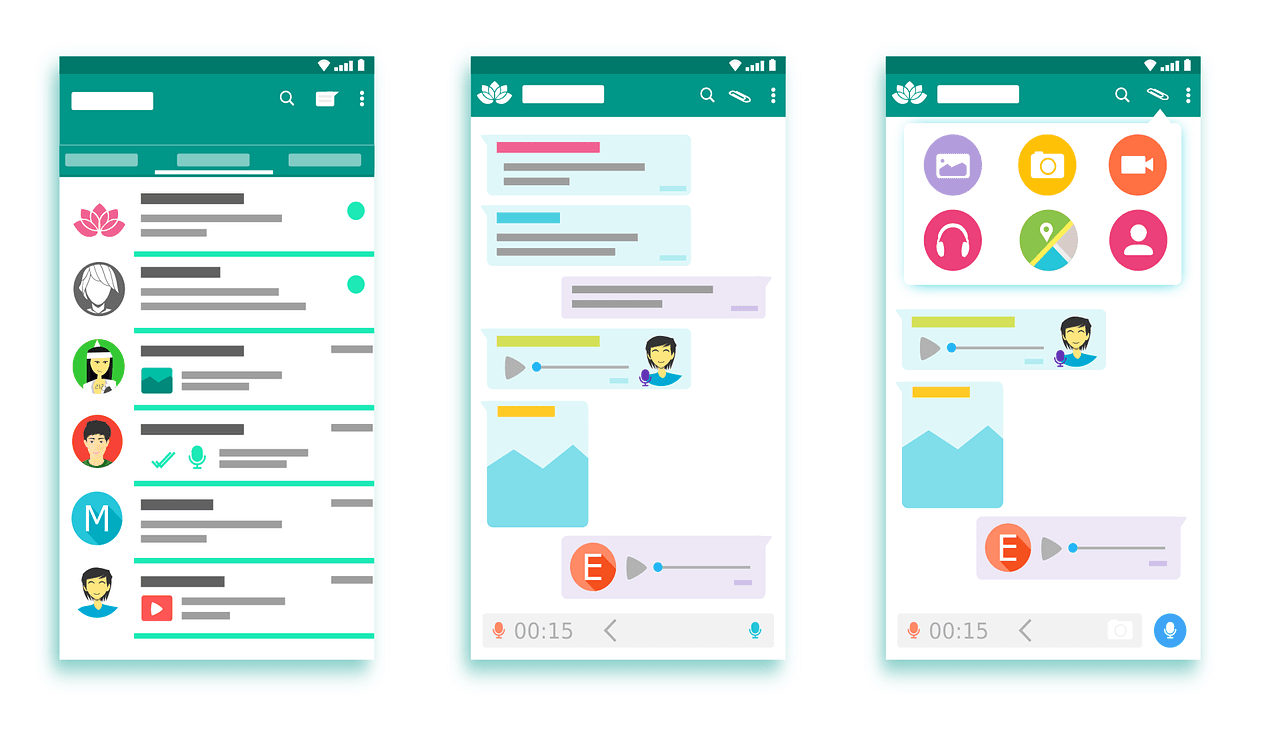
WhatsApp plays a big role in our daily conversations, and voice typing can make chatting even more convenient. Instead of typing every message, you can simply speak and let your phone handle it.
To use voice typing, you’ll first need to turn on microphone access for WhatsApp. Once that’s done, you can move ahead and enable voice typing to start sending messages hands-free.
How to Enable Voice Typing on WhatsApp
How to enable WhatsApp microphone on Android
- In a WhatsApp conversation, open the keyboard. Then tap on the Gboard microphone icon. Be careful not to confuse it with the icon to record audio in WhatsApp;
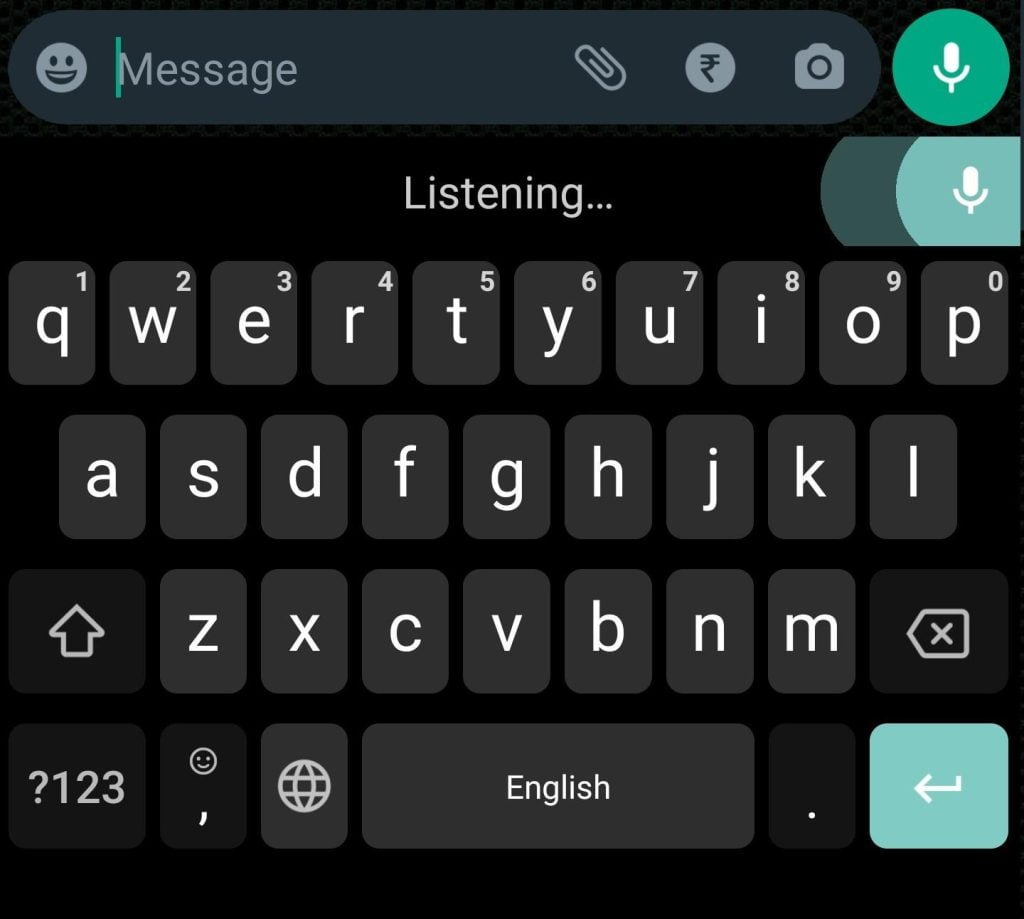
- If you are using the feature for the first time, you may need to allow microphone access through the Gboard app. Then start talking and follow along, typing in the text field. Send the message when finished.
If you use Samsung’s standard keyboard, tap the microphone icon and follow the same steps.
How to Enable WhatsApp Microphone on iPhone
- Before using voice typing on WhatsApp, you need to enable the dictation function on iOS. Open the “Settings” app and select “General”;
- Then tap on “Keyboard”;
- On the next screen, check the “Enable Dictation” option.
- Return to WhatsApp and open the keyboard. Tap the microphone icon to use the function.
- Then start talking and follow along as you type in the text field. Send the message when finished.

After doing this, WhatsApp Voice Typing Will be enabled on your Device.