Staying connected with friends and family is easier than ever, thanks to WhatsApp. However, did you know that the app also allows you to see someone’s location in real-time using its Live Location feature?
With this tool, you and your contacts can share either a fixed or continuously updated location in both private chats and group conversations. It’s a convenient way to make sure your loved ones reach their destination safely – no matter how far away they are. In this guide, we’ll show you how to track a location through WhatsApp step by step.
How to track someone else’s WhatsApp from my cell phone
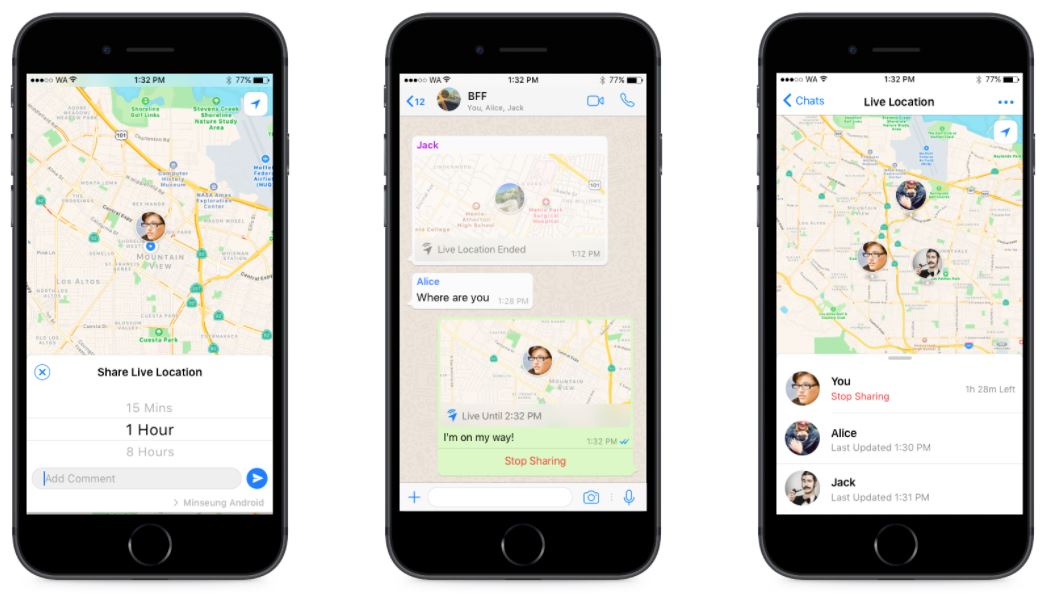
Each contact sharing their location with you will display their WhatsApp profile picture on the map. To track someone else’s location, tap on the location message in a chat. To share your location:
- Open WhatsApp (Android | iOS);
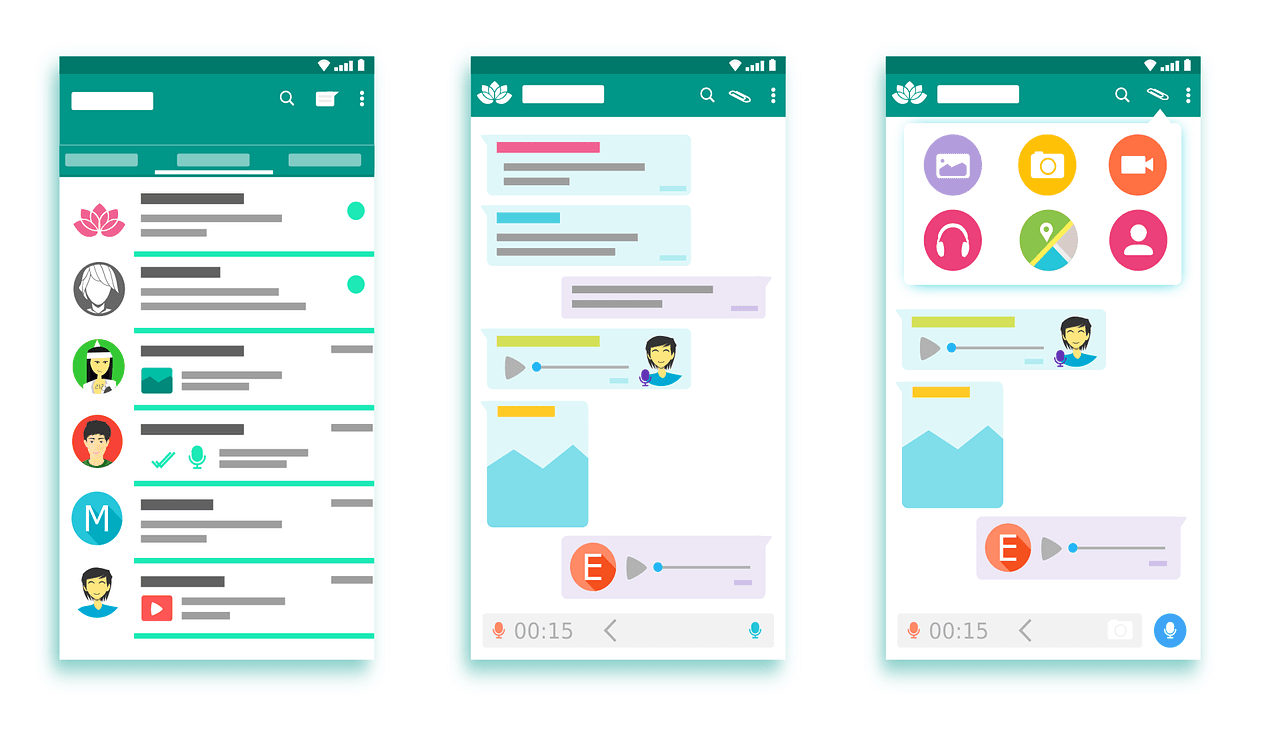
- In a conversation, tap “Attachment”;
- Then tap on “Location”;
- Select whether to share your fixed or real-time location.
- Once that’s done, tap on “Send.”
Another handy feature of WhatsApp’s location tool is that it shows details about your surroundings right on the map. You can easily spot nearby places, such as shops, restaurants, and hospitals, making it useful for getting your bearings. Just remember that you can stop sharing your location at any time by tapping “End.”
In short, this feature is a great way to follow someone’s route in real time or help others keep track of yours. Found this tip helpful? Share it with your friends so they can try it too!
- Save WhatsApp Conversations in PDF
- Recover Deleted WhatsApp Contacts on Android
- What to do if your WhatsApp account is banned
- Enable Location Services on iPhone