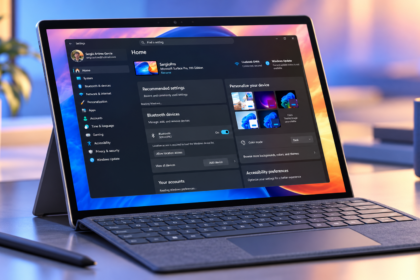
Microsoft has rolled out Windows 11 Builds 26100.8313 and 26200.8313 to users in the Windows Insider Release Preview Channel, introducing a wide range of performance improvements and new features. The update reflects the company’s broader effort to enhance system responsiveness throughout 2026 under its internal initiative, Windows K2.
Focus on System Performance
The latest builds bring noticeable improvements across several core areas of the operating system. Microsoft has optimized performance in
- File Explorer
- Emoji panel
- Clipboard
- System Tray
- Windows Hello
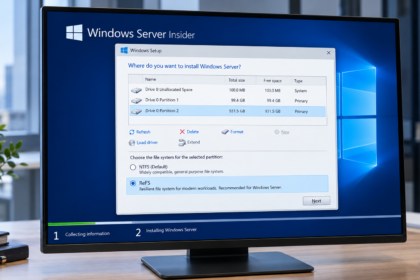
- Disk management settings
Additional enhancements target application startup processes and tasks associated with explorer.exe, aiming to reduce delays during system boot and during general navigation.
File Explorer receives some of the most significant updates. Alongside faster loading times and improved usability, Microsoft has addressed a visual issue that caused white flickering when using dark mode. The company has also expanded support for additional file formats, further improving everyday file management.
New Features and System Enhancements
Beyond performance, Build 26200.8313 introduces several new features designed to improve usability and security.
One of the key additions is a new Xbox-focused mode for Windows 11. This mode delivers a streamlined, full-screen interface optimized for controller use, allowing users to navigate the system in a console-like environment with fewer distractions.
The update also introduces enhanced haptic feedback on compatible devices, providing tactile feedback during actions such as resizing or moving windows.
Another notable feature is the arrival of the AI agent monitoring directly in the Taskbar. The first integration includes Researcher from Microsoft 365 Copilot, signalling deeper integration of artificial intelligence tools within the desktop experience.
Security and Compatibility Updates
Microsoft has also made important changes to system security, particularly in how Windows handles drivers. The updated Windows Driver Policy removes default trust for cross-signed drivers, while continuing to allow drivers certified through the Windows Hardware Compatibility Program and a curated list of legacy drivers.
To ensure stability, Windows will audit driver compatibility for at least 100 hours and multiple system restarts before enforcing stricter rules. Some unsupported drivers may be blocked once enforcement begins.
The update further improves reliability in the Microsoft Store by reducing installation and download errors, including commonly reported error codes.
Other technical improvements include better compatibility with third-party audio drivers, increased FAT32 formatting limits from 32GB to 2TB via command line, and more efficient memory usage for layout optimization.