Several free apps and websites offer excellent options for editing PDFs on mobile devices and PCs. These tools offer a wide range of user-friendly resources and can be immensely helpful in organising digital documents or enhancing the presentation of a resume, among other applications.
So let’s check out these Apps and Websites to edit PDFs.
Apps and Websites to Edit PDF
1. SmallPDF
SmallPDF is a comprehensive platform that offers over 21 tools specifically designed for editing PDFs. Its diverse features allow users to easily highlight and add text, insert images, and even take freehand notes directly on PDF documents.
Whether you need to annotate important points, incorporate visuals, or jot down personalised comments, SmallPDF provides the necessary tools to modify and enhance your PDF files effortlessly.
- Compatibility: Android | iOS | Windows | web
- Price: free
2. Nitro PDF Reader
Recognised as a renowned software in its field, Nitro PDF Reader is acclaimed for its interface design, reminiscent of the Microsoft 365 suite (previously known as Office). This feature contributes to its user-friendly experience.
One notable strength of this tool is its extensive file conversion capabilities, supporting over 300 file formats. Additionally, Nitro PDF Reader offers convenient editing features, enabling users to easily insert annotations and signatures. It is important to note that registration is necessary to access and download Nitro PDF Reader.
- Compatibility: Windows
- Price: free
3. PDF-XChange Viewer
The PDF-XChange Viewer is highly recommended for individuals seeking a user-friendly and lightweight PDF editor. With its intuitive interface, this platform offers a range of features that let users add annotations, insert signatures, add notes, and underline text passages in their PDF files.
Whether you need to mark up documents or enhance their readability, the PDF-XChange Viewer provides accessible tools to meet your needs.
- Compatibility: Windows
- Price: free
4. Sedja
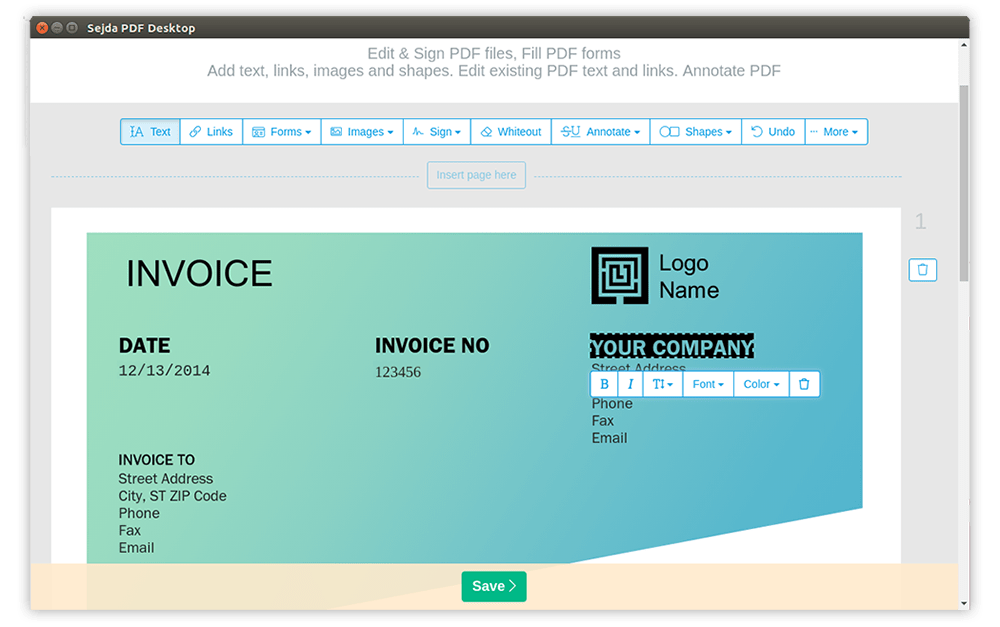
Sedja is distinguished by its sleek and user-friendly interface, making it a popular choice among users. The platform stands out for its virtual signature functionality, allowing users to sign documents electronically.
Furthermore, Sedja supports interactive formats, enabling users to create engaging and interactive PDF files. Additionally, the platform offers the convenience of saving files directly to popular cloud storage services such as Google Drive and Dropbox, ensuring easy access and collaboration.
5. PDFEscape
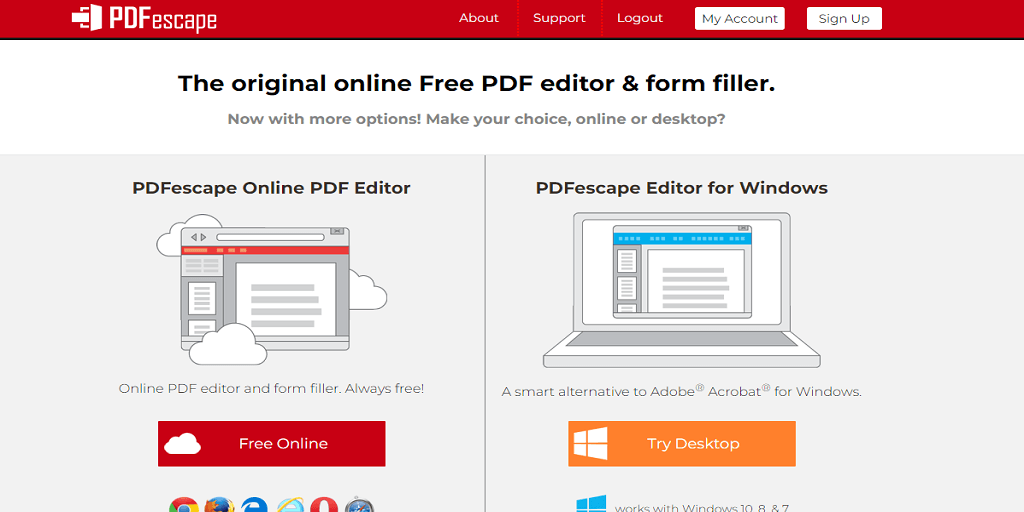
While PDFEscape may not be as sophisticated as other alternatives, it offers a diverse range of features that cater to various needs. Users can leverage its editing capabilities to modify files, fill out forms, and organise pages effectively.
Despite its more straightforward appearance, PDFEscape provides a versatile toolkit for managing and manipulating PDF documents, making it a valuable option for users seeking comprehensive functionality.
- Compatibility: Windows | Web
- Price: free
6. Canva

Canva, the renowned design platform, offers a comprehensive PDF editing tool among its features. With Canva, users can easily edit and merge files, split pages, insert images, and enjoy various other editing capabilities.
It provides a seamless experience for importing and editing PDFs, enabling users to leverage Canva’s extensive design resources to enhance their PDFs. Explore the possibilities and discover how to import and edit PDFs in Canva.
7. iLovePDF
iLovePDF is a highly popular online PDF editor that offers a range of features, including freehand file conversion, annotations, and signatures.
It stands out for its user-friendly interface and allows direct file uploads to Dropbox or Google Drive. With iLovePDF, users can easily manage and modify their PDF documents.
8. DocFly
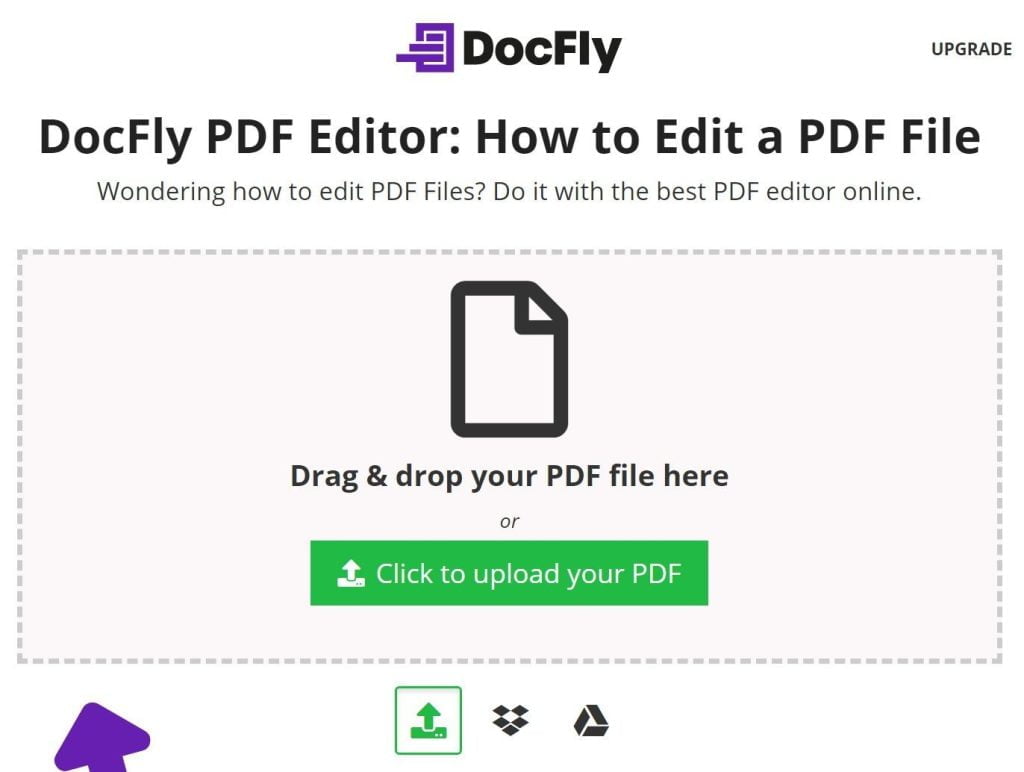
DocFly, like many other PDF editing tools, provides a range of functions, including file conversion, annotation insertion, and page removal. The platform features an intuitive interface that allows users to easily navigate and access various features such as inserting images, drawing freehand, and reorganizing pages.
With DocFly, users can efficiently manage their PDF documents and perform necessary modifications to meet their requirements.
- Compatibility: Web
- Price: free
9. Inkscape
Inkscape, another timeless addition to the list, is primarily vector illustration software but also allows editing PDF files.
This versatile tool enables users to edit multiple pages in succession seamlessly and provides essential features such as image embedding and file conversion. Inkscape allows users to effortlessly enhance and modify PDF documents to suit their needs.
10. Google Docs
While primarily known as a text editing service, Docs also lets you edit PDF files. This versatile app provides a range of features, including file conversion, note-taking, page removal or replacement, and much more.
With Docs, users have comprehensive tools to modify and enhance PDFs to meet their specific requirements.
11. Adobe Express
Adobe, the company that pioneered the PDF format, also offered a design tool with a file editor. Upon registering with the platform, users gain access to a wide range of editing capabilities, including text modification, image manipulation, page organisation, and more.
This tool allows individuals to seamlessly enhance and customise their files according to their needs and preferences.
These were some of the best apps and sites for quickly editing PDFs.
- Compress PDF on iPhone
- Compress PDF Online
- Convert Excel to PDF Without Third-Party Apps
- Best PDF Readers for Android