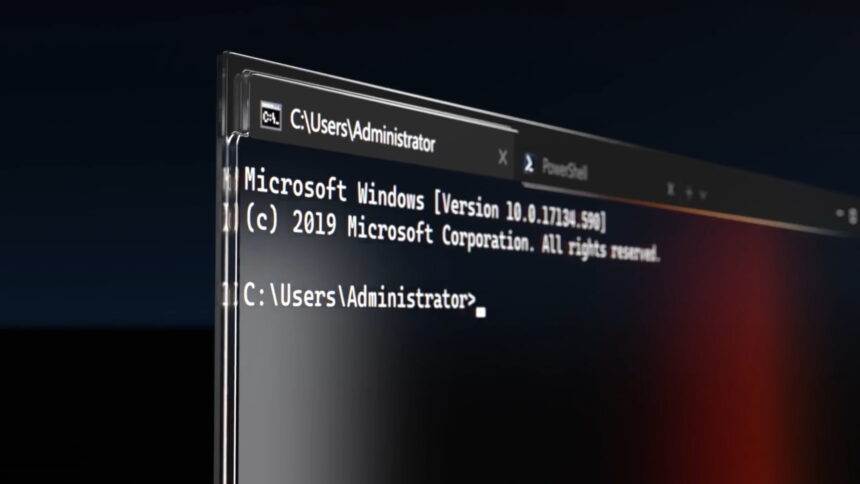
Microsoft is preparing a significant update to Windows Terminal, signalling a shift in how the company positions one of its most important developer tools. No longer treated as a secondary utility, Windows Terminal is being reshaped into a central component of the modern Windows experience.
Details emerging from the project’s official GitHub repository indicate that version 1.26 will introduce a broad redesign, focused on usability, clarity, and visual consistency-marking one of the most substantial interface updates since the app’s debut.
A More Structured and Accessible Interface
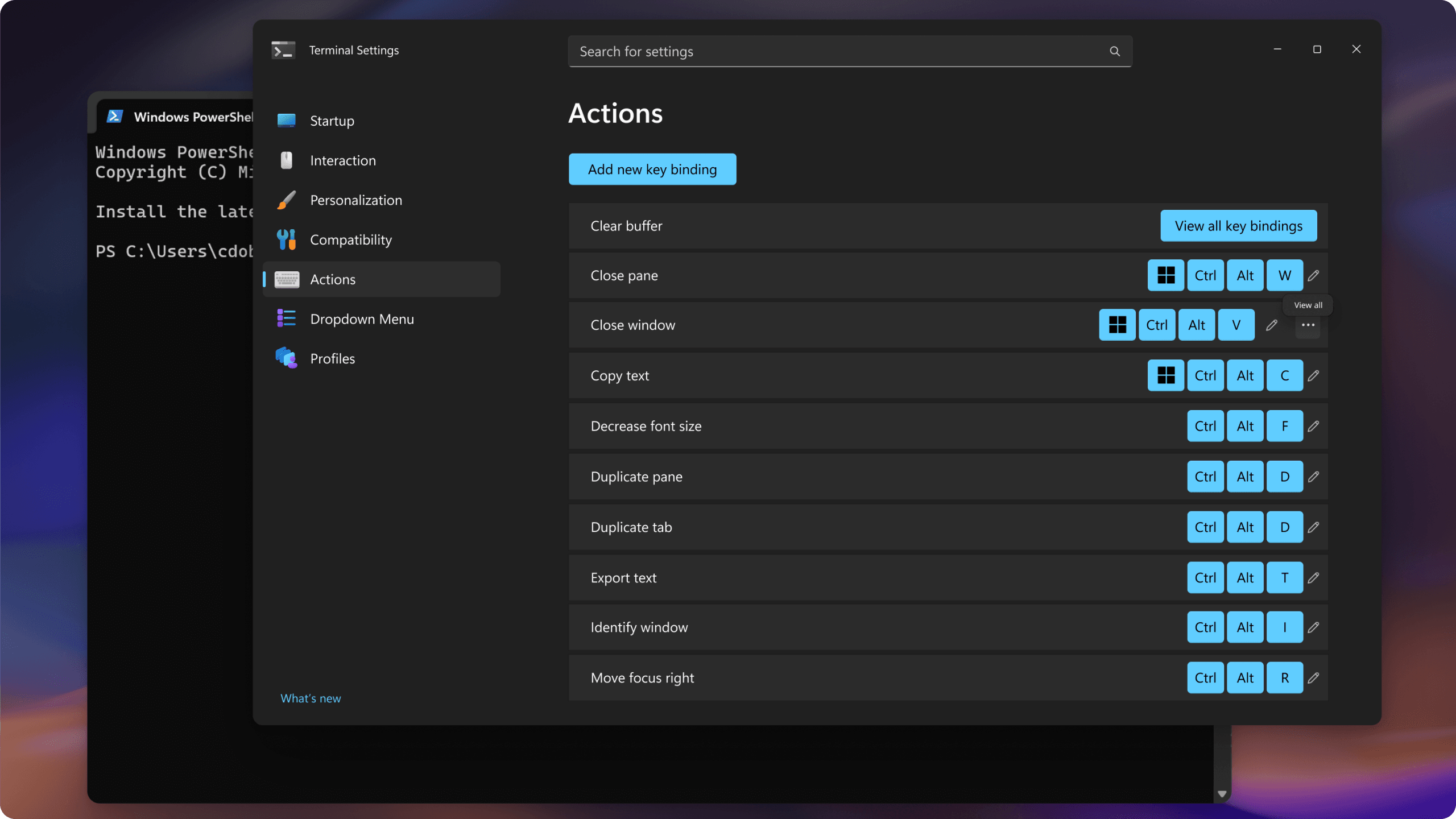
At the core of the update is a complete overhaul of the settings experience. Microsoft aims to replace what many users considered a complex and fragmented layout with a more organised structure.
Settings will now be grouped into clearly defined categories such as “Visual Style” and “Tabs and Layout,” making navigation more intuitive. The update also introduces redesigned icons with colour coding to help users quickly identify different profiles.
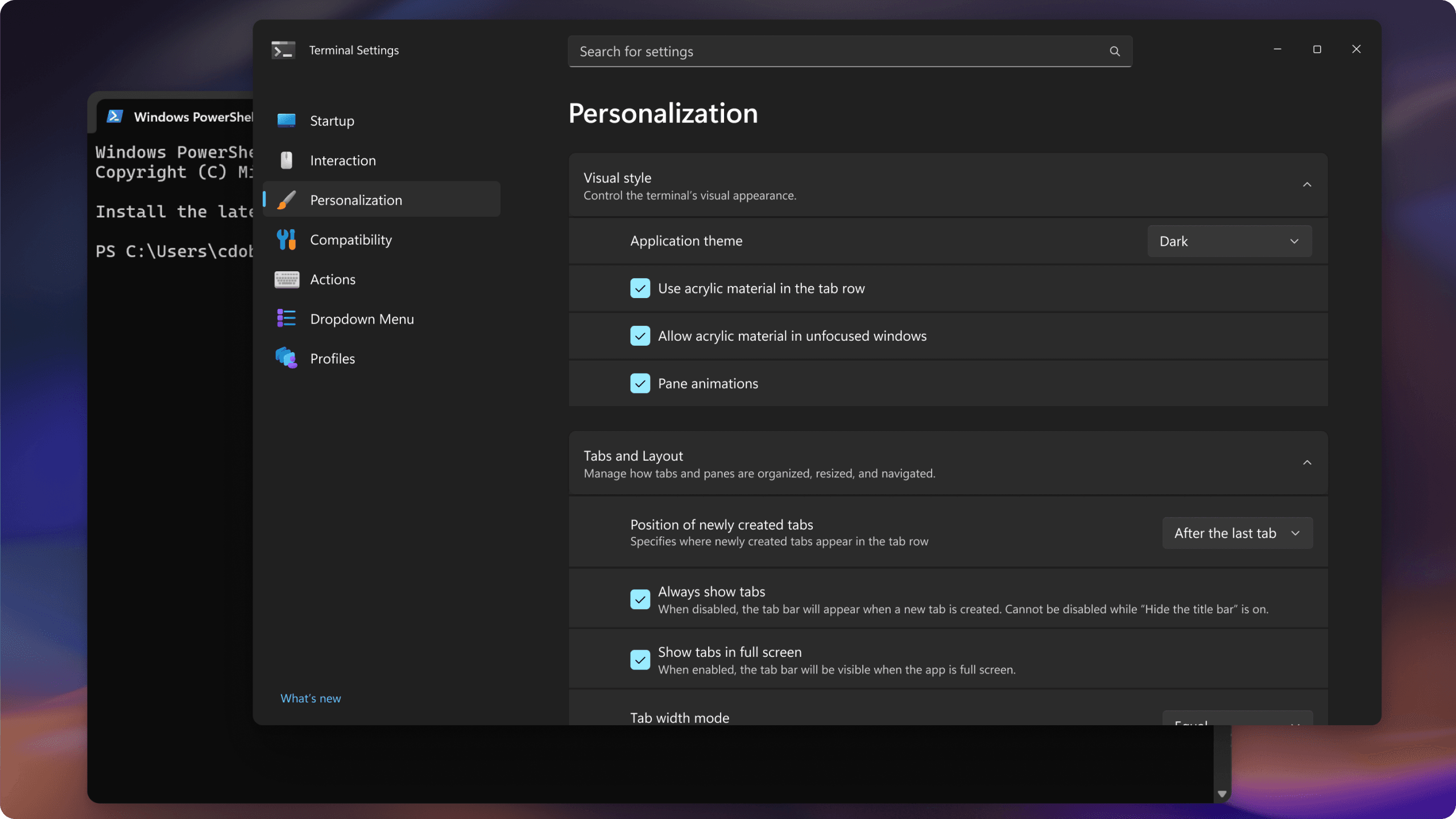
In addition, older toggle-based controls are being replaced with more descriptive selectors, reducing ambiguity and improving configuration ease.
Visual Refinements Aligned with Windows 11
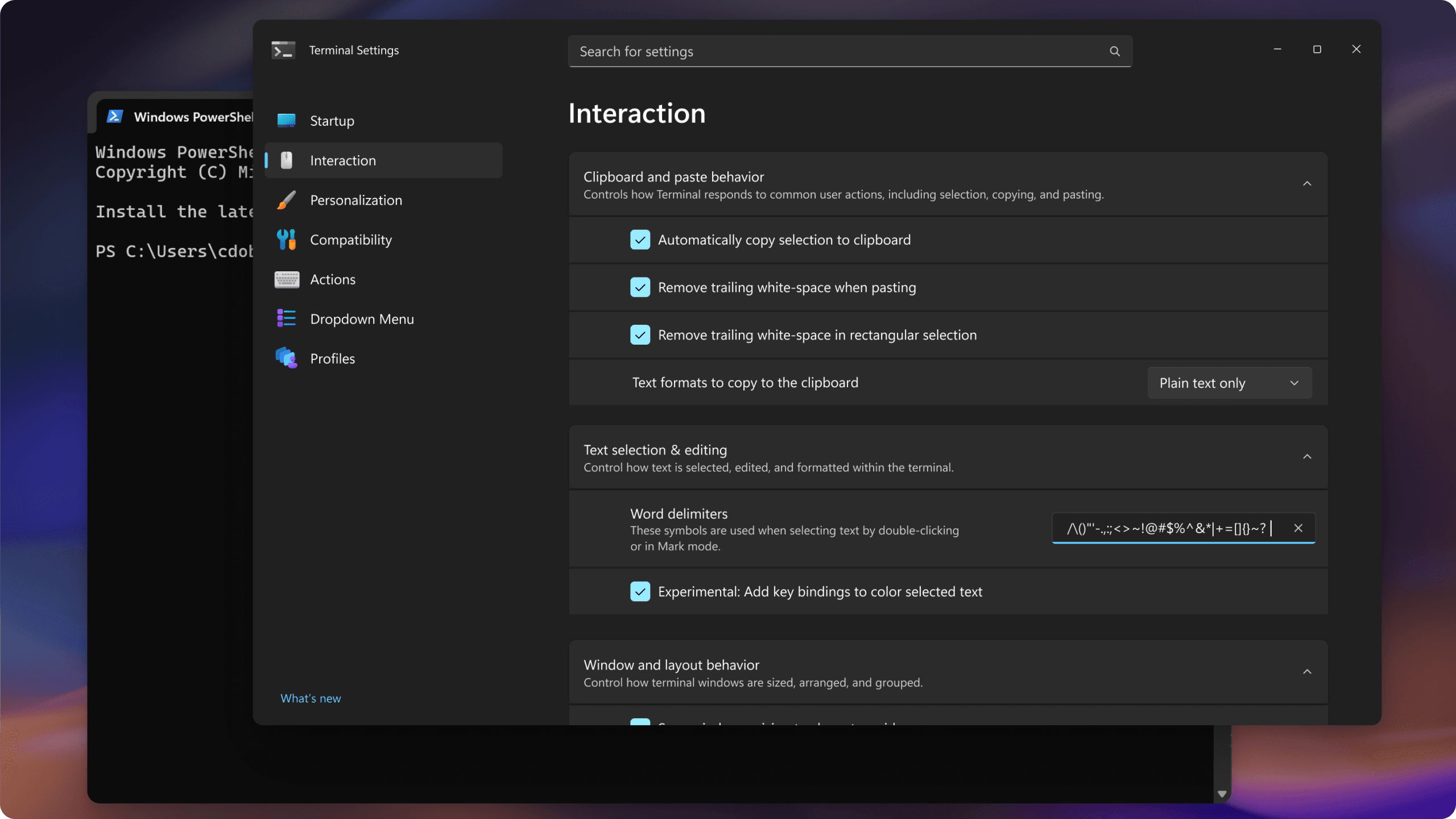
The redesign extends beyond structure into visual polish. Improvements to dark mode aim to better align with Windows 11’s design language, offering a more comfortable experience during extended use.
This alignment reflects Microsoft’s broader effort to unify the look and feel of its ecosystem, ensuring even advanced tools meet modern design expectations.
While Windows Terminal has traditionally been associated with developers, the update is expected to benefit a wider audience.
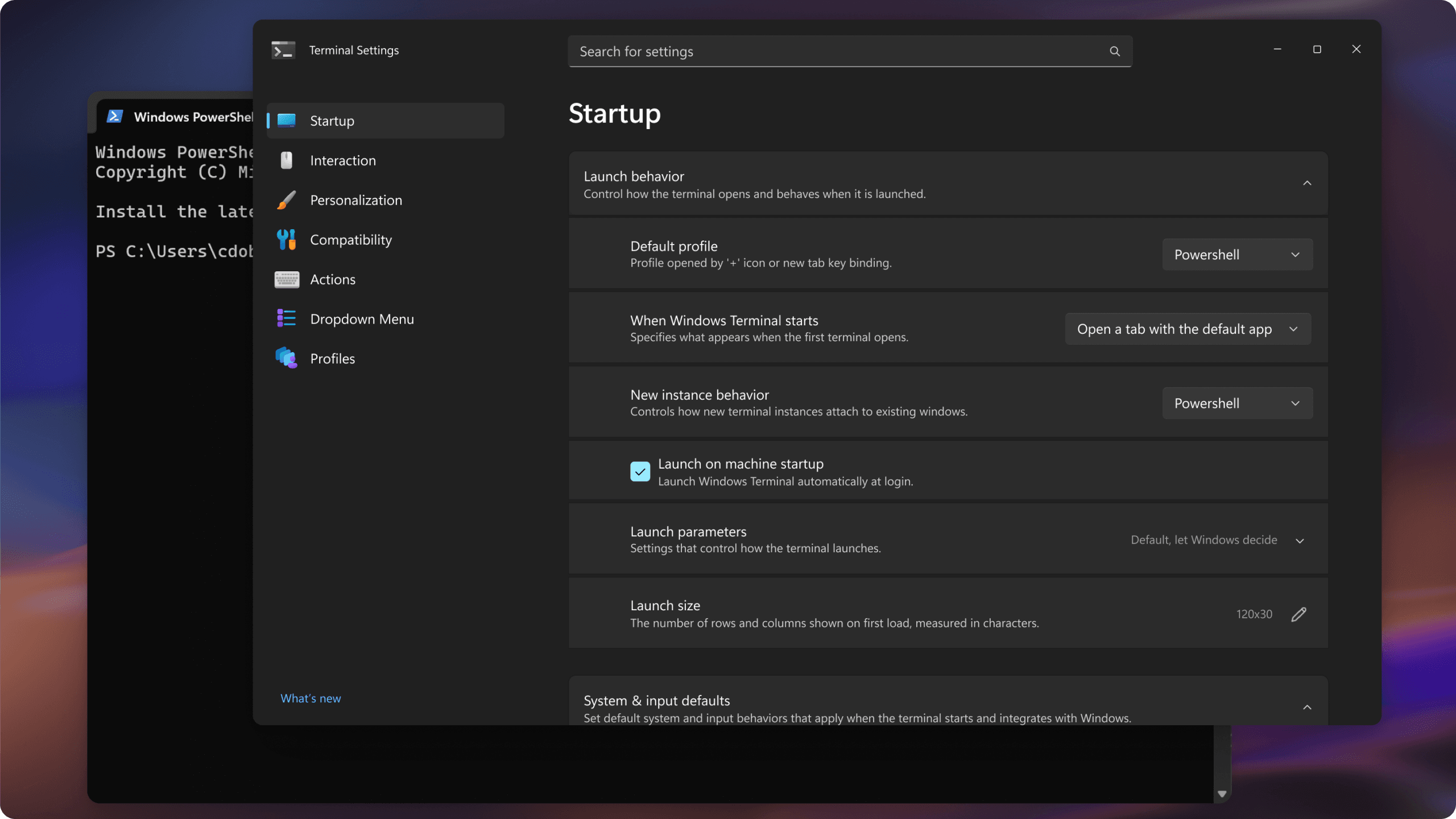
Developers working across multiple environments-including Windows Subsystem for Linux and PowerShell-stand to gain from faster navigation and improved workflow management.
System administrators may find it easier to configure profiles and manage cloud-based environments such as Azure Cloud Shell, thanks to clearer controls and reduced setup complexity.
Advanced users transitioning from traditional tools like Command Prompt are also likely to benefit, as the updated interface lowers the barrier to entry without sacrificing functionality.