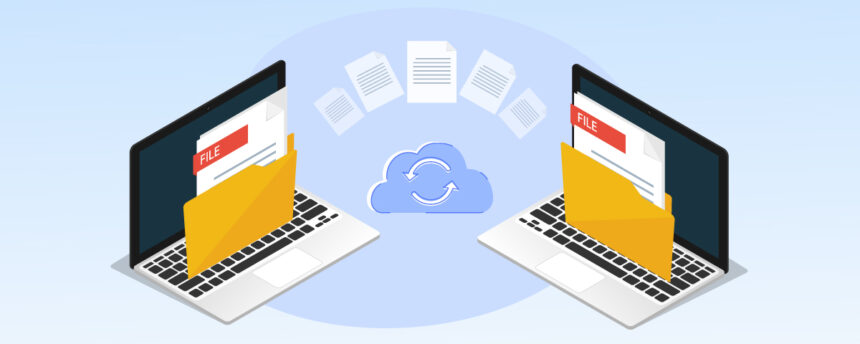
Trying to send a large video, a folder full of photos, or heavy work documents through email can quickly become frustrating. Most email providers limit attachment sizes, making it difficult to transfer bigger files without compression or multiple uploads.
Fortunately, several online file-sharing platforms make the process much easier. These services allow users to upload and transfer large files quickly, often for free, while also offering extra features such as password protection, download tracking, and cloud storage.
Choosing the right platform, however, depends on more than just maximum file size. Transfer speed, security, file expiration limits, and ease of use all play an important role.
Here is a complete guide to the best services for sending large files online and which option works best for different situations.
How to Choose the Best Large File Transfer Service
When comparing platforms for large file transfers, many people focus only on upload limits. While storage capacity matters, it is not the only factor worth considering.
The best service often depends on:
- How urgently the files need to be delivered
- Whether the content contains sensitive information
- How long the files need to remain available
- The technical experience of the recipient
- Whether you send large files regularly
For example, if speed and simplicity are your priorities, a platform with instant uploads and quick link generation may be the best option. On the other hand, business users may prefer services with password protection, transfer history, and download tracking.
It is also important to consider expiration dates. Some free services delete files after just a few days, while others keep them available for weeks.
1. SwissTransfer
Best for: Sending Extremely Large Files for Free
SwissTransfer stands out as one of the best free tools for transferring large files online. The service allows users to send up to 50 GB without creating an account, making it one of the most generous free options available.
Another major advantage is the extended storage period. Files can remain available for download for up to 30 days, giving recipients more flexibility.
Key Features
- Up to 50 GB per transfer
- No registration required
- Files stored for up to 30 days
- Simple upload process
Drawbacks
SwissTransfer is less well-known than competitors like WeTransfer, which may cause some recipients to hesitate before opening links to downloads.
2. Smash

Best for: Unlimited File Transfers
Smash has become popular for users who need to send very large files without strict size restrictions. The platform advertises transfers with no maximum file size limit, making it attractive for creators and professionals handling heavy media files.
The interface is clean and beginner-friendly. Users simply drag and drop files to generate a shareable link.
Key Features
- No hard file size limit
- Easy drag-and-drop interface
- Files available for up to 30 days
- No complicated setup process
Drawbacks
Files larger than 2 GB may enter a waiting queue on the free plan, slowing down transfer speeds during busy periods.
3. WeTransfer
Best for: Simple and Familiar File Sharing
WeTransfer remains one of the most widely used file-sharing platforms worldwide. Its popularity comes from its straightforward interface and ease of use, especially for users who are not very tech-savvy.
The service allows users to send files either via direct email delivery or via downloadable links.
One useful feature is automatic ZIP compression, which helps organise multiple files into a single package for faster uploads.
Key Features
- Extremely easy to use
- Link or email-based sharing
- Automatic ZIP compression
- Encrypted uploads and storage
- Password protection available
Drawbacks
The free version has a 3 GB monthly transfer limit, and files expire after only three days.
4. TransferNow

Best for: Secure File Transfers With Tracking
TransferNow offers a strong balance between file size limits, security tools, and transfer management features.
The free version supports uploads up to 5 GB and allows users to protect downloads with custom passwords.
One of its standout features is download tracking. Users receive notifications when recipients access transferred files, which is particularly useful for professional work.
Key Features
- Up to 5 GB free transfers
- Password-protected downloads
- Download tracking notifications
- Mobile-friendly interface
- Saved contact management
Drawbacks
Free transfer links expire after seven days.
5. Filemail
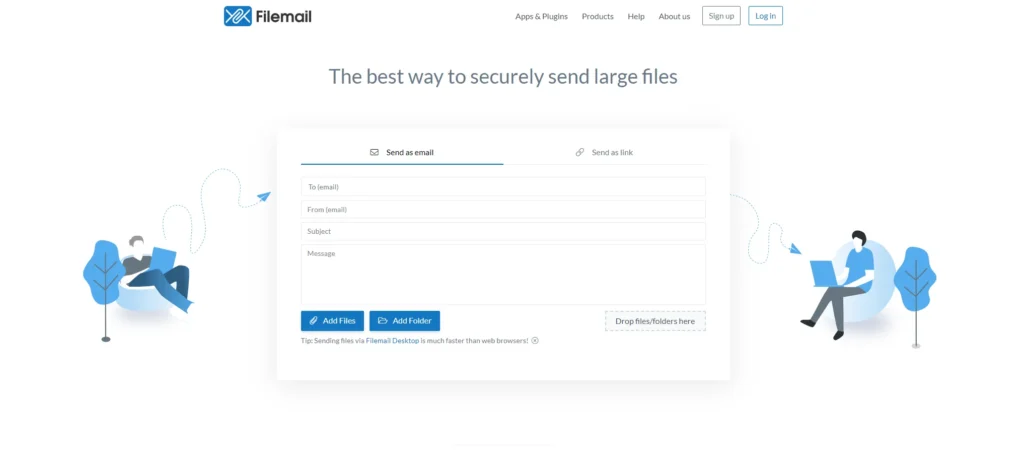
Best for: Occasional Large File Transfers
Filemail is ideal for users who only need to send large files occasionally. The service focuses on simplicity and security while maintaining fast upload speeds.
The free plan allows transfers of up to 5 GB and includes malware and virus scanning for additional protection.
Another useful feature is automatic download notifications, which inform senders when files have been successfully downloaded.
Key Features
- Up to 5 GB free transfers
- Fast uploads
- Malware and virus scanning
- Download confirmation alerts
Drawbacks
The free version limits users to two transfers every 24 hours.
6. Send Anywhere
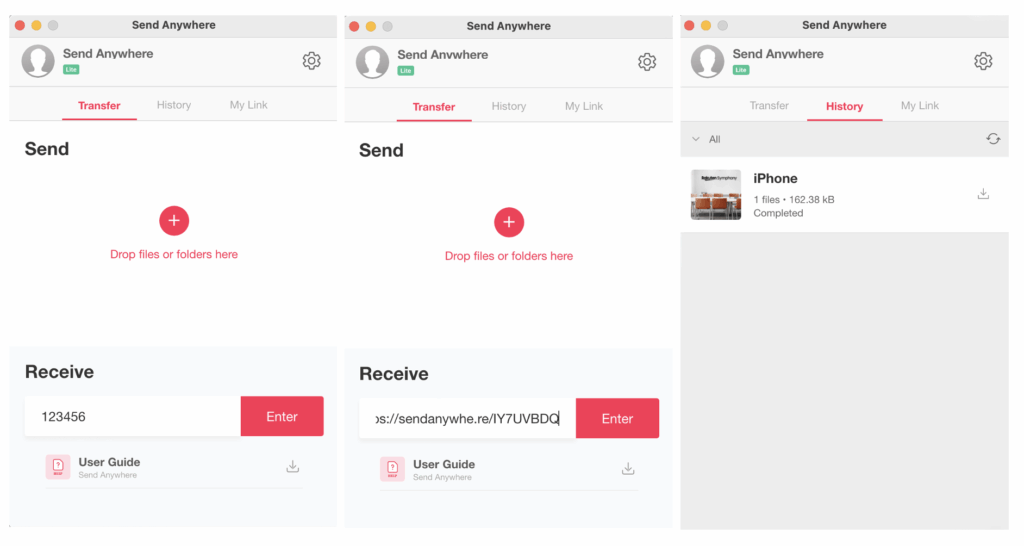
Best for: Fast Device-to-Device Transfers
Send Anywhere is designed for quick transfers between devices. Instead of relying entirely on cloud storage, the platform uses temporary six-digit security keys for direct file sharing.
The free plan supports up to 10 GB of compressed data, while real-time transfers can reach up to 50 GB.
This makes it an excellent choice for users who need immediate file delivery between smartphones, tablets, or computers.
Key Features
- Fast real-time transfers
- Six-digit security key system
- Up to 10 GB free uploads
- Download link sharing available
Drawbacks
The service is less suited for long-term cloud storage or ongoing file management.
Best Large File Transfer Services Compared
| Situation | Best Service |
|---|---|
| Very large file without registration | SwissTransfer |
| File larger than 2 GB without hard limits | Smash |
| Easy sharing for non-technical users | WeTransfer |
| Password-protected transfers with tracking | TransferNow |
| Occasional transfers up to 5 GB | Filemail |
| Fast device-to-device sharing | Send Anywhere |
Important Security Tips Before Sending Large Files
Even though these platforms make file sharing much easier, security should always remain a priority.
Before sending sensitive content online, consider these precautions:
- Use password protection whenever possible
- Avoid sharing banking details or confidential data through public links
- Double-check recipient permissions before sending
- Pay attention to file expiration dates
- Delete files manually after confirmation of delivery
These small steps can significantly reduce the risk of unauthorised access.
Which Large File Sharing Service Should You Choose?
The best platform ultimately depends on your specific needs.
- SwissTransfer is ideal for extremely large files and long availability periods.
- Smash works well for users who regularly handle massive uploads.
- WeTransfer remains the easiest option for quick and familiar sharing.
- TransferNow is a strong choice for secure business transfers.
- Filemail fits occasional users who prioritise simplicity.
- Send Anywhere excels in fast device-to-device transfers.
If you frequently share files online, it may also be worth exploring cloud-based solutions such as Google Drive or Dropbox for long-term storage and collaboration.