
Windows 11: Fix Taskbar Disappearing After KB5034765 Update
Recently, Microsoft released the KB5034765 cumulative update for Windows 11,…
Fix Windows 11 KB5034765 Install Issues: 0x800f0922, 0x800f0982, and 0x80070002
Many users report problems with February 2024's Windows 11 KB5034765…

All About Windows Server 2025: Features, Requirements and Benefits
Windows Server 2025 represents the next evolution of Microsoft's server…

Windows 10 KB5034763 Improves Lock Screen Time, DMA, and Fixes Bugs
Microsoft is still fully supporting Windows 10. Proof of this…
How to Fix Error 0x80070643 When installing Windows 10 KB5034441
You may have gotten an error called 0x80070643 when trying…

Windows 11 Security Update (KB5034765) Now Available
Windows 11 KB5034765 has been released as part of the…
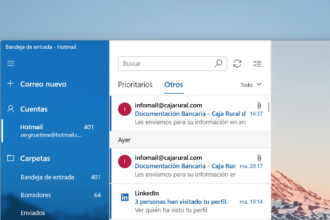
Windows Mail Temporarily Functional Again
The UWP app, known as Windows Mail, or simply Windows…
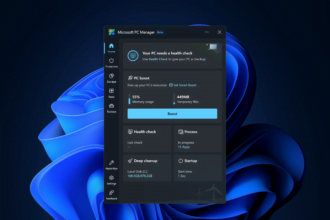
PC Manager: New App from Microsoft Helps Improve Your PC’s Speed
Microsoft's newest software offering aims to boost PC efficiency. The…

Microsoft Confirms Next Big Update is Windows 11 24H2, Not Windows 12
After months of rumors and speculation, Microsoft has finally revealed…

Snipping Tool and Notepad Get New Updates for Windows 11 Insiders
Microsoft has recently unveiled updates for two significant applications: the…
Sudo in Windows 11: It’s Happening!
Here's an unexpected Windows twist: Microsoft accidentally pushed a test…
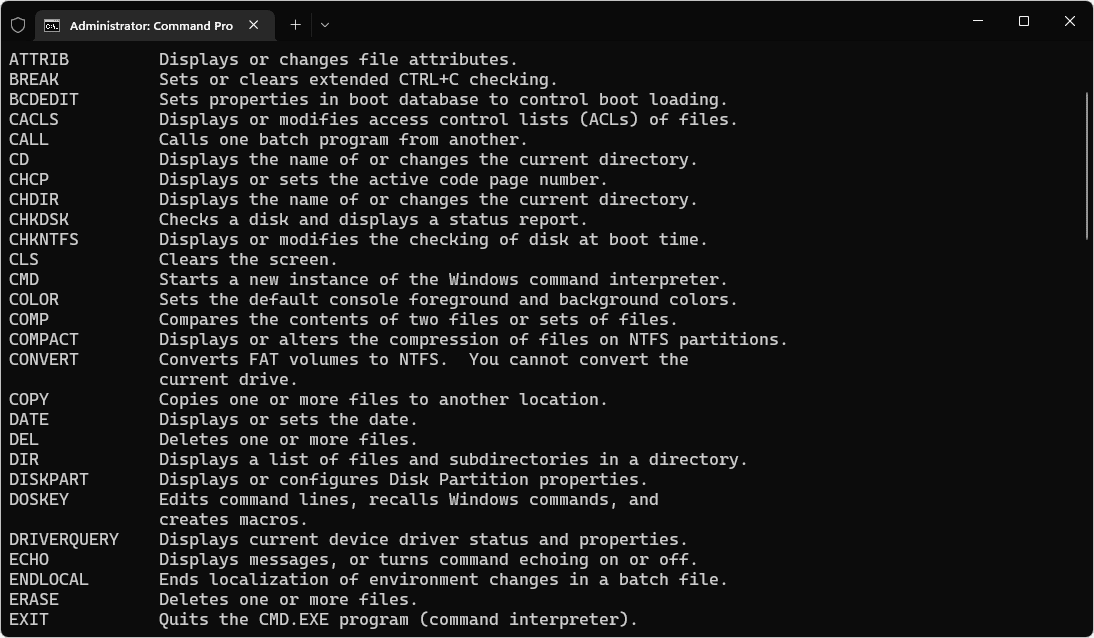
How to Disable the Command Prompt on Windows
For Windows users, it's essential to limit permissions to only…

Windows 10 22H2: New features and improvements with Update KB5034203
The new update fixes a problem with certain printers only…
Is Microsoft Teasing Windows 12? What to Know About the Latest Canary Update
Microsoft has different testing channels to try out Windows features…
How to Fix Problems Caused by Windows 11 KB5034204
On January 23, 2024, Microsoft released the optional update KB5034204…

Build 23620 arrives on the Windows Insider Dev Channel
Microsoft has released a new preview build 23620 for Windows…

Chrome Now Native on Windows ARM for Improved Performance
After a long wait, Google has made Google Chrome compatible…

Windows 11 (Build 22635.3130) arrives on the Insider Beta Channel
On January 26th, 2024, Windows Build 22635.3130 (KB5034218) was released…

How to Enable Microsoft Edge Mouse Gestures
With the recent overhaul of the Microsoft Edge browser, many…
Unable to Enable Secure Boot in Windows? How To Fix
Suppose you've gone through the steps of enabling the TPM…
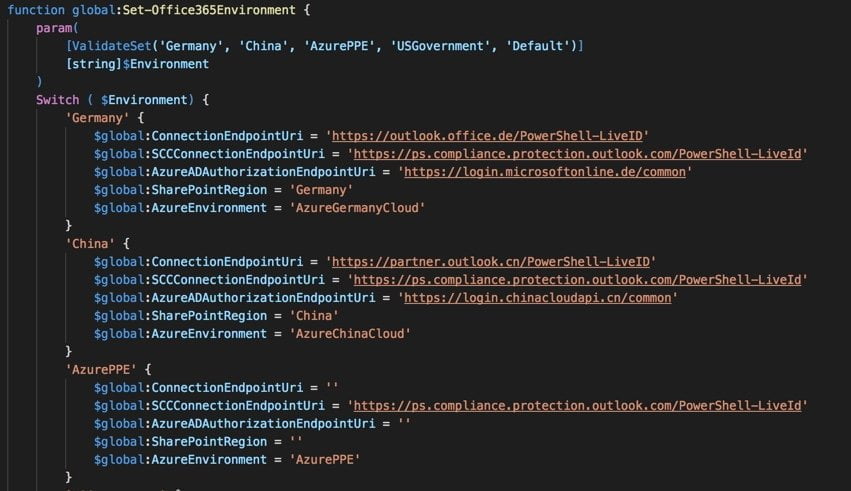
How to Pause PowerShell Script
Scripts are a convenient way to automate various processes, and…
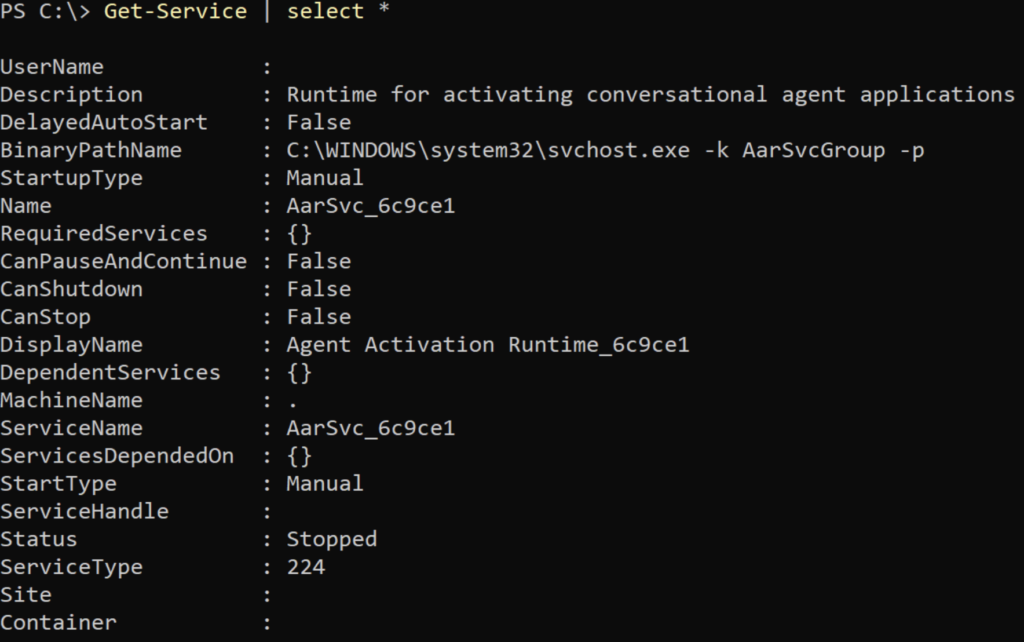
How to Configure Windows Services with PowerShell
Using Windows PowerShell, you can customize the behavior of Windows…
How to Execute PowerShell Script via Task Scheduler
PowerShell scripts are a powerful tool that can significantly simplify…
How to Temporarily Activate Users via Powershell
User accounts are frequently created for various purposes, such as…
How to Disable Windows Firewall via PowerShell
The Windows Firewall has been an essential component of Windows…
How to Terminate Processes in Time-Controlled Manner Via PowerShell
With the help of the task scheduler and the Windows…

Microsoft Developing Cloud-Based Windows Update Rollback Feature
Windows updates can sometimes cause problems, such as the recent…
How to Remove a Windows User
If you've got an account on your Windows computer that…
Code 43 | How to fix USB 43 error on Windows
Code 43 error is a failure that prevents USB devices…

How to Automatically Shut Down a Windows PC
Automatically shutting down your Windows PC can be quite handy…
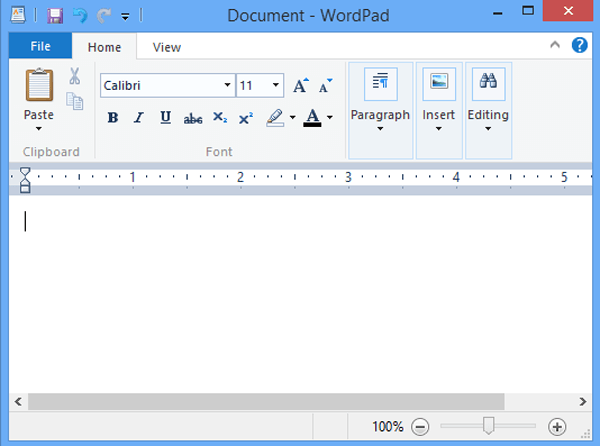
After a 28-year run, Microsoft is discontinuing WordPad in Windows
"Microsoft recently announced that WordPad, the basic text-editing program that's…

5 Best Connectify Alternatives For Windows
Connectify is a popular software for Windows that provides services…

How to Rename a File on Windows and Mac
Changing the name of a file on your computer is…

Windows cannot be installed on this disk? know what to do
When setting up your computer for the first time, you…

How To Start “Run” as Administrator
What is "Run" in Windows "Run" in Windows is a…

Best Online Video Streaming Players
Hello there! Even though we have services like Netflix and…

How to Set Live Wallpaper on Windows 10
What is Live Wallpaper? A live wallpaper is a Video or…
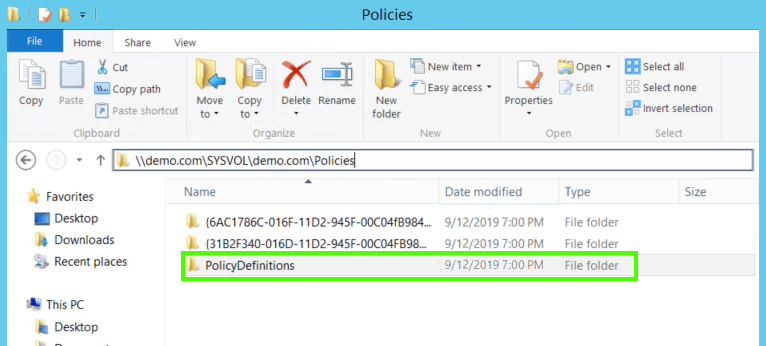
8 Essential ADMX templates for IT admins
In this article, I want to share the important links…

How to Update Group Policies Faster
Using group policies, administrators can control necessary computer and user…

What is Windows Server?
"Windows Server is a special software from Microsoft made for…
How to Find inactive user accounts in Active Directory
Employees' access to company systems should be turned off when…

How to Fix Error code 0x80004005
If you encounter the Error code 0x80004005 when trying to…
Create UEFI Bootable USB to Install Windows Server
When setting up Windows Server 2019 on a new physical…
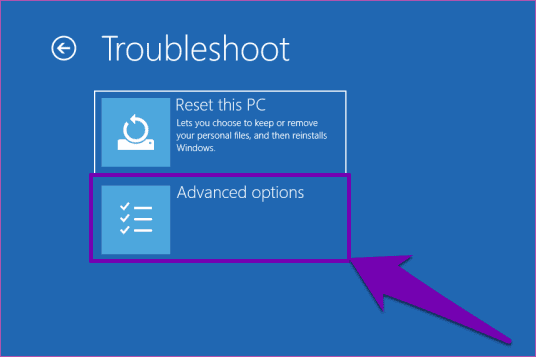
How to Reset a Windows User Profile Without Deleting the User Account
If your Windows user profile becomes corrupted or starts causing…

How to Control a PC using your mobile phone
Chrome Remote Desktop is a handy tool for controlling computers…
10 Features that Apple Copied from Windows to Mac
While in 1984, Apple launched its first operating system, the…
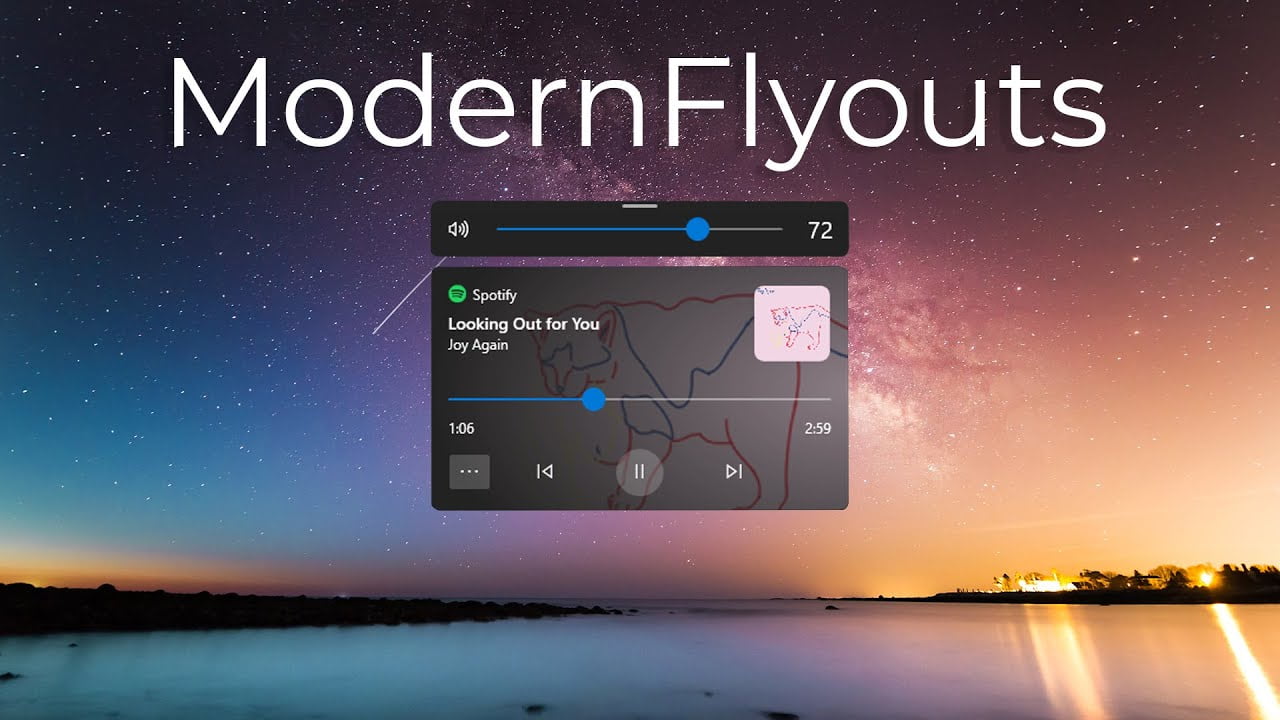
How to Use Floating Buttons in Windows 10
Windows 10 is an intuitive operating system full of features…

How to Turn Off Mouse Acceleration in Windows 10
Mouse acceleration is a feature that allows your mouse to…
How to Change Taskbar Position in Windows 10
The taskbar is a part of windows 10 situated at…
Advantages and Disadvantages of using Microsoft Edge
Microsoft Edge, initially developed as a successor to Internet Explorer,…
How to Recover Lost Files with Windows File Recovery
Windows File Recovery is a computer program released by Microsoft…
How to Calibrate Your Monitor in Windows 10
Ever Had Color issues on your Laptop or desktop screens.…
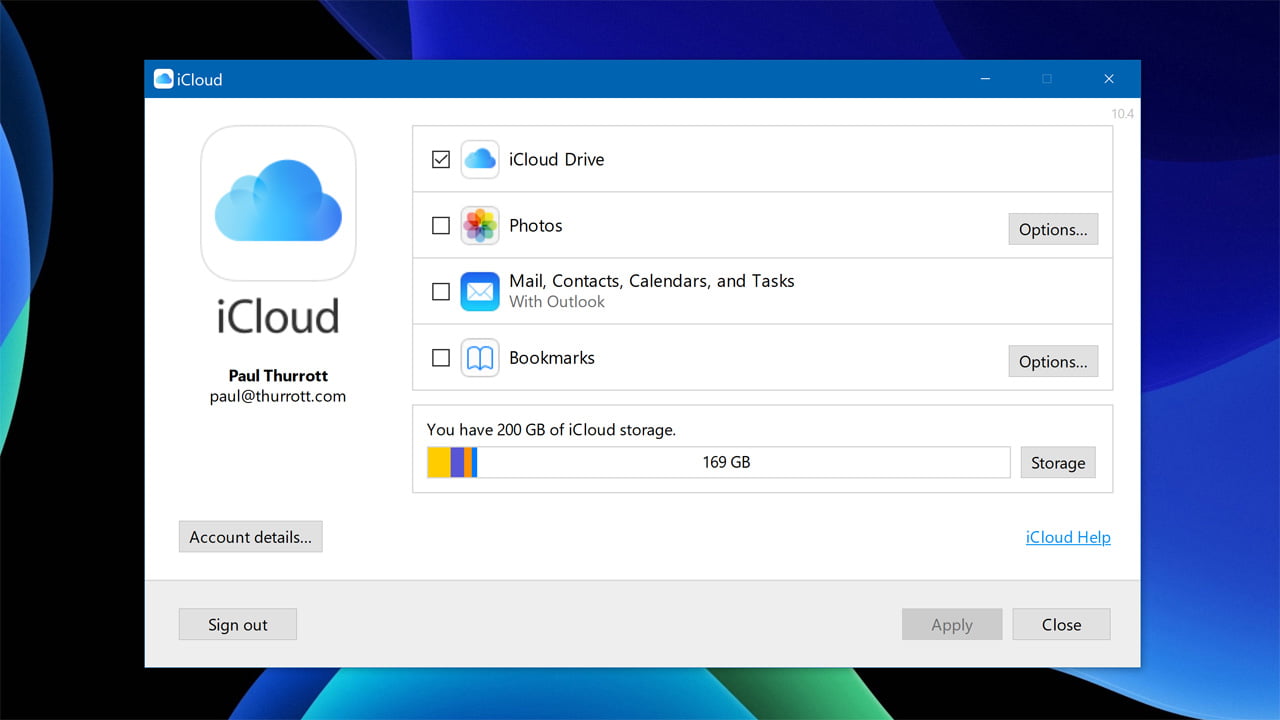
How to Use iCloud on Windows
iCloud is an essential Apple cloud service for users using…
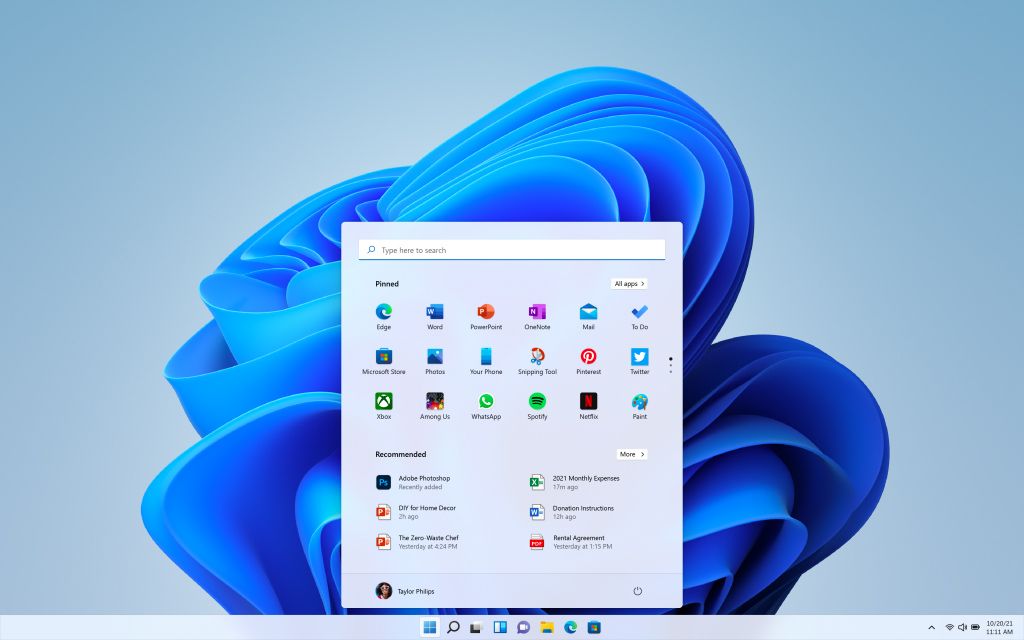
How to Format a Windows 7, 8, or 10 PC
If you have formatted a computer before, you probably know…

How to Add Themes in Microsoft Edge
Microsoft Edge (Android | iOS | Web), the default browser…
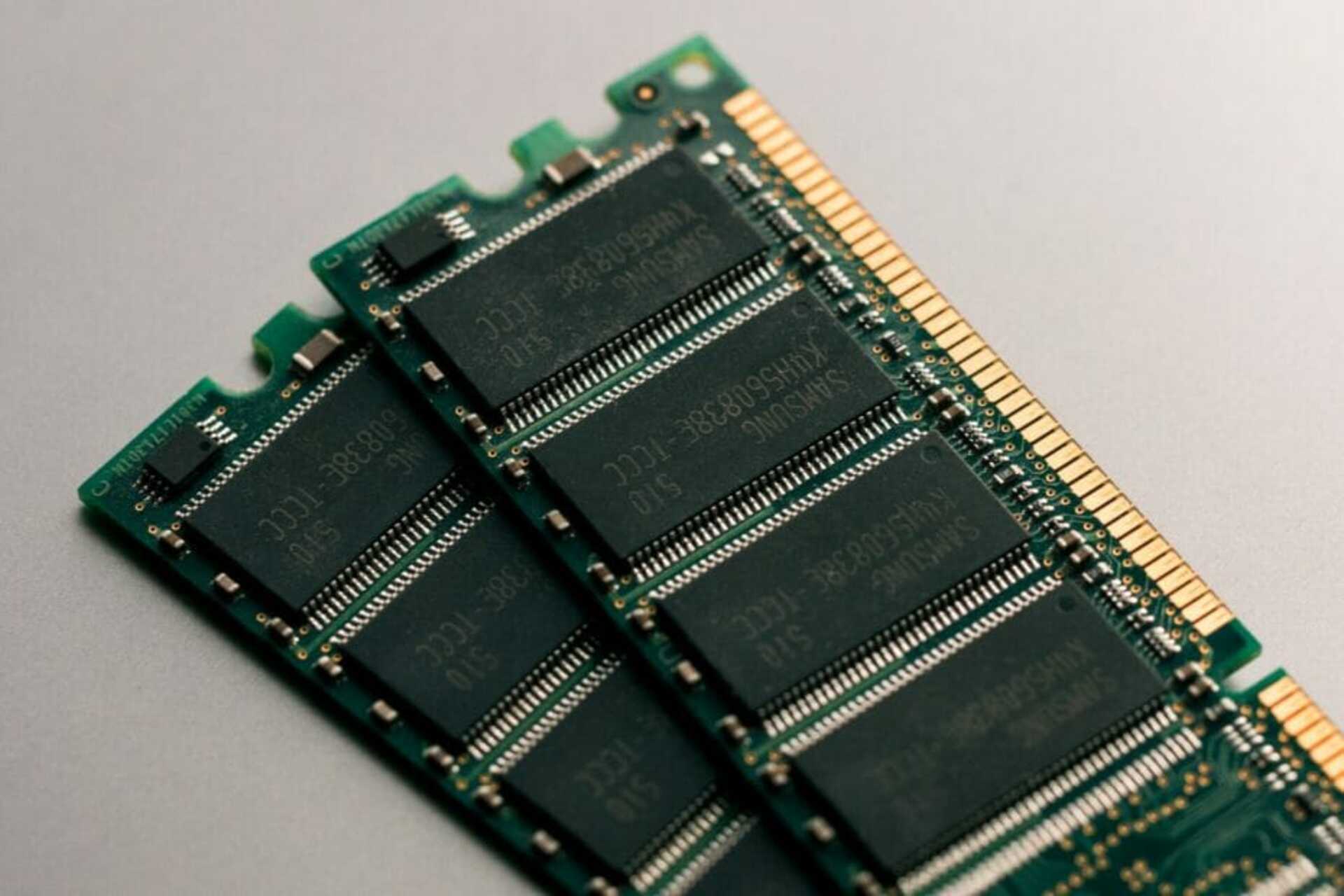
How to Check RAM Frequency
Random access memory (RAM) is a vital part of any…
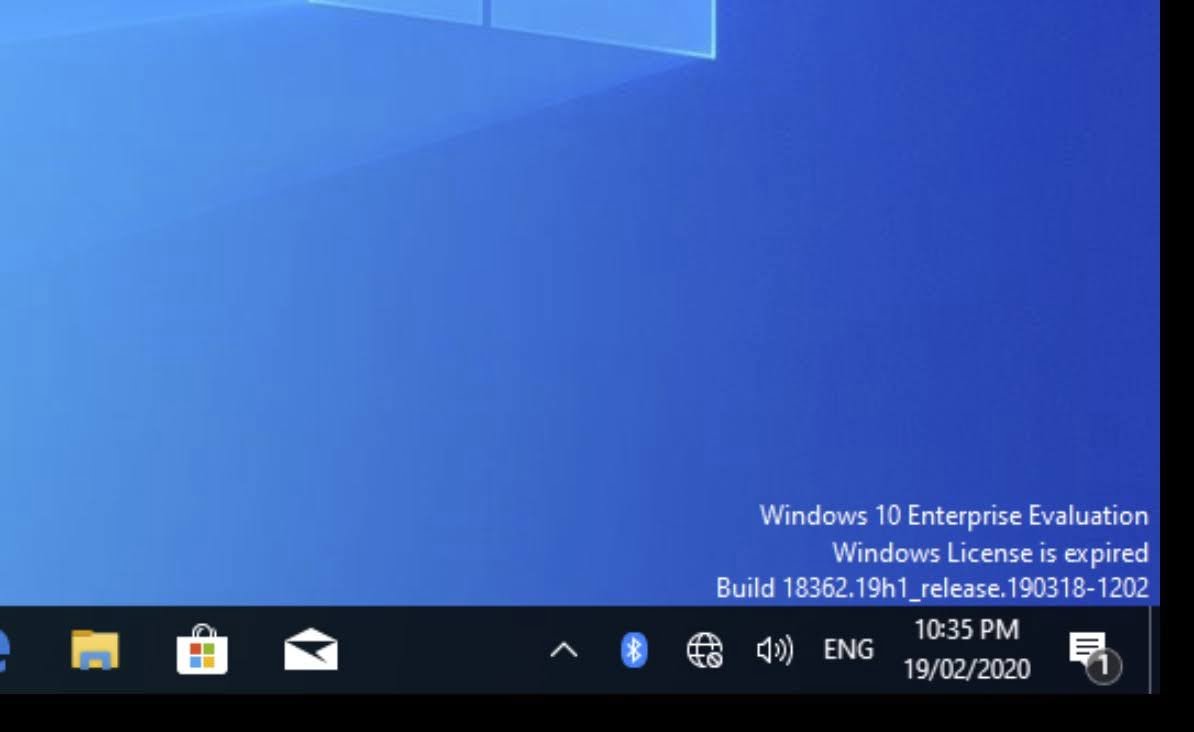
How To Extend Windows Trial
If you're using a trial version of Windows and want…
Microsoft Offers Paid Security Updates for Windows 10 Home, Extending Support to 2028
Microsoft has shared that even everyday Windows 10 users can…
How to Add or Remove Most Used Apps From Windows 11 Start Menu
When you open the Windows 10 "Start" menu, you usually…
How to Enable BitLocker Without TPM
Microsoft has this feature in its operating systems called BitLocker.…